What Is Biometric Data Used For: Identity, Access, and Hidden Risks
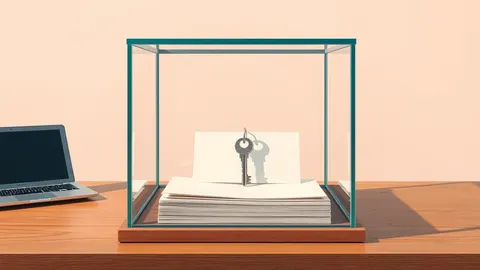
Biometric data functions as a unique key that systems store to verify your identity, creating permanent records that cannot be changed if compromised.
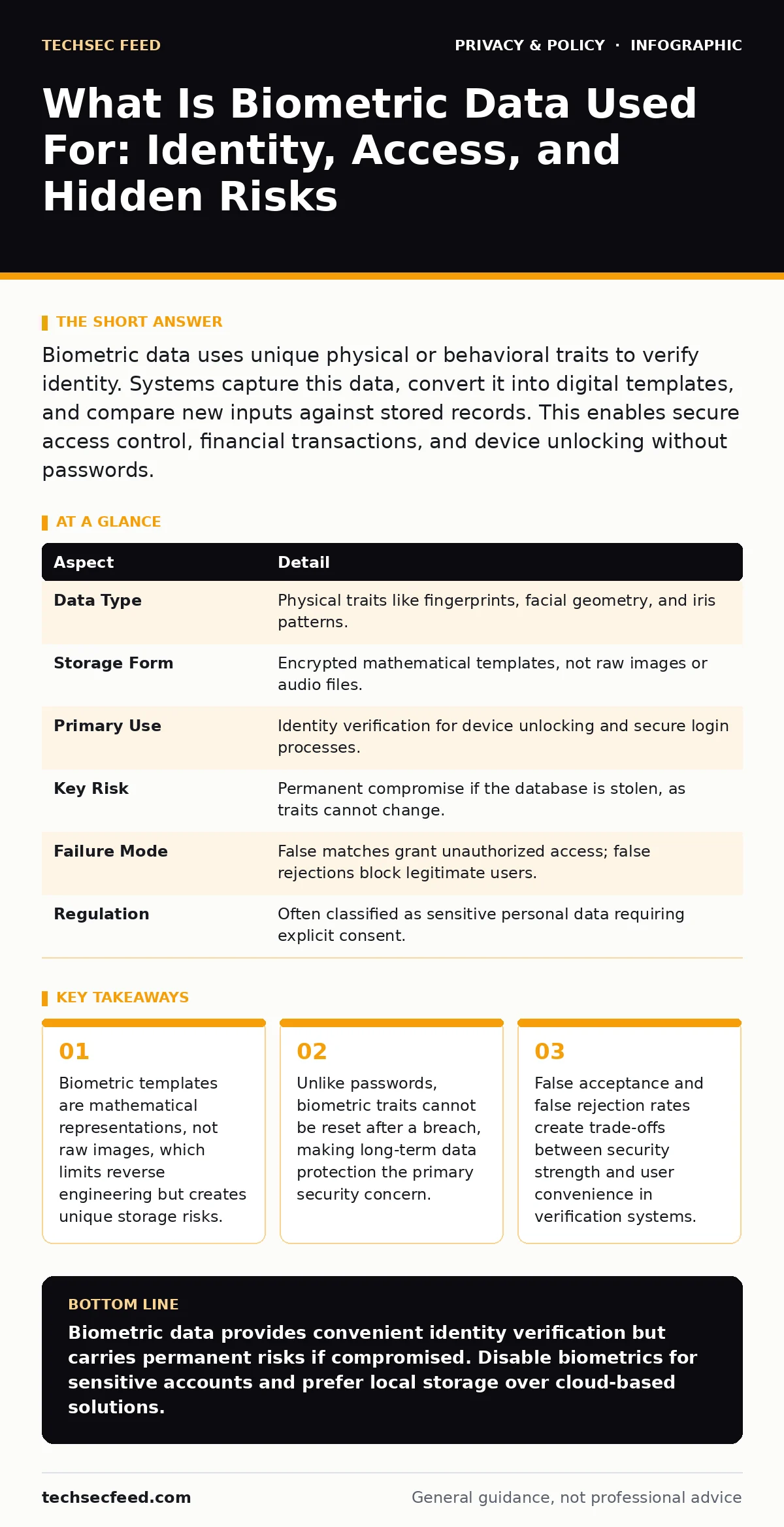
Biometric data uses unique physical or behavioral traits to verify identity. Systems capture this data, convert it into digital templates, and compare new inputs against stored records. This enables secure access control, financial transactions, and device unlocking without passwords.
The Fingerprint in the Machine
Imagine leaving a wax impression of your hand at a club door. The bouncer keeps that impression. When you return, you press your hand against it. If the ridges match, you enter. Biometric data works through this same mechanical principle of comparison. It replaces something you know, like a password, with something you are.
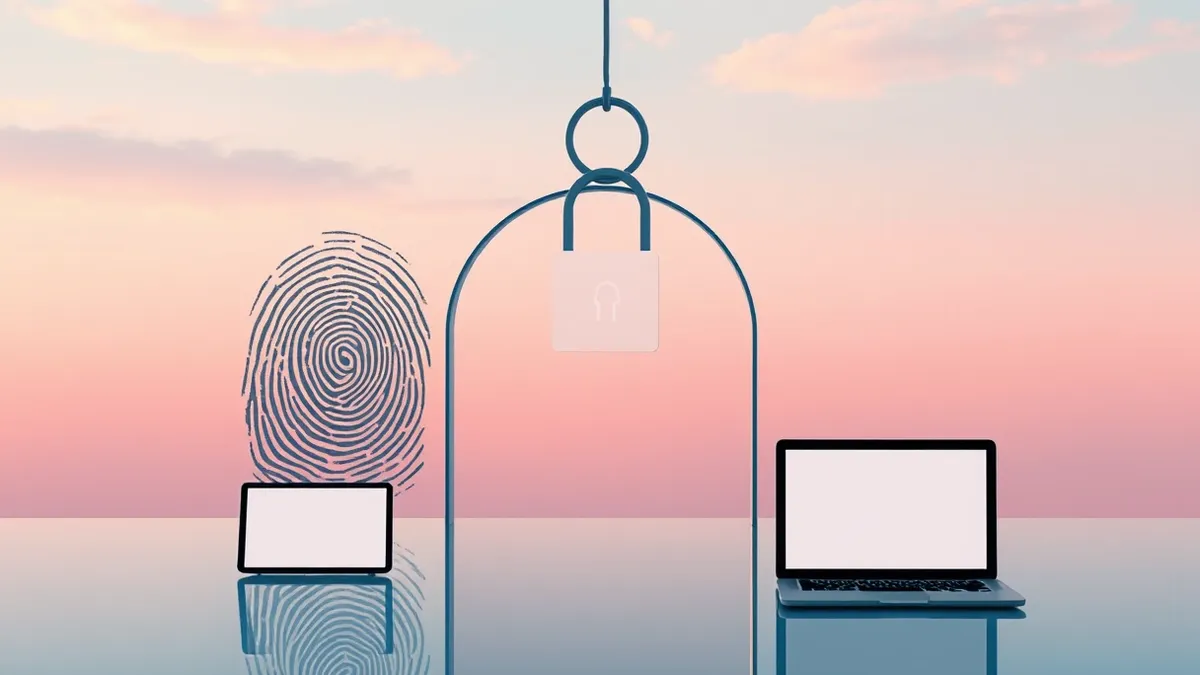
Systems do not store a photograph of your face or a scan of your retina. They extract distinct features from those inputs. The software converts these features into a string of numbers called a template. This template serves as the digital signature for your identity. The system compares new scans against this stored template to grant or deny access.
| Aspect | Detail |
|---|---|
| Data Type | Physical traits like fingerprints, facial geometry, and iris patterns. |
| Storage Form | Encrypted mathematical templates, not raw images or audio files. |
| Primary Use | Identity verification for device unlocking and secure login processes. |
| Key Risk | Permanent compromise if the database is stolen, as traits cannot change. |
| Failure Mode | False matches grant unauthorized access; false rejections block legitimate users. |
| Regulation | Often classified as sensitive personal data requiring explicit consent. |
What Is Biometric Data Used For
You ask what is biometric data used for because you want to understand the scope of exposure. The most common use is authentication. Smartphones use facial recognition or fingerprints to unlock screens. This replaces PINs and passcodes with a trait that is always present on your person. The system checks the input against the stored template to confirm you are the owner.
Financial services use biometrics to authorize transactions. Mobile banking apps may require a face scan before sending money. This adds a layer of verification that is difficult for remote attackers to replicate. The goal is to ensure that the person initiating the transfer is the account holder. This reduces fraud caused by stolen credentials.
Employers use biometric time clocks to track employee hours. Workers scan their fingerprints to clock in and out. This prevents buddy punching, where one employee clocks in for another. The system records the exact time of the scan. This data feeds into payroll systems and attendance records. It creates an immutable log of physical presence at a specific location.
How Verification Differs From Identification
Verification asks a yes-or-no question. It checks if the input matches a specific stored template. This is 1:1 matching. The system knows which template to check. Identification asks who the person is. It compares the input against every template in a database. This is 1:N matching. The computational cost is significantly higher for identification.
Most consumer devices use verification. Your phone knows it is checking for you. It does not scan its database to see if you look like anyone else. Law enforcement and large-scale surveillance systems often use identification. They scan a crowd to find matches against known records. This requires massive databases and powerful processing. The privacy implications differ sharply between these two modes.
Verification systems can operate offline. The template stays on the device. No data leaves the phone. Identification systems usually require a network connection. The input must travel to a central server for comparison. This introduces network security risks. The data traverses multiple points where interception is possible.
Who Is Affected by Biometric Tracking
Every user of modern smartphones is affected. The device collects biometric data to provide convenience. You consent to this collection when you set up Face ID or Touch ID. The data remains on the device. It does not sync to the cloud. This localization reduces exposure but does not eliminate risk. If the device is stolen and unlocked, the attacker gains access to all stored data.
Employees are affected by workplace monitoring. Time clocks and secure facility access points collect biometric data. Employers store this data to verify identity and track attendance. This data may be shared with third-party payroll processors. You often have limited control over how this data is stored or deleted. The retention period may extend far beyond your employment.
Citizens are affected by government identification programs. Digital IDs may link biometric templates to national databases. This enables streamlined services but creates a central point of failure. If the central database is breached, millions of identities are compromised. The data cannot be revoked. You cannot change your face or fingerprints. The exposure is permanent.
The Hidden Cost of Convenience
Convenience drives the adoption of biometrics. Unlocking a phone with a glance is faster than typing a PIN. This speed creates a behavioral shift. Users become accustomed to frictionless access. They may bypass additional security layers. They may assume that biometric authentication is infallible. This assumption leads to risky behaviors in other areas of digital life.
The trade-off is privacy erosion. Biometric data is unique and permanent. Passwords can be changed. Biometrics cannot. A breach of biometric data is a breach of identity. The cost of remediation is high. You cannot issue a new fingerprint. You must rely on the system’s ability to prevent future access. This places the burden of security entirely on the organization holding the data.
Latency is another hidden cost. Biometric checks require processing time. Facial recognition may fail in low light. Fingerprint sensors may struggle with wet or dirty hands. These failures create friction. Users may abandon secure processes. They may seek alternative, less secure methods. The system must balance security strength with user experience.
See also: Zero Knowledge Encryption Cloud Storage: How It Works and What You Lose · Privacy Audits Checklist: Verify Data Flows and Consent
What People Usually Get Wrong
People believe biometric data is anonymous. It is not. Biometric traits are directly linked to a specific individual. They cannot be pseudonymized. Anonymization techniques fail here. You cannot strip the identity from a fingerprint template. The data remains personally identifiable information. This makes it subject to strict privacy regulations.
People assume that deleting an account removes biometric data. It often does not. Organizations may retain data for legal or operational reasons. They may not have a clear deletion process. You must verify the retention policy. You may need to submit a data subject access requests to confirm deletion. The burden of proof lies with you.
People think biometrics replace passwords. They do not. Biometrics should complement passwords. They add a factor to multi-factor authentication. They do not eliminate the need for secrets. A compromised biometric template allows an attacker to bypass the first factor. Strong passwords and secondary verification remain necessary.
What To Do About Biometric Exposure
Review your device settings. Disable biometric authentication for high-risk apps. Use passwords or PINs for banking and email. Biometrics are convenient but not secure for sensitive accounts. The risk of template theft outweighs the convenience. Keep your device updated. Patches often fix vulnerabilities in biometric sensors.
Limit the collection of biometric data. Do not enroll in unnecessary programs. Read privacy policies carefully. Look for statements on data storage and retention. Prefer systems that store data locally on your device. Avoid systems that send data to the cloud. Local storage reduces the attack surface.
Monitor for breaches. If a service holding your biometric data is compromised, act immediately. Change passwords. Enable additional security measures. Contact the organization to inquire about data deletion. Refer to relevant privacy laws for small businesses or larger entities to understand your rights. You may have the right to be forgotten under certain regulations.
Integrating Privacy Into Daily Habits
Privacy requires active management. Passive reliance on default settings is insufficient. You must make conscious choices about data sharing. Evaluate the necessity of each biometric enrollment. Ask if the benefit justifies the risk. If not, decline. Use alternative authentication methods.
Stay informed about privacy audits. These reviews assess how organizations handle data. They may reveal weaknesses in data protection. Support organizations that undergo regular audits. They demonstrate a commitment to security. Avoid organizations that lack transparency. Silence often indicates poor practices.
Understand the role of zero-knowledge encryption. This technology ensures that even the service provider cannot access your data. The encryption keys remain on your device. Biometric templates encrypted this way are safer. The provider stores only the ciphertext. They cannot decrypt it without your key. This limits damage in case of a breach.
Key takeaways
- Biometric templates are mathematical representations, not raw images, which limits reverse engineering but creates unique storage risks.
- Unlike passwords, biometric traits cannot be reset after a breach, making long-term data protection the primary security concern.
- False acceptance and false rejection rates create trade-offs between security strength and user convenience in verification systems.
Biometric data provides convenient identity verification but carries permanent risks if compromised. Disable biometrics for sensitive accounts and prefer local storage over cloud-based solutions.
Frequently asked questions
Can biometric data be stolen from my phone?
Yes, if the device is compromised or the security chip is bypassed, attackers may extract templates. However, modern devices store this data in isolated secure enclaves.
Is facial recognition more secure than fingerprints?
Facial recognition is more resistant to remote spoofing but may have higher false acceptance rates in poor lighting. Fingerprints are easier to lift but harder to replicate digitally.
Do I need to consent to biometric data collection?
In many jurisdictions, explicit consent is required for non-essential biometric collection. Check local privacy laws. Employers often require consent for time clocks.
How do I delete my biometric data?
Submit a data subject access requests to the organization. Ask for confirmation of deletion. Retain records of your request. Some laws mandate erasure upon request.
How this guide was produced: written by the TechSec Feed editorial team with AI assistance, checked against the public references listed below, and reviewed when the facts change. See our editorial policy or report an error.