
Zero Knowledge Encryption Cloud Storage: How It Works and What You Lose
Zero-knowledge encryption hides your data from the provider, but it also hides your data from you if you lose the single key required to unlock it.
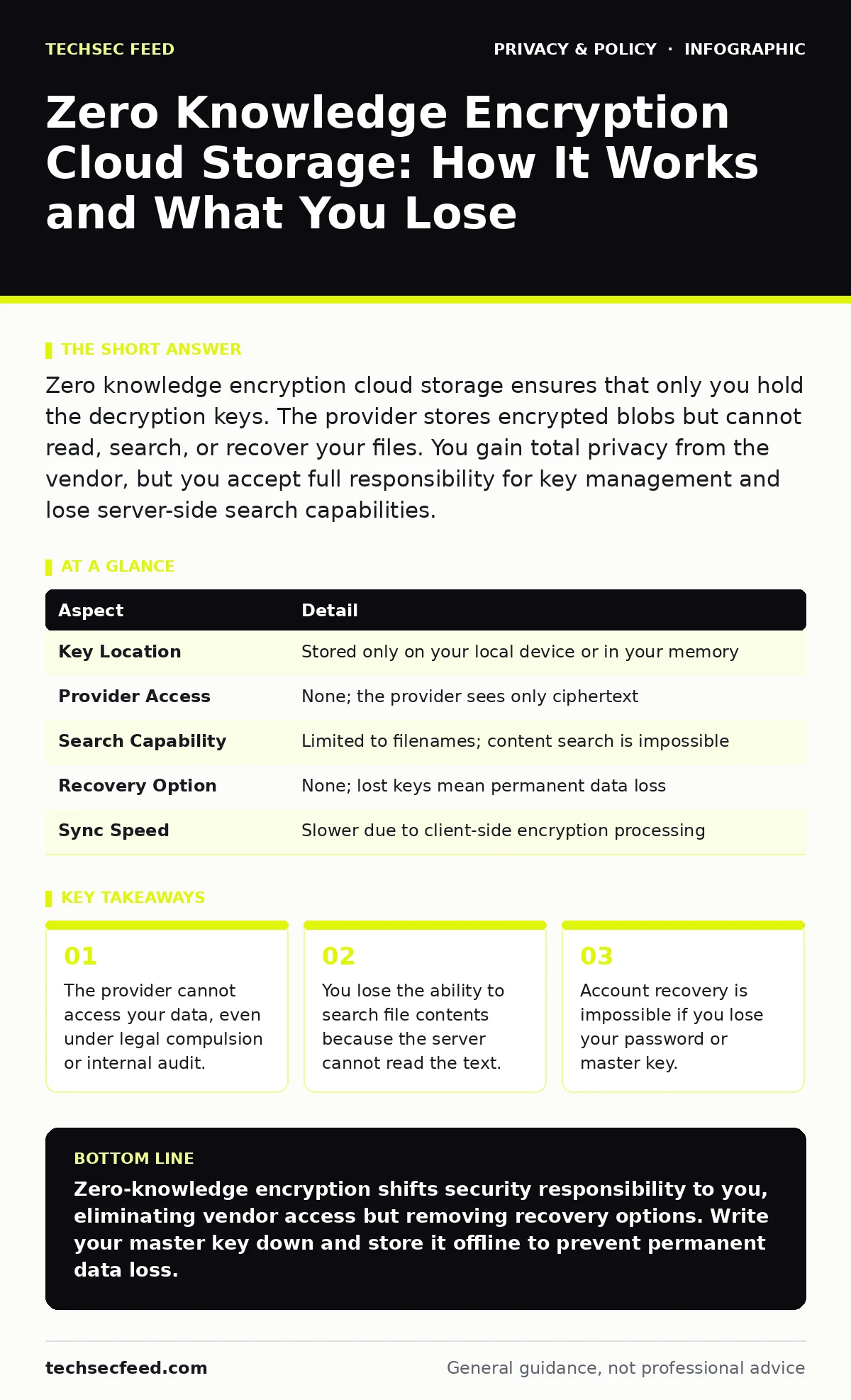
Zero knowledge encryption cloud storage ensures that only you hold the decryption keys. The provider stores encrypted blobs but cannot read, search, or recover your files. You gain total privacy from the vendor, but you accept full responsibility for key management and lose server-side search capabilities.
The Library Analogy for Data Privacy
Imagine you hand a sealed steel box to a librarian. You lock it with a key that only you possess. The librarian stores the box on a shelf. They know the box exists. They know who handed it in. They do not know what is inside. If you forget your key, the librarian cannot open the box to help you. The security relies entirely on your ability to keep that key safe. This is the core mechanic of zero-knowledge architecture.
What Zero Knowledge Encryption Cloud Storage Actually Means
Zero knowledge encryption cloud storage is a model where data is encrypted on your device before it leaves your network. The encryption key never touches the provider’s servers. The provider acts as a dumb storage facility. They handle the bits, not the meaning. This differs from standard cloud encryption, where the provider holds a copy of the key for convenience. In standard models, the provider can decrypt your files for backup, scanning, or legal requests. In zero-knowledge models, the provider is mathematically blind to your content.
| Aspect | Detail |
|---|---|
| Key Location | Stored only on your local device or in your memory |
| Provider Access | None; the provider sees only ciphertext |
| Search Capability | Limited to filenames; content search is impossible |
| Recovery Option | None; lost keys mean permanent data loss |
| Sync Speed | Slower due to client-side encryption processing |
How The Mechanism Protects Your Data
The process begins with key generation. Your device creates a cryptographic key pair derived from your password. This derivation uses a slow function to prevent brute-force attacks. The private key stays on your device. When you upload a file, the software encrypts it using this key. The resulting ciphertext travels to the cloud. The server stores the ciphertext. It has no way to reverse the process. When you download the file, your device uses the local private key to decrypt it. The provider facilitates the transfer but never touches the plaintext. This separation of concerns ensures that a breach of the provider’s database yields only useless encrypted data.
Who This Model Affects Most
This architecture shifts the burden of security from the vendor to you. It affects anyone who values privacy over convenience. It matters to journalists, legal professionals, and privacy advocates who cannot risk vendor access. It also affects users who distrust corporate data harvesting. Standard users often find the trade-offs unacceptable. They prefer the convenience of server-side search and automatic backups. Zero-knowledge storage removes these features. You must manage your own backups. You must remember your password. The provider offers no safety net.
What People Usually Get Wrong
Many users confuse zero-knowledge encryption with standard encryption. They assume that because data is encrypted, it is safe from the provider. This is incorrect. Most providers encrypt data at rest but hold the keys. They can decrypt files for malware scanning or compliance. Zero-knowledge means the provider literally cannot decrypt the data. Another common mistake is assuming that zero-knowledge protects metadata. Filenames, file sizes, and access times are often visible to the provider. The content is hidden, but the structure may not be. Understanding this distinction is vital for accurate risk assessment.
See also: Privacy Audits Checklist: Verify Data Flows and Consent · Privacy Laws for Small Business: Six Misreadings That Create Risk
The Hidden Costs of Total Privacy
Privacy has a price. The most significant cost is the loss of server-side features. You cannot search inside documents. You cannot rely on the provider to recover deleted files. You must implement your own backup strategy. This often means using multiple devices or external drives. Another cost is performance. Encrypting and decrypting large files consumes CPU resources. This can slow down uploads and downloads. Mobile devices may run hotter or drain batteries faster. You trade speed and convenience for security. You must decide if the trade-off is worth it for your specific data.
What To Do About It
If you choose zero-knowledge storage, you must manage your keys carefully. Write your master password down. Store it in a physical safe. Do not store it in a digital password manager that the provider also hosts. Use a separate, offline method. Test your recovery process regularly. Delete a test file. Try to recover it using your written password. If you fail, you have a problem. Consider using a reputable open-source client. Open-source allows independent verification of the code. Closed-source clients require trust in the vendor’s claims. Verify that the vendor publishes transparency reports.
Integration With Other Privacy Practices
Zero-knowledge storage is one layer of defense. It works best when combined with other measures. Review your file metadata before uploading. Metadata can contain location data, device IDs, and edit history. Strip this data before encryption. Consider how privacy laws for small businesses apply if you store client data.
You may have legal obligations to protect certain types of information. Regular privacy audits can help you identify gaps in your strategy. Ensure that your anonymization practices align with your storage choice. If you share links to your files, ensure that the sharing mechanism also respects zero-knowledge principles.
Check your data subject access requests process. If you need to provide user data to authorities, ensure you can do so without breaking encryption. This may require careful planning. Understand how biometric data is handled if you use fingerprints for unlocking. Biometrics are often used as a convenience layer, not the primary key.
The primary key should still be password-based. Know how workplace monitoring software interacts with your storage. Corporate tools may block or scan encrypted traffic. Ensure your policy allows for personal zero-knowledge storage. Finally, be aware of people-search sites that may aggregate your data. Encryption protects stored files, not your public profile.
Key takeaways
- The provider cannot access your data, even under legal compulsion or internal audit.
- You lose the ability to search file contents because the server cannot read the text.
- Account recovery is impossible if you lose your password or master key.
Zero-knowledge encryption shifts security responsibility to you, eliminating vendor access but removing recovery options. Write your master key down and store it offline to prevent permanent data loss.
Frequently asked questions
Can the cloud provider read my files if they want to?
No. The provider only stores encrypted data. They do not have the decryption keys. They cannot read, search, or modify your files.
What happens if I forget my password?
You lose access to your
How this guide was produced: written by the TechSec Feed editorial team with AI assistance, checked against the public references listed below, and reviewed when the facts change. See our editorial policy or report an error.