
Workplace Monitoring: The Hidden Costs and Policy Gaps You Must Close
Identify the specific technical mechanisms behind common monitoring tools and discover the blind spots that leave your organization exposed to compliance failures.
Workplace monitoring captures keystrokes, screen activity, and network traffic to assess productivity and security. However, it often creates false positives that disrupt workflow and fails to detect threats that bypass standard logging. Effective implementation requires balancing visibility with privacy to avoid legal liability and employee distrust.
What data does workplace monitoring software actually capture?
Monitoring tools collect metadata, application usage logs, and sometimes content data. Metadata includes timestamps, file names, and the duration an application was active. Application logs record which programs you open and how long you keep them running. Content data involves screenshots, video recordings, or keystroke logs that show exactly what you type. The distinction matters because metadata is generally less intrusive but still reveals patterns of behavior. Content data provides high fidelity but raises significant privacy concerns.
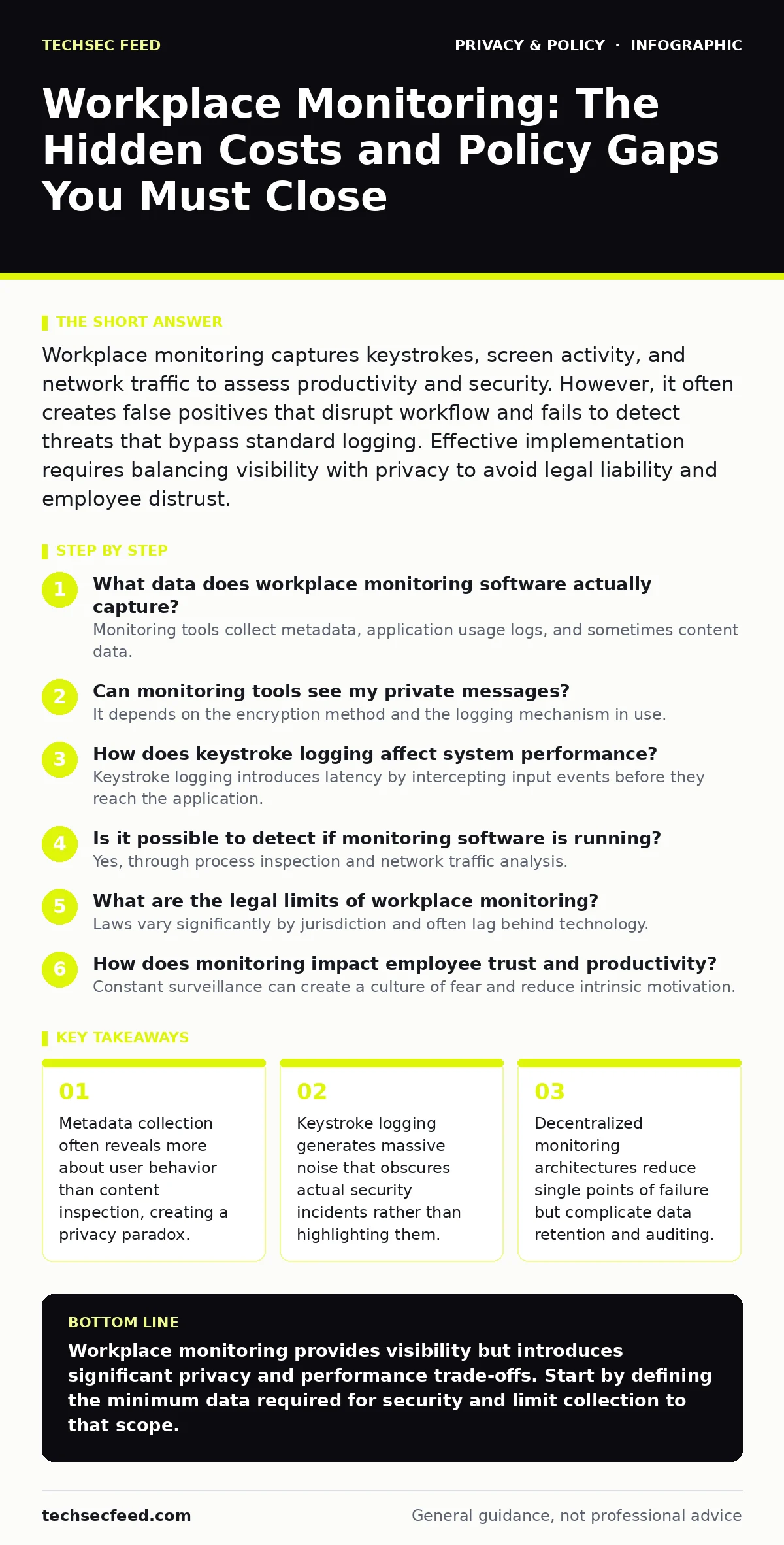
Can monitoring tools see my private messages?
It depends on the encryption method and the logging mechanism in use. If the tool runs on your device, it can capture screen content regardless of encryption. This means even end-to-end encrypted messages are visible if the software takes periodic screenshots. If the tool only monitors network traffic, it cannot read encrypted payloads. However, it can see the destination server and the volume of data transferred. This metadata can still indicate that you are using a specific messaging service.
How does keystroke logging affect system performance?
Keystroke logging introduces latency by intercepting input events before they reach the application. Every character you type must be processed, stored, and potentially transmitted to a central server. This adds overhead to the input/output operations of the operating system. On older hardware or systems with high disk activity, this can cause noticeable lag. The trade-off is between the granularity of the data and the responsiveness of the workstation. High-frequency logging is particularly resource-intensive.
Is it possible to detect if monitoring software is running?
Yes, through process inspection and network traffic analysis. Monitoring agents often run as background services with specific names or signatures. Security tools can scan for these processes or known file hashes. Network monitors can detect the regular heartbeat signals that agents send to the management server. However, sophisticated agents may hide their processes or use legitimate system binaries to mask their activity. This is known as process hollowing or masquerading. Detection requires continuous behavioral analysis rather than static signature matching.
What are the legal limits of workplace monitoring?
Laws vary significantly by jurisdiction and often lag behind technology. In many regions, employers must provide notice that monitoring is taking place. Some jurisdictions require explicit consent for certain types of data collection. Recording audio or video in areas where there is an expectation of privacy, such as restrooms, is generally prohibited. Even in the workplace, covert audio recording can violate wiretapping laws. You should consult local legal counsel to understand the specific requirements for your location.
See also: Zero Knowledge Encryption Cloud Storage: How It Works and What You Lose · Privacy Audits Checklist: Verify Data Flows and Consent
How does monitoring impact employee trust and productivity?
Constant surveillance can create a culture of fear and reduce intrinsic motivation. Employees may focus on appearing busy rather than doing meaningful work. This is known as performative productivity. It leads to gaming the system, such as keeping applications open without working. The stress associated with being watched can also increase turnover and reduce job satisfaction. The cost of replacing staff often exceeds the benefits of increased visibility. Trust is difficult to rebuild once it is broken by invasive monitoring.
| Monitoring Type | Data Captured | Privacy Risk | Performance Impact |
|---|---|---|---|
| Network Traffic | URLs, Domains, Volume | Low | Low |
| Application Logs | App Names, Duration | Medium | Low |
| Screen Capture | Visual Content | High | Medium |
| Keystroke Logging | Typed Characters | High | High |
Can monitoring tools prevent data exfiltration?
They can detect and block certain types of data loss, but not all. Data Loss Prevention systems scan for patterns like credit card numbers or code snippets. They can block uploads to unauthorized cloud services. However, they cannot stop someone from photographing a screen with a mobile phone. They also struggle with encrypted channels that they cannot inspect. False positives are common, blocking legitimate business activities. Tuning these rules requires ongoing effort and expertise.
What are the blind spots in remote monitoring?
Remote monitoring often assumes that all activity happens on the company device. Employees may use personal devices for work, bypassing all corporate controls. This creates a shadow IT environment where data is unprotected. Additionally, remote workers may use public Wi-Fi networks that are insecure. Monitoring tools cannot secure the network path outside the corporate firewall. They also cannot verify the physical security of the device. Someone else could be looking over your shoulder.
How do you balance security with employee privacy?
Define clear boundaries for what data is collected and why. Limit collection to business-related activities only. Exclude personal accounts and non-work applications from monitoring where possible. Provide transparency about what is being monitored and how the data is used. Allow employees to opt out of certain types of monitoring if it does not compromise security. Regularly audit the data to ensure it is not being used for unrelated purposes. This approach builds trust while maintaining security.
Can monitoring tools be bypassed by sophisticated users?
Experienced users can often disable or evade standard monitoring agents. They may use virtual machines to isolate their work from the monitored host. They can employ encryption tools that prevent network inspection. Some may use offline devices to handle sensitive tasks. This creates a false sense of security for the organization. The assumption that monitoring provides complete visibility is dangerous. It leads to gaps in the security posture that attackers can exploit.
What is the role of metadata in privacy breaches?
Metadata often reveals more than the content itself. Knowing who you communicate with, when, and how often can expose sensitive relationships. It can reveal patterns of behavior that indicate health issues, financial stress, or political views. Even if the content is encrypted, the metadata is often not. Aggregating metadata over time creates a detailed profile of the individual. This profile can be used for discrimination or unauthorized surveillance. Protecting metadata is as important as protecting content.
Key takeaways
- Metadata collection often reveals more about user behavior than content inspection, creating a privacy paradox.
- Keystroke logging generates massive noise that obscures actual security incidents rather than highlighting them.
- Decentralized monitoring architectures reduce single points of failure but complicate data retention and auditing.
Workplace monitoring provides visibility but introduces significant privacy and performance trade-offs. Start by defining the minimum data required for security and limit collection to that scope.
Frequently asked questions
Can my employer read my deleted emails?
If the monitoring tool captures emails before deletion or stores them on a server, yes. Deletion on your local device does not remove copies held by the monitoring system.
Is it legal to monitor personal devices used for work?
Generally, no. Employers should not
How this guide was produced: written by the TechSec Feed editorial team with AI assistance, checked against the public references listed below, and reviewed when the facts change. See our editorial policy or report an error.