How Man-in-the-Middle Attacks Steal Your Data
Attackers insert themselves into your connection to read and alter data without you ever noticing the breach occurred.
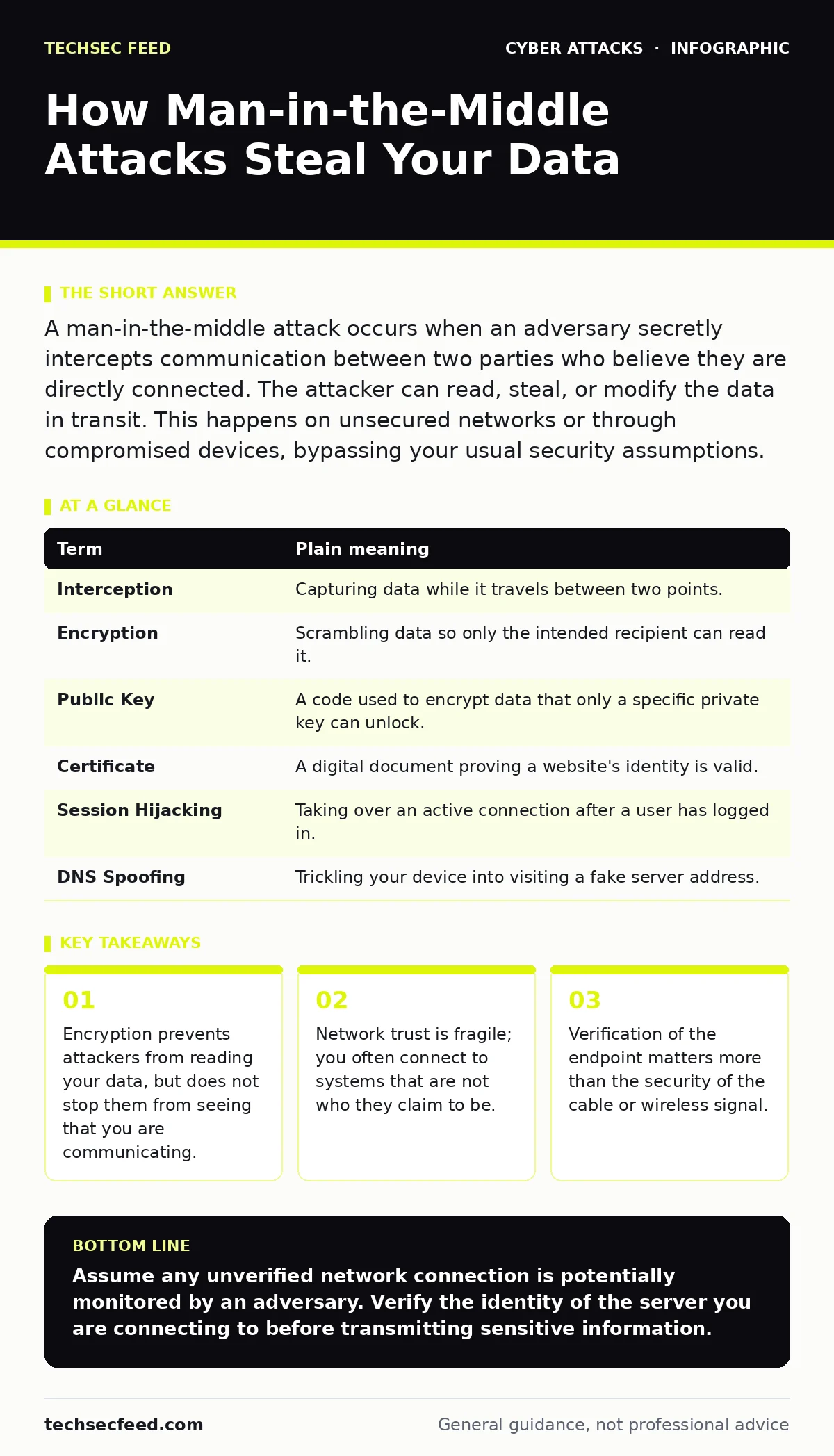
A man-in-the-middle attack occurs when an adversary secretly intercepts communication between two parties who believe they are directly connected. The attacker can read, steal, or modify the data in transit. This happens on unsecured networks or through compromised devices, bypassing your usual security assumptions.
The Mailroom Interception
Imagine you send a sealed letter to a colleague. You trust the postal service to deliver it unchanged. Now suppose a thief intercepts the mail, opens your letter, reads it, and writes a reply pretending to be your colleague. They seal both letters and ensure they reach their destinations. You receive a reply that looks authentic, but the conversation has been altered. This is the core mechanic of a man-in-the-middle attack.
The attacker does not need to break into your home or office. They only need to sit between you and the destination. In digital terms, this "destination" is often a website, a file server, or another user. The thief becomes the new middleman, handling all traffic while hiding their presence.
How the Intercept Happens
This attack relies on the fact that most connections are not end-to-end encrypted by default, or that users fail to verify the identity of the party they are connecting to. The attacker positions themselves on the same network segment as you. This could be a public Wi-Fi hotspot, a compromised router, or a device on a shared corporate network.
Once positioned, the attacker tricks your device into sending data to them instead of the intended server. They then forward the data to the real server. Because they handle both sides of the connection, they can see everything. They can also inject malicious code or alter transaction details before passing them on.
| Term | Plain meaning |
|---|---|
| Interception | Capturing data while it travels between two points. |
| Encryption | Scrambling data so only the intended recipient can read it. |
| Public Key | A code used to encrypt data that only a specific private key can unlock. |
| Certificate | A digital document proving a website's identity is valid. |
| Session Hijacking | Taking over an active connection after a user has logged in. |
| DNS Spoofing | Trickling your device into visiting a fake server address. |
The Hidden Cost of Trust
You might assume that using HTTPS protects you. While encryption hides the content of your message from casual observers, it does not verify who you are talking to unless you check the certificate. Imagine the thief in our analogy wearing a uniform that looks exactly like the postal worker’s. You still hand them the letter.
This is where the attack succeeds. The attacker presents a fake certificate or bypasses the verification step. If you ignore warning signs in your browser, you are effectively handing your data to the thief. The connection remains encrypted, but it is encrypted with the attacker’s key. They can decrypt it, read it, and re-encrypt it before sending it to the real server.
Everyday Exposure Points
Ordinary users face these risks in common scenarios. Public Wi-Fi networks are the most obvious vector. Coffee shops and airports often have open networks where anyone can see traffic. Even password-protected networks can be compromised if the provider’s security is weak.
Mobile devices are also vulnerable. When you switch between cellular data and Wi-Fi, your device may connect to a rogue access point that mimics a trusted network name. This allows an attacker to sit in the middle of your session without you realizing you have disconnected from your carrier.
Verification as Defense
The primary defense is to verify that you are talking to the right person or server. This means checking for valid encryption certificates and ignoring browser warnings. If your browser says a site’s security certificate is invalid, do not proceed. The site may be fake, or it may be under attack.
Use private networks when handling sensitive data. A virtual private network creates an encrypted tunnel between your device and a remote server. This hides your traffic from the local network, including the attacker sitting in the middle. It does not protect you if the remote server itself is compromised, but it secures the transit path.
See also: ASN Threat Intelligence: Small Business Network Defense · TLS Handshake Explained: The Mechanics of Secure Connections
Try This Now
- Check your browser settings to ensure you are warned about invalid or expired security certificates.
- Turn off auto-connect for Wi-Fi networks to avoid joining untrusted access points automatically.
- Use a reputable virtual private network when using public wireless networks to encrypt your traffic locally.
Broader Context
Understanding this attack helps you recognize other threats. For example, social engineering red flags often precede these attacks, as attackers may trick you into connecting to a fake network. Similarly, spear phishing emails might direct you to a site designed to facilitate interception.
While SYN flood attacks overwhelm systems with traffic, they do not steal data. However, the chaos can create opportunities for other attacks. Bluetooth attacks operate on a similar principle of proximity and interception, but over a shorter range. Always consider the physical environment when assessing risk.
Key takeaways
- Encryption prevents attackers from reading your data, but does not stop them from seeing that you are communicating.
- Network trust is fragile; you often connect to systems that are not who they claim to be.
- Verification of the endpoint matters more than the security of the cable or wireless signal.
Assume any unverified network connection is potentially monitored by an adversary. Verify the identity of the server you are connecting to before transmitting sensitive information.
Frequently asked questions
Can I get a man-in-the-middle attack on my home Wi-Fi?
Yes, if your router firmware is outdated or your Wi-Fi password is weak, an attacker could compromise your local network and intercept traffic.
Does using a VPN stop all man-in-the-middle attacks?
No, a VPN only protects the connection between your device and the VPN server. If the final destination is compromised, your data is still at risk.
Why does my browser sometimes let me bypass security warnings?
Browsers allow bypassing warnings for convenience, but this is dangerous. Bypassing them tells the attacker that you are willing to connect despite the lack of verified identity.
Are cellular networks safe from this attack?
Cellular networks are more secure than public Wi-Fi, but they are not immune. Older encryption standards can be intercepted, and switching to Wi-Fi introduces new risks.
How this guide was produced: written by the TechSec Feed editorial team with AI assistance, checked against the public references listed below, and reviewed when the facts change. See our editorial policy or report an error.