
Network Address Translation Types: How NAT Modes Shape Your Security Posture
NAT hides internal architecture but breaks direct connectivity, forcing you to choose between security isolation and application functionality.
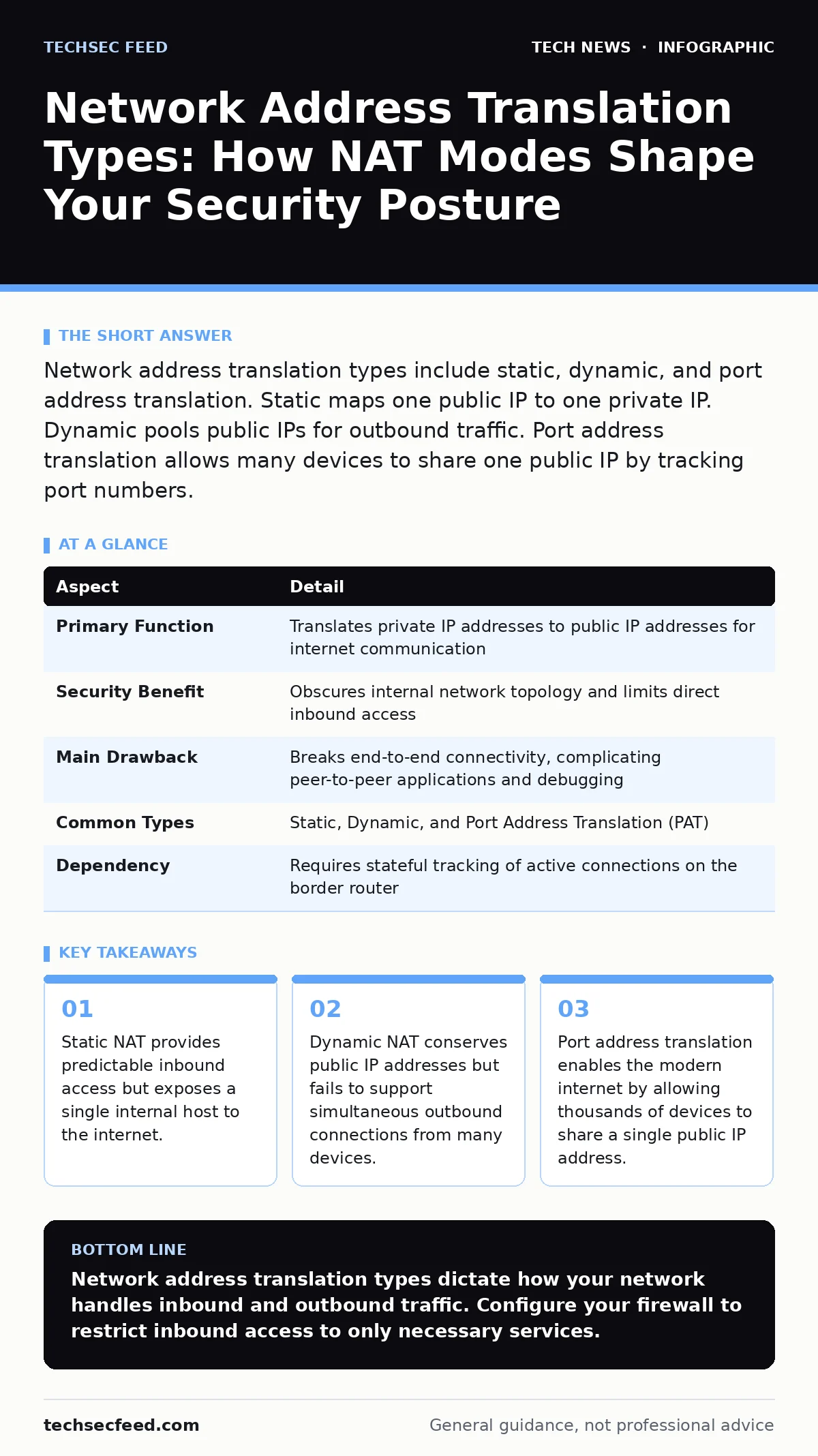
Network address translation types include static, dynamic, and port address translation. Static maps one public IP to one private IP. Dynamic pools public IPs for outbound traffic. Port address translation allows many devices to share one public IP by tracking port numbers.
The Office Mailroom Analogy
Imagine an office building with only one main entrance. Thousands of employees work inside, but visitors can only address mail to the building’s street address. The receptionist tracks which employee requested an external package. When the package arrives, the receptionist checks their log, finds the employee’s internal extension, and delivers it. Network address translation performs this same function for data packets. It translates private internal IP addresses into a single public IP address. This mechanism allows multiple devices to share one public identity. It also hides the internal network structure from outside observers.
| Aspect | Detail |
|---|---|
| Primary Function | Translates private IP addresses to public IP addresses for internet communication |
| Security Benefit | Obscures internal network topology and limits direct inbound access |
| Main Drawback | Breaks end-to-end connectivity, complicating peer-to-peer applications and debugging |
| Common Types | Static, Dynamic, and Port Address Translation (PAT) |
| Dependency | Requires stateful tracking of active connections on the border router |
Why Network Address Translation Exists
IPv4 addresses are finite. That number ran out decades ago. Network address translation extends the life of IPv4 by allowing private networks to use reserved address ranges. These ranges are non-routable on the public internet. Devices inside a private network use these addresses freely. The border router translates them to a public address before sending packets out. This translation is transparent to most applications. It allows you to connect hundreds of devices to the internet using only one public IP. The trade-off is that internal devices cannot be directly reached from the outside. You must configure the router to allow specific inbound traffic.
Network Address Translation Types
You search for network address translation types to understand how different modes handle traffic. The three main types are static NAT, dynamic NAT, and port address translation. Each type serves a different operational need. Static NAT maps one private IP to one public IP permanently. It is used for servers that must be reachable from the internet. Dynamic NAT maps private IPs to a pool of public IPs temporarily. It conserves addresses but does not allow many devices to share one IP. Port address translation, often called NAT overload, maps multiple private IPs to one public IP using port numbers. It is the most common type in modern networks.
Static NAT
Static network address translation creates a one-to-one mapping between a private IP and a public IP. This mapping is permanent until you change it. You use static NAT for services that must accept inbound connections. Web servers, email servers, and VoIP gateways often require static NAT. The benefit is predictability. External clients always connect to the same public address. The cost is exposure. The internal server is directly accessible from the internet. You must secure it with firewalls and intrusion detection systems. Static NAT does not hide the server’s existence. It only translates the address.
Dynamic NAT
Dynamic network address translation uses a pool of public IP addresses. When an internal device sends traffic out, the router assigns it an available public IP from the pool. The mapping lasts for the duration of the session. When the session ends, the public IP returns to the pool. This method conserves public addresses better than static NAT. It does not allow many devices to share one IP. If you have 100 internal devices and only 10 public IPs, only 10 devices can communicate simultaneously. Dynamic NAT is rarely used today. It lacks the efficiency of port address translation. It is mostly seen in legacy enterprise networks.
Port Address Translation
Port address translation, or PAT, maps multiple private IPs to a single public IP. It distinguishes connections by tracking source port numbers. When Device A sends a packet, the router records the private IP and source port. It replaces them with the public IP and a unique temporary port. When the reply arrives, the router checks the destination port. It looks up the original private IP and port. It forwards the packet internally. This allows thousands of devices to share one public IP. PAT is the standard for home and business networks. It complicates peer-to-peer applications. These applications need direct inbound connections. PAT blocks unsolicited inbound traffic by default.
Who Network Address Translation Affects
Network address translation affects every device that connects to the internet. It affects application developers who must design for connectivity constraints. It affects security teams who rely on NAT for obscurity. It affects network engineers who troubleshoot complex routing issues. You cannot disable NAT on most home networks. Your internet service provider uses carrier-grade NAT. This means you are behind at least two layers of translation. The first layer is your home router. The second layer is the provider’s infrastructure. This double NAT complicates port forwarding. It also reduces your control over inbound traffic.
What People Usually Get Wrong
Many assume NAT provides security. It provides obscurity, not security. NAT hides your internal IP addresses from casual scanners. It does not inspect packet contents. It does not block malicious payloads. An attacker can still send crafted packets to your public IP. If you have port forwarding configured, the attacker reaches your internal device. Security must come from firewalls and host hardening. Another common mistake is assuming NAT fixes IPv4 exhaustion. It delays it. It does not solve it. The only permanent solution is IPv6 adoption. IPv6 provides enough addresses for every device. It eliminates the need for NAT.
See also: TLS Handshake Explained: The Mechanics of Secure Connections · How Man-in-the-Middle Attacks Steal Your Data
Troubleshooting NAT Issues
NAT issues often manifest as connectivity problems. Outbound traffic works, but inbound traffic fails. Check your firewall rules. Ensure they allow the specific ports you need. Verify your port forwarding configuration. Ensure the internal IP is correct. Ensure the port numbers match. Use packet capture tools to trace the traffic. Look for the translation at the border router. If the router drops the packet, check the state table. NAT requires stateful tracking. If the state table is full, new connections fail. Increase the state table size if possible.
Integrating NAT with Modern Security
NAT is a legacy technology. It persists because IPv4 is still dominant. You should treat NAT as a temporary measure. Plan for IPv6 migration. Use application-level gateways for better security. These gateways inspect traffic contents. They enforce policies based on application logic. Combine NAT with deep packet inspection. This provides visibility into encrypted traffic. Use secure software development practices for internal services. Ensure they handle unexpected inbound connections gracefully. Monitor logs for unusual translation patterns. Sudden spikes in outbound connections may indicate malware.
The Future of Address Translation
IPv6 adoption is slow but steady. As more networks adopt IPv6, the need for NAT decreases. IPv6 provides unique global addresses for every device. It restores end-to-end connectivity. It simplifies network architecture. However, NAT will remain for years. Legacy systems depend on it. Internet service providers use it to conserve IPv4 addresses. You must support both IPv4 and IPv6. This dual-stack approach adds complexity. Ensure your security tools support both protocols. Configure your firewalls to handle IPv6 traffic. Do not assume IPv6 is secure by default. It requires the same hardening as IPv4.
Key takeaways
- Static NAT provides predictable inbound access but exposes a single internal host to the internet.
- Dynamic NAT conserves public IP addresses but fails to support simultaneous outbound connections from many devices.
- Port address translation enables the modern internet by allowing thousands of devices to share a single public IP address.
Network address translation types dictate how your network handles inbound and outbound traffic. Configure your firewall to restrict inbound access to only necessary services.
Frequently asked questions
Does NAT protect against DDoS attacks?
NAT limits the volume of inbound connections by default. It does not stop volumetric attacks. You need dedicated DDoS mitigation services for protection.
Can I use static NAT for multiple servers?
Yes, if you have multiple public IP addresses. Each server gets a unique public IP. This is expensive and exposes each server to the internet.
How does NAT affect VoIP quality?
NAT can break VoIP connections by blocking inbound signaling. You may need to configure ALG or use STUN/TURN servers. These protocols help negotiate connections through NAT.
Is PAT the same as NAT?
PAT is a type of NAT. It is often called NAT overload. It is the most common form used in home and business networks.
How this guide was produced: written by the TechSec Feed editorial team with AI assistance, checked against the public references listed below, and reviewed when the facts change. See our editorial policy or report an error.