
Secure Software Development: Building Code That Resists Attack
Security fails when you treat code like a finished product rather than a continuous process of verifying assumptions at every stage of creation.
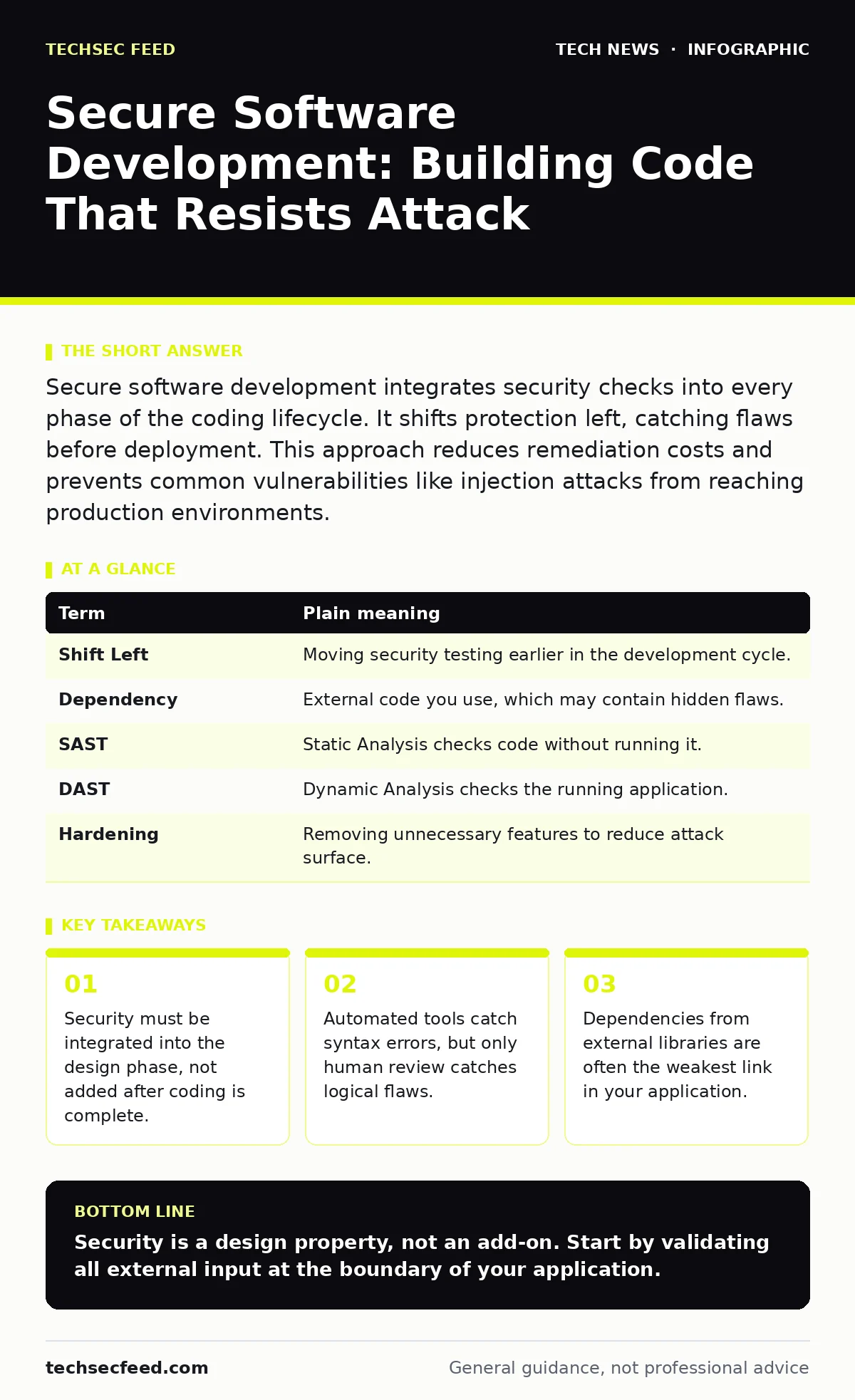
Secure software development integrates security checks into every phase of the coding lifecycle. It shifts protection left, catching flaws before deployment. This approach reduces remediation costs and prevents common vulnerabilities like injection attacks from reaching production environments.
The Blueprint Analogy
Imagine you are building a house. Most people think of security as the locks on the doors. They build the structure, paint the walls, and then buy high-end deadbolts. Secure software development argues that this approach is too late. If the blueprint has a structural flaw, no lock will save the house from collapsing.
You must check the foundation before you pour the concrete. You must verify that the electrical wiring does not run through a water pipe. In coding, the "blueprint" is your architecture and design. If you design a system that trusts user input by default, you have built a house with no walls. Adding a firewall later is like boarding up windows after the storm has already entered the room.
Core Terminology
To discuss this effectively, you need a shared vocabulary. These terms define the mechanics of how errors enter code and how they are removed.
| Term | Plain meaning |
|---|---|
| Shift Left | Moving security testing earlier in the development cycle. |
| Dependency | External code you use, which may contain hidden flaws. |
| SAST | Static Analysis checks code without running it. |
| DAST | Dynamic Analysis checks the running application. |
| Hardening | Removing unnecessary features to reduce attack surface. |
The Hidden Cost of Libraries
Developers rarely write code from scratch. They use libraries and frameworks built by others. This is efficient, but it introduces a hidden risk. You are importing someone else’s potential mistakes into your project.
Suppose you use a popular logging library to record user actions. If that library has a flaw that allows command injection, your entire application is vulnerable. You did not write the bad code, but you deployed it. This is why managing dependencies is as critical as writing your own logic. For more on managing these external connections, see our guide on API key security, as leaked keys often compound these library risks.
Static and Dynamic Analysis
You need two types of testing. Static Application Security Testing (SAST) analyzes your source code while it sits in the editor. It looks for patterns that resemble known vulnerabilities, such as unsafe string formatting. It is fast and runs early, but it generates false positives. It cannot know if a variable is actually dangerous in context.
Dynamic Application Security Testing (DAST) runs the application and attacks it like a hacker. It finds flaws that only appear when the code is executing, such as logic errors in session management. It is slower and requires a running instance. Using both gives you a complete picture. You catch syntax errors with SAST and behavioral flaws with DAST.
The Human Element
Automated tools cannot understand intent. They can tell you that you are using an unsafe function, but they cannot tell you if the data is actually sanitized. This is where peer review matters. A second pair of eyes can spot a logical bypass that a scanner misses.
Imagine a login function that checks if the password matches. A scanner sees the comparison code. A human reviewer might notice that the function returns "true" if the username is empty. This is a business logic error. Tools do not understand business rules. You must define what "correct" behavior looks like in your design documents.
See also: Memory-Safe Languages: 5 Common Misunderstandings Debunked · Potentially Unwanted Programs Prevention Checklist for Secure Systems
Continuous Verification
Security is not a gate you pass once. It is a continuous loop. Every time you add a feature, you introduce new surface area for attack. This is where DevOps security becomes relevant, as it automates these checks into your deployment pipeline.
If you break security to ship faster, you create technical debt. Fixing a flaw in production is exponentially more expensive than fixing it in development. You also risk exposure. A flaw sitting in a staging environment is a dormant threat. For deeper context on network-level protections, review our article on HTTPS, which ensures data in transit remains unreadable.
Practical Implementation
Start small. Do not try to secure everything at once. Focus on the data that enters your system. Input is the primary vector for injection attacks.
- Define trust boundaries. Identify where data enters your application. Mark these points as untrusted.
- Validate at the edge. Check input format and length before it touches your business logic. Reject anything that does not fit the expected pattern.
- Audit dependencies. List every external library you use. Check for known vulnerabilities and remove unused ones.
Next Steps
You now understand that security is a design choice, not a patch. It requires checking assumptions at every layer. The goal is not to create perfect code, which is impossible, but to make attacking your code difficult and costly.
For more on maintaining this posture over time, see our guide on certificate management, as expired credentials can break secure channels. You should also review our article on end-of-life hardware, as outdated infrastructure often lacks patches for known vulnerabilities.
Key takeaways
- Security must be integrated into the design phase, not added after coding is complete.
- Automated tools catch syntax errors, but only human review catches logical flaws.
- Dependencies from external libraries are often the weakest link in your application.
Security is a design property, not an add-on. Start by validating all external input at the boundary of your application.
Frequently asked questions
What is the difference between SAST and DAST?
SAST analyzes source code without running it, finding syntax issues. DAST attacks the running application, finding logic and runtime flaws.
Why is input validation so critical?
Input validation stops malicious data from entering your system. It prevents injection attacks by ensuring data matches expected formats before processing.
Do I need security experts for every project?
Not necessarily. Developers can follow secure coding standards and use automated tools. Experts are needed for complex architecture reviews and threat modeling.
How often should I update my dependencies?
Update them regularly. New vulnerabilities are discovered frequently. Automated tools can help track and apply these updates safely.
How this guide was produced: written by the TechSec Feed editorial team with AI assistance, checked against the public references listed below, and reviewed when the facts change. See our editorial policy or report an error.