Potentially Unwanted Programs Prevention Checklist for Secure Systems
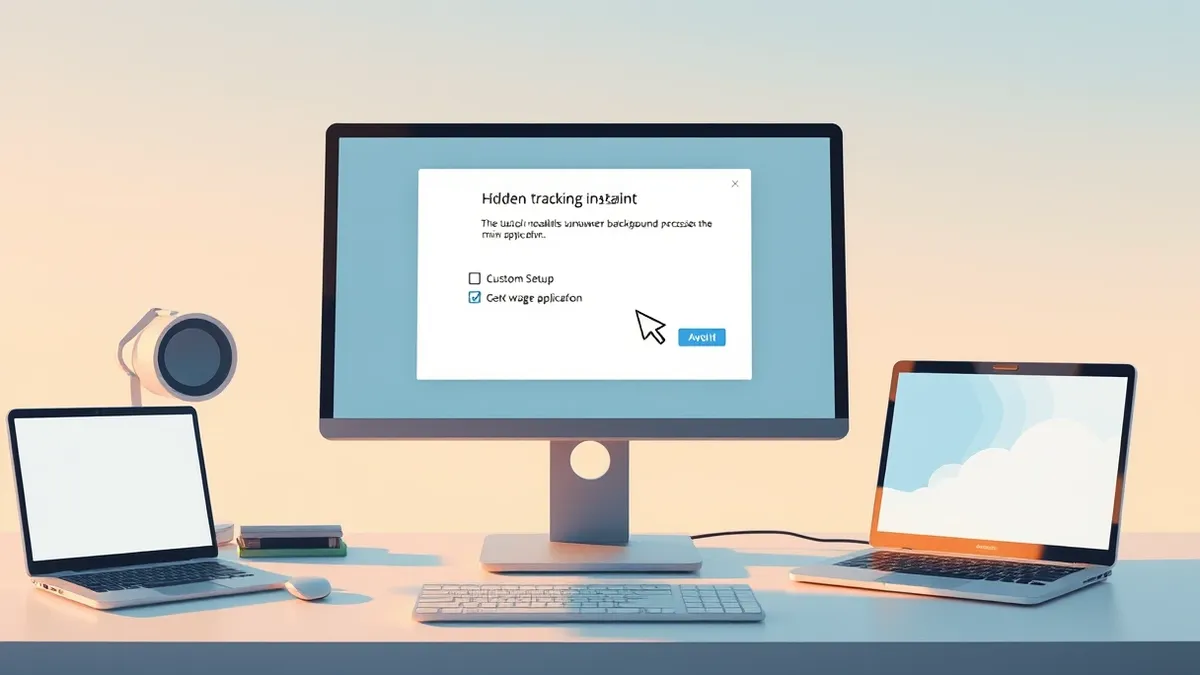
Default installer choices often install tracking components that bypass standard security controls and persist after removal.
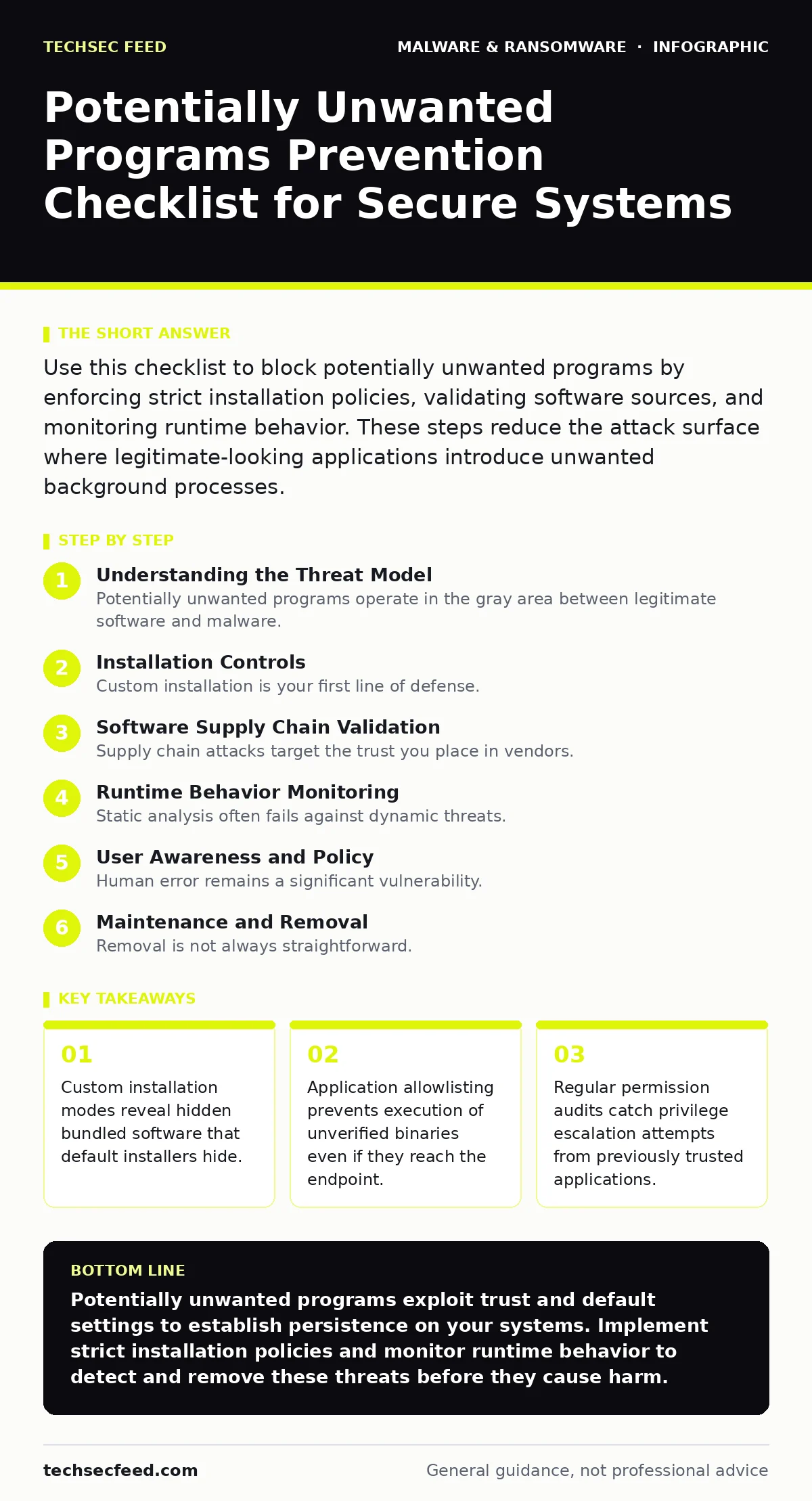
Use this checklist to block potentially unwanted programs by enforcing strict installation policies, validating software sources, and monitoring runtime behavior. These steps reduce the attack surface where legitimate-looking applications introduce unwanted background processes.
Understanding the Threat Model
Potentially unwanted programs operate in the gray area between legitimate software and malware. They install without clear consent, modify system settings, and consume resources. Security teams often overlook them because they lack malicious signatures. The real risk comes from the data they collect and the access they grant.
These programs often arrive through legitimate channels. They hide inside software you intentionally download. The installer asks for permission to add toolbars or change homepage settings. Most users click through without reading. This creates a persistent foothold that standard antivirus scans might miss.
Installation Controls
- Enforce custom installation modes: Default installers often bundle adware that custom modes allow you to decline.
- Verify digital signatures: Unsigned executables lack publisher verification and indicate higher risk of tampering.
- Disable auto-execution features: Auto-run capabilities allow code to execute before you review its behavior.
- Use isolated environments for testing: Sandboxing reveals unwanted behavior without risking the production system.
- Audit installer scripts: PowerShell or batch files within installers may execute hidden commands during setup.
Custom installation is your first line of defense. It forces the user to make active choices. Default installers are designed for speed, not security. They assume trust. You must assume nothing. Checking digital signatures ensures the code has not been altered since the publisher signed it.
Software Supply Chain Validation
- Maintain a trusted source list: Only download from official vendor sites or verified repositories.
- Check file hashes: Comparing SHA-256 hashes against known good values detects tampering.
- Review third-party dependencies: Legitimate apps may pull in compromised libraries from open source.
- Monitor for typosquatting domains: Attackers create look-alike URLs to distribute unwanted programs.
- Validate certificate chains: Expired or self-signed certificates indicate untrusted or compromised publishers.
Supply chain attacks target the trust you place in vendors. A legitimate application can become a vector if its dependencies are compromised. You must validate not just the final executable, but every component it loads. This approach aligns with principles in application allowlisting, where only pre-approved software runs.
Runtime Behavior Monitoring
- Monitor network connections: Unwanted programs often phone home to advertising or tracking servers.
- Track registry modifications: Persistent programs add keys to run at startup without user knowledge.
- Watch for process injection: Malicious code may inject into legitimate processes to hide its activity.
- Log file system changes: Unexpected creation of temporary files may indicate data exfiltration.
- Alert on privilege escalation: Programs requesting admin rights after initial installation warrant investigation.
Static analysis often fails against dynamic threats. You must observe what the software does, not just what it contains. Network monitoring reveals communication with command-and-control servers. Registry tracking shows persistence mechanisms. These behaviors often mimic normal activity, requiring baseline comparison.
Dynamic analysis helps distinguish between normal updates and unwanted changes. By establishing a baseline of expected behavior, you can spot deviations. This is particularly effective against polymorphic malware, which changes its code to evade signature-based detection.
User Awareness and Policy
- Train users to read EULAs: End-user license agreements often contain consent for data collection.
- Prohibit bypassing security controls: Users should not disable antivirus or firewall for specific applications.
- Report suspicious behavior: Early detection prevents widespread infection across the network.
- Use standard user accounts: Limited privileges prevent unwanted programs from making system-wide changes.
- Regularly review installed applications: Unrecognized software should be investigated and removed immediately.
Human error remains a significant vulnerability. Users often fall for scareware tactics that prompt them to install cleaning tools. These tools are often the unwanted programs themselves. Education must focus on recognizing these social engineering techniques. Standard user accounts limit the damage any single program can cause.
See also: Stop Malvertising Attacks Before They Load · Application Allowlisting Misunderstandings That Break Security Controls
Maintenance and Removal
- Schedule regular software audits: Identify and remove applications that are no longer needed or used.
- Keep security tools updated: Definitions must evolve to detect new variants of unwanted programs.
- Use specialized removal tools: Some programs require specific utilities to break their persistence mechanisms.
- Monitor for residual files: Deleted applications may leave behind services or scheduled tasks.
- Review firewall rules: Unwanted programs may open ports that remain open after removal.
Removal is not always straightforward. Unwanted programs often install multiple components to ensure persistence. Simply uninstalling the main application may leave behind services or drivers. You must check for residual files and registry entries. This process is similar to removing malware from a Mac or removing malware from an Android phone, where standard uninstallers are insufficient.
Regular maintenance ensures that your defenses remain effective. Security tools must be updated to recognize new threats. Firewall rules should be reviewed to ensure no unnecessary ports are open. This proactive approach reduces the risk of reinfection.
Integrating with Broader Security
- Correlate with threat intelligence: Use feeds to identify known unwanted programs and their indicators.
- Implement endpoint detection and response: EDR provides visibility into runtime behavior and suspicious activity.
- Conduct periodic penetration testing: Identify gaps in your defenses against social engineering and supply chain attacks.
- Review malvertising risks: Malicious advertisements can drive traffic to sites hosting unwanted programs.
- Align with zero trust principles: Verify every request, regardless of its origin, before granting access.
Prevention requires a layered approach. No single control is sufficient. You must combine installation controls, supply chain validation, runtime monitoring, and user awareness. This holistic strategy ensures that even if one layer fails, others will catch the threat. Integration with broader security frameworks ensures consistent protection across the organization.
Key takeaways
- Custom installation modes reveal hidden bundled software that default installers hide.
- Application allowlisting prevents execution of unverified binaries even if they reach the endpoint.
- Regular permission audits catch privilege escalation attempts from previously trusted applications.
Potentially unwanted programs exploit trust and default settings to establish persistence on your systems. Implement strict installation policies and monitor runtime behavior to detect and remove these threats before they cause harm.
Frequently asked questions
How do potentially unwanted programs differ from malware?
They often lack explicit malicious intent but perform unwanted actions like data collection or ad display, blurring the line between legitimate software and threats.
Can antivirus software detect potentially unwanted programs?
Standard antivirus may miss them due to their legitimate appearance, requiring behavior-based detection and allowlisting for effective protection.
What is the best way to remove a stubborn unwanted program?
Use specialized removal tools and manually check for residual files, registry entries, and scheduled tasks that the standard uninstaller leaves behind.
Do potentially unwanted programs pose a security risk?
Yes, they can collect sensitive data, modify system settings, and create vulnerabilities that other malware can exploit for further compromise.
How this guide was produced: written by the TechSec Feed editorial team with AI assistance, checked against the public references listed below, and reviewed when the facts change. See our editorial policy or report an error.