Scareware Explained: How Fake Alerts Steal Your Data
Scareware relies on psychological pressure rather than technical exploits to trick users into installing unwanted software.
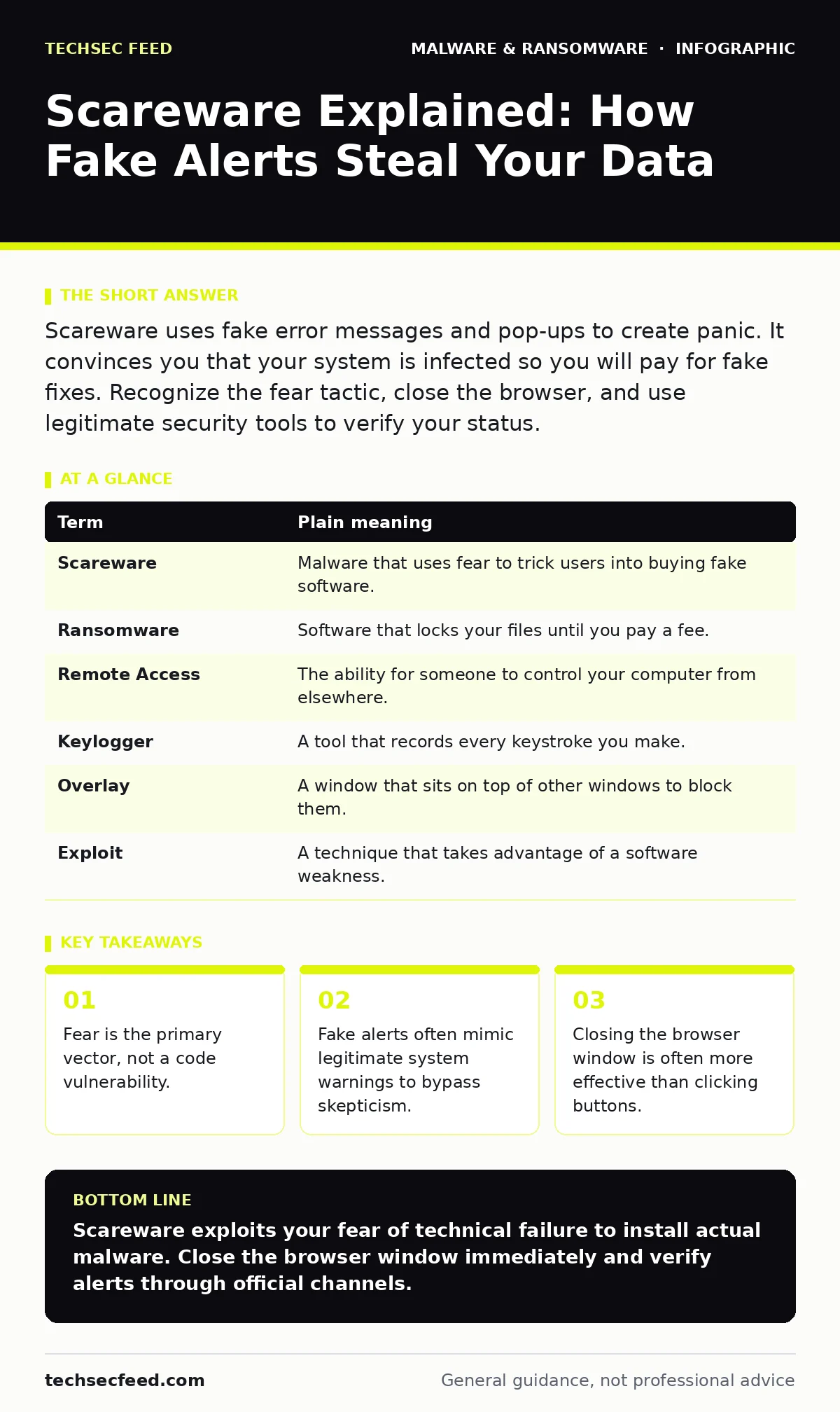
Scareware uses fake error messages and pop-ups to create panic. It convinces you that your system is infected so you will pay for fake fixes. Recognize the fear tactic, close the browser, and use legitimate security tools to verify your status.
The Panic Button Trap
Imagine you are walking down a quiet street. A stranger runs up, grabs your arm, and screams that a car is about to hit you. Your heart races. You jump back, not because you see a car, but because you trust the urgency in their voice. Scareware operates on this exact psychological principle. It does not need to break through your firewall. It only needs to break your calm.
The attacker presents a fake emergency. They claim your computer has a critical virus. They tell you that your data is being stolen right now. The goal is not to infect you with a complex worm. The goal is to make you act before you think.
Anatomy of a Fake Alert
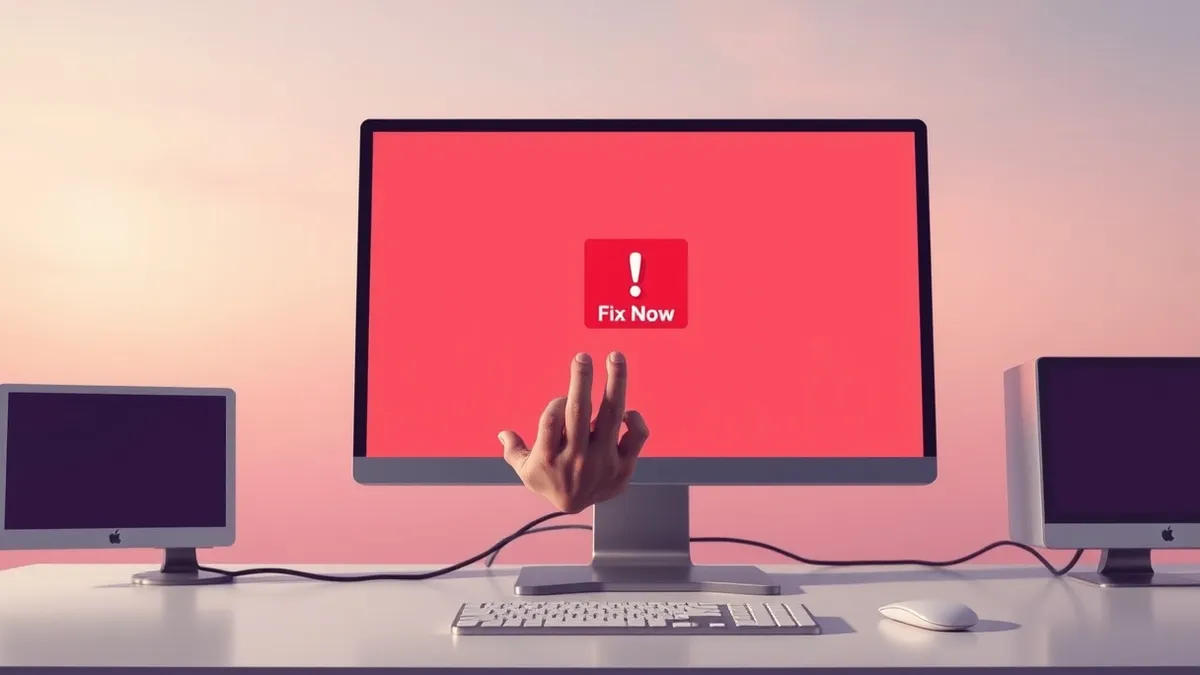
Scareware mimics the visual language of operating systems. It uses the same colors, fonts, and icons that you associate with safety. This familiarity lowers your defenses. The message usually demands immediate action. It tells you to call a number or click a button. It often blocks other windows, creating the illusion that your system has crashed.
This is not a system crash. It is a web page. The browser is still running in the background. The "crash" is just a design choice by the attacker. Understanding this distinction is the first step in defense. If you know it is just a page, you can close it.
The Cost of Compliance
When you click the button or call the number, you enable the next stage. This stage is where the actual damage occurs. You might download a fake antivirus program. This software is often malware itself. It may steal your login credentials. It may install keyloggers to record your typing.
Alternatively, the attacker may talk you through steps to give them remote access. They might ask you to open a command prompt and paste code. This is a common vector for polymorphic malware, which changes its signature to avoid detection. Once they are in, they have total control. You have traded fear for access.
What This Means for You
For an ordinary user, the risk is not just financial. It is the loss of control over your device. You may find your browser hijacked. You may see ads for every page you visit. Your privacy settings may be changed to share your data. The cleanup process is often tedious. It may require removing malware from an Android phone or removing malware from a Mac if the infection spread to other devices.
The emotional toll is also real. You feel foolish for being tricked. You feel anxious about what was stolen. This anxiety makes you vulnerable to follow-up scams. The attacker knows you are worried. They may send another "fix" for the problem they created.
Breaking the Cycle
You can defeat scareware by controlling your reaction. The first step is to recognize the tactic. If an alert creates fear, it is likely fake. Legitimate errors are boring. They do not count down. They do not scream.
The second step is to avoid interaction. Do not click any buttons. Do not enter any keys. Do not call any numbers. The interface is designed to trap your mouse. You need to exit the browser entirely.
The third step is verification. Use a separate device or a trusted application to check your status. If you are unsure, consult official support channels. Do not use the links provided in the alert.
See also: Browser Security Settings for Small Business Teams
Simple Safety Habits
Building habits reduces the chance of success for these attacks. You can integrate script blocking into your browsing routine. This prevents malicious scripts from running automatically. It stops the fake overlay from appearing in the first place.
You should also keep your software updated. Updates often patch the ways that scareware tries to lock your screen. They do not stop the initial page load, but they prevent the deeper infection.
Finally, have a disaster recovery plan. If you do click, you need a way to restore your data. Backups allow you to wipe the device and start fresh. This is the ultimate counter to ransomware and scareware. You do not need to negotiate. You just need to restore.
Glossary of Terms
| Term | Plain meaning |
|---|---|
| Scareware | Malware that uses fear to trick users into buying fake software. |
| Ransomware | Software that locks your files until you pay a fee. |
| Remote Access | The ability for someone to control your computer from elsewhere. |
| Keylogger | A tool that records every keystroke you make. |
| Overlay | A window that sits on top of other windows to block them. |
| Exploit | A technique that takes advantage of a software weakness. |
Try This Now
- [ ] Install a reputable ad-blocker or script blocker to prevent fake alerts from loading.
- [ ] Practice closing your browser using the task manager or force-quit menu, not the window close button.
- [ ] Verify the source of any error message by searching its text online before taking action.
Key takeaways
- Fear is the primary vector, not a code vulnerability.
- Fake alerts often mimic legitimate system warnings to bypass skepticism.
- Closing the browser window is often more effective than clicking buttons.
Scareware exploits your fear of technical failure to install actual malware. Close the browser window immediately and verify alerts through official channels.
Frequently asked questions
How do I know if a pop-up is real?
Real system errors do not display ads, countdown timers, or phone numbers. They also do not appear in your web browser.
Can scareware steal my bank details?
Yes, if you install the software or give remote access, it can log your keystrokes and capture login information.
Is scareware the same as ransomware?
No, scareware tricks you into installing software. Ransomware encrypts your files and demands payment to unlock them.
Should I call the number in the alert?
Never. The number connects you to social engineers who will try to take control of your computer.
How this guide was produced: written by the TechSec Feed editorial team with AI assistance, checked against the public references listed below, and reviewed when the facts change. See our editorial policy or report an error.