
Script Blocking: How to Stop Code Execution Without Breaking Apps
Blocking script execution at the kernel level prevents ransomware from running, even if the user opens the malicious file.
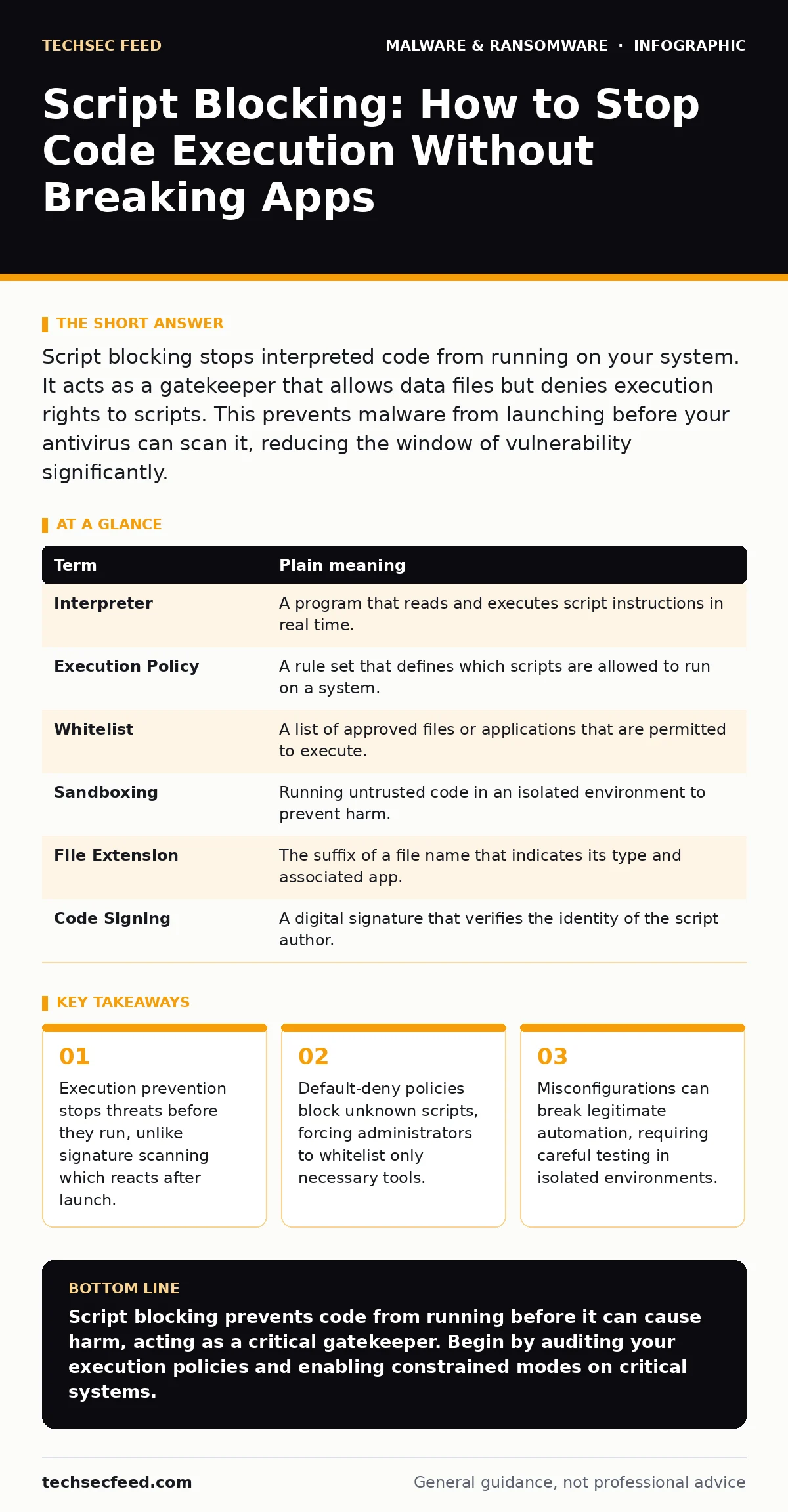
Script blocking stops interpreted code from running on your system. It acts as a gatekeeper that allows data files but denies execution rights to scripts. This prevents malware from launching before your antivirus can scan it, reducing the window of vulnerability significantly.
The Locked Delivery Room
Imagine a hospital delivery room where every package must pass through a sterile airlock. The airlock does not open the package. It does not read the contents. It simply checks if the package is marked "Authorized Delivery." If the label is missing or incorrect, the airlock remains shut. The package sits there, harmless and contained.
This is how script blocking works in a computer system. Most operating systems allow any file to be opened and executed. This is the equivalent of leaving the delivery room door wide open. A malicious actor can drop a script into that room, and the system will run it immediately. Script blocking changes the default state. It assumes that any script is dangerous until proven otherwise.
Interpreted Code Versus Compiled Binaries
To understand why this matters, you must distinguish between two types of software. Compiled binaries are programs that have already been translated into machine code. The operating system understands them directly. Interpreted scripts are text files containing instructions. They require an interpreter, such as a shell or a runtime engine, to translate and execute them line by line.
Ransomware and many malware families use scripts because they are easy to write and modify. They can change their appearance without recompiling. This makes them harder for traditional antivirus software to detect. By blocking the interpreter from running unauthorized text files, you remove the engine that powers the threat. The malware file may still exist on the disk, but it cannot act.
The Cost of Default Trust
Most systems are built on a model of default trust. If a user has permission to read a file, they often have permission to execute it. This design choice prioritizes convenience. It allows software developers and system administrators to deploy tools quickly. However, it creates a massive attack surface.
When you implement script blocking, you invert this model. You move to default deny. The system refuses to run any script unless it matches a specific, pre-approved list. This breaks the chain of infection. Even if a user clicks a phishing link and downloads a malicious PowerShell script, the system will refuse to run it. The attack fails at the gate.
Glossary of Execution Controls
| Term | Plain meaning |
|---|---|
| Interpreter | A program that reads and executes script instructions in real time. |
| Execution Policy | A rule set that defines which scripts are allowed to run on a system. |
| Whitelist | A list of approved files or applications that are permitted to execute. |
| Sandboxing | Running untrusted code in an isolated environment to prevent harm. |
| File Extension | The suffix of a file name that indicates its type and associated app. |
| Code Signing | A digital signature that verifies the identity of the script author. |
The Hidden Cost of Blocking
The primary trade-off of script blocking is operational friction. When you block all scripts, you also block legitimate automation. System updates, deployment tools, and monitoring agents often use scripts. If your policy is too broad, these tools will fail. This can lead to systems falling out of compliance or missing critical security patches.
You must balance security with functionality. This requires a deep understanding of what scripts your organization actually needs. It is not enough to block everything and hope for the best. You must identify the specific interpreters and script types that your services depend on. Anything else should remain blocked. This process is iterative and requires ongoing maintenance.
See also: Application Allowlisting Misunderstandings That Break Security Controls · Dynamic Malware Analysis Misconceptions: 6 Errors That Skew Your Results
Try This Now
- Audit Current Permissions: Check your system’s default execution policy. Determine if users can run any script they download. If the answer is yes, you are vulnerable.
- Enable Constrained Language Mode: If you use PowerShell, enable constrained language mode. This restricts the ability to access sensitive data and execute dangerous commands, limiting damage if a script does run.
- Test in Isolation: Before applying strict blocking to your entire network, test the policy on a single non-critical machine. Verify that essential applications still function correctly.
Beyond Simple Blocking
Script blocking is a layer of defense, not a complete solution. It works best when combined with other controls. For example, limiting user privileges ensures that even if a script runs, it has limited ability to make changes. This concept of least privilege is critical. You should also consider disaster recovery plans to ensure you can restore systems if a breach occurs despite these measures.
Additionally, be aware that some threats bypass scripts entirely. Malware in pirated software often uses compiled binaries that do not require an interpreter. In these cases, script blocking will not help. You must also guard against scareware, which tricks users into installing malicious software through fear rather than technical execution. Understanding the full threat model is necessary for effective security.
The Long-Term Strategy
Implementing script blocking requires a shift in mindset. You must accept that some level of inconvenience is the price of security. Users will complain when their favorite tools stop working. Administrators will spend time whitelisting legitimate scripts. This is the cost of reducing risk.
You should also monitor for changes in attacker behavior. As defenders block scripts, attackers may shift to other techniques. They might use compiled loaders or exploit vulnerabilities in the interpreters themselves. Staying informed about these trends is vital. You can learn more about how threats evolve by reading about polymorphic malware, which changes its code to evade detection.
Remember that no single control is perfect. Script blocking reduces the risk of execution, but it does not prevent the download of malicious files. You must also focus on user education and network segmentation. For mobile devices, the principles are similar but the implementation differs. Check out removing malware from an Android phone or removing malware from a Mac for platform-specific advice.
Finally, ensure that your cloud environments are secure. Overprivileged cloud identities can allow attackers to bypass local controls entirely. By securing your identities, you ensure that script blocking policies are enforced consistently across your infrastructure.
Key takeaways
- Execution prevention stops threats before they run, unlike signature scanning which reacts after launch.
- Default-deny policies block unknown scripts, forcing administrators to whitelist only necessary tools.
- Misconfigurations can break legitimate automation, requiring careful testing in isolated environments.
Script blocking prevents code from running before it can cause harm, acting as a critical gatekeeper. Begin by auditing your execution policies and enabling constrained modes on critical systems.
Frequently asked questions
Does script blocking stop all malware?
No, it only stops malware that relies on interpreted scripts. Compiled binaries and exploits that do not require script execution can still bypass this control.
Will this break my existing software?
It may break software that relies on unapproved scripts. You must test your environment and whitelist necessary tools to prevent operational disruption.
How is this different from antivirus?
Antivirus scans files for known signatures after they are downloaded. Script blocking prevents the file from running in the first place, offering a proactive defense.
Can attackers bypass script blocking?
Yes, sophisticated attackers may use techniques like living-off-the-land binaries or exploit vulnerabilities in the blocking mechanism itself. Defense in depth is required.
How this guide was produced: written by the TechSec Feed editorial team with AI assistance, checked against the public references listed below, and reviewed when the facts change. See our editorial policy or report an error.