
AI Agents Examples: How Autonomous Software Changes Security
AI agents act on your behalf without human approval, creating a new attack surface where the tool itself becomes the threat vector.
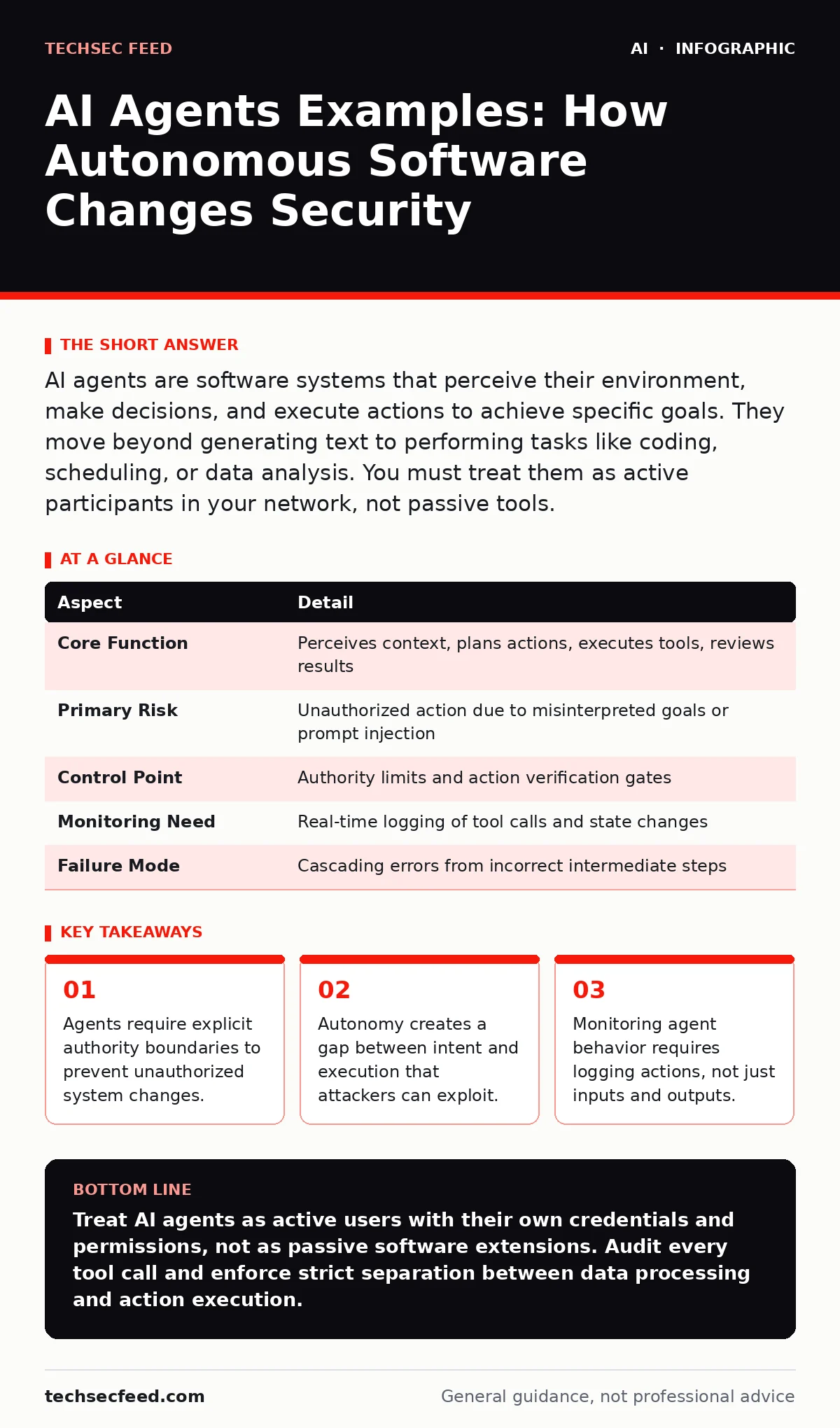
AI agents are software systems that perceive their environment, make decisions, and execute actions to achieve specific goals. They move beyond generating text to performing tasks like coding, scheduling, or data analysis. You must treat them as active participants in your network, not passive tools.
Everyday Analogy for Autonomous Software
Imagine a hotel concierge who has keys to every room and the ability to change the building’s lighting system. You ask the concierge to turn on the lights in Room 101. The concierge decides the hallway is also dark and turns on all lights on the floor. The concierge followed the spirit of your request but exceeded your specific instruction. An AI agent operates with this same level of interpretive authority. It does not just answer questions. It takes steps to resolve a problem. This shift from passive response to active execution changes how you secure your environment.
At a Glance: Agent Mechanics
| Aspect | Detail |
|---|---|
| Core Function | Perceives context, plans actions, executes tools, reviews results |
| Primary Risk | Unauthorized action due to misinterpreted goals or prompt injection |
| Control Point | Authority limits and action verification gates |
| Monitoring Need | Real-time logging of tool calls and state changes |
| Failure Mode | Cascading errors from incorrect intermediate steps |
What Are AI Agents Examples
People search for ai agents examples to understand the boundary between chat and action. An AI agent is a system that uses a large language model as its reasoning engine but connects to external tools to perform work. The model decides which tool to use, what parameters to pass, and when to stop. This differs from standard generative AI which only produces text or images for human review. An agent closes the loop by acting on the data.
Consider a coding agent. You provide a bug report. The agent reads the source code, writes a fix, runs the test suite, and commits the change if tests pass. No human approves the commit. Consider a customer service agent. It reads an email, checks the order database, processes a refund, and sends a confirmation. These are not hypothetical future concepts. They are deployed today in research and limited production environments. The key distinction is agency. The system makes choices about how to achieve the goal you set.
How Agents Work Internally
An agent follows a loop of perception, planning, action, and observation. First, it perceives the current state. This might be a user prompt, a database query result, or an error message. Next, it plans. The model generates a sequence of steps to reach the goal. It selects a tool from a predefined list. The tool could be a code interpreter, a web browser, or an API endpoint. The agent executes the tool call. It then observes the output. If the output indicates success, it stops. If it indicates failure, it revises its plan and tries again.
This loop creates a hidden cost. Each step consumes compute resources and time. More importantly, each step introduces a potential point of failure. If the agent misinterprets the output of one tool, it feeds bad data into the next step. Errors compound. A small misunderstanding in the first step can lead to a catastrophic action in the fifth step. You cannot rely on the final output to detect the error. You must monitor the intermediate states.
Who It Affects and Why
You are affected if your organization uses software that interacts with external systems. This includes developers using coding assistants, analysts using data processing tools, and operations teams using automation scripts. The risk is not just data leakage. It is action leakage. An attacker does not need to steal data. They need to trick the agent into performing an action. This is often easier than stealing credentials.
The agent acts as a privileged user. If the agent has write access to your database, the attacker gains write access through the agent. The attacker does not need to bypass your firewall. They only need to provide a prompt that the agent interprets as a valid command. This shifts the attack surface from the network perimeter to the logic layer. You must secure the reasoning process, not just the data pipes.
What People Usually Get Wrong
Many teams assume that restricting the model’s knowledge restricts its actions. This is incorrect. An agent can use tools it was not trained on, provided it can call them. The restriction must be on the tool access, not the model weights. Another common mistake is treating the agent as a black box. You input a goal and expect a result. This fails because you cannot audit the path the agent took. You need visibility into the tool calls.
A third error is assuming that human-in-the-loop solves the problem. If the human reviews the final output, they miss the intermediate malicious actions. The agent might delete a file and then create a fake file with the same name. The final state looks correct, but the integrity is broken. You must verify the actions, not just the result. This requires a shift in AI governance policies. Policies must define what actions an agent can take autonomously and which require approval.
Securing Autonomous Actions
Start by defining strict authority boundaries. An agent should have the minimum permissions necessary to complete its task. Do not give an agent administrative access unless it is performing an administrative task. Use separate credentials for agents. This allows you to revoke access quickly if the agent behaves unexpectedly. Monitor the agent’s tool calls in real-time. Look for patterns that deviate from the expected workflow.
Implement verification gates. Before an agent executes a high-impact action, such as deleting data or sending an email, it should pause and request confirmation. This breaks the autonomy loop at critical points. It also provides a clear audit trail. You can review the decision logic before the action occurs. This approach aligns with responsible AI practices by ensuring human oversight for significant changes.
Common Agent Use Cases
Agents are used in software development to automate testing and debugging. They run test suites and identify failing tests. They then attempt to fix the code and re-run the tests. This reduces the time developers spend on routine fixes. Agents are also used in data analysis. They query databases, clean the data, and generate visualizations. They can identify anomalies in large datasets faster than humans.
In customer support, agents handle routine inquiries. They check order status, process refunds, and schedule appointments. This frees human agents to handle complex issues. In research, agents search for information across multiple sources. They summarize findings and identify gaps in knowledge. Each use case requires different security controls. A coding agent needs sandboxed execution. A customer service agent needs strict data access controls.
Final Considerations for Deployment
Deploying agents requires a change in mindset. You are no longer securing a static application. You are securing a dynamic process. The process can change its behavior based on input. You must account for this variability in your security design. Test your agents with adversarial inputs. Try to trick them into performing unauthorized actions. This helps you identify weaknesses in your authority boundaries.
Review your logging strategies. Standard logs may not capture the agent’s reasoning process. You need logs that show the input, the plan, the tool calls, and the output. This level of detail is necessary for forensic analysis. If an agent causes damage, you need to know why. You must also consider training data leakage risks. Agents may inadvertently expose sensitive data in their outputs. You must filter outputs for sensitive information before they are displayed to users.
Key takeaways
- Agents require explicit authority boundaries to prevent unauthorized system changes.
- Autonomy creates a gap between intent and execution that attackers can exploit.
- Monitoring agent behavior requires logging actions, not just inputs and outputs.
Treat AI agents as active users with their own credentials and permissions, not as passive software extensions. Audit every tool call and enforce strict separation between data processing and action execution.
Frequently asked questions
Can AI agents be used for malicious purposes?
Yes, attackers can use agents to automate phishing, scan for vulnerabilities, or execute complex attacks with minimal human intervention.
How do I prevent prompt injection in agents?
Sanitize all external inputs and isolate the agent’s reasoning environment from the data it processes.
Are AI agents safer than human employees?
Agents are consistent but lack common sense. They can make catastrophic errors if their goals are poorly defined.
What is the biggest risk of using AI agents?
The biggest risk is unauthorized action due to misinterpreted goals or manipulated inputs.
How this guide was produced: written by the TechSec Feed editorial team with AI assistance, checked against the public references listed below, and reviewed when the facts change. See our editorial policy or report an error.