
Callback Phishing Explained: How Attackers Bypass Your Defenses
Attackers use callback phishing to reverse the communication flow, forcing you to call a number that routes directly to their control systems.
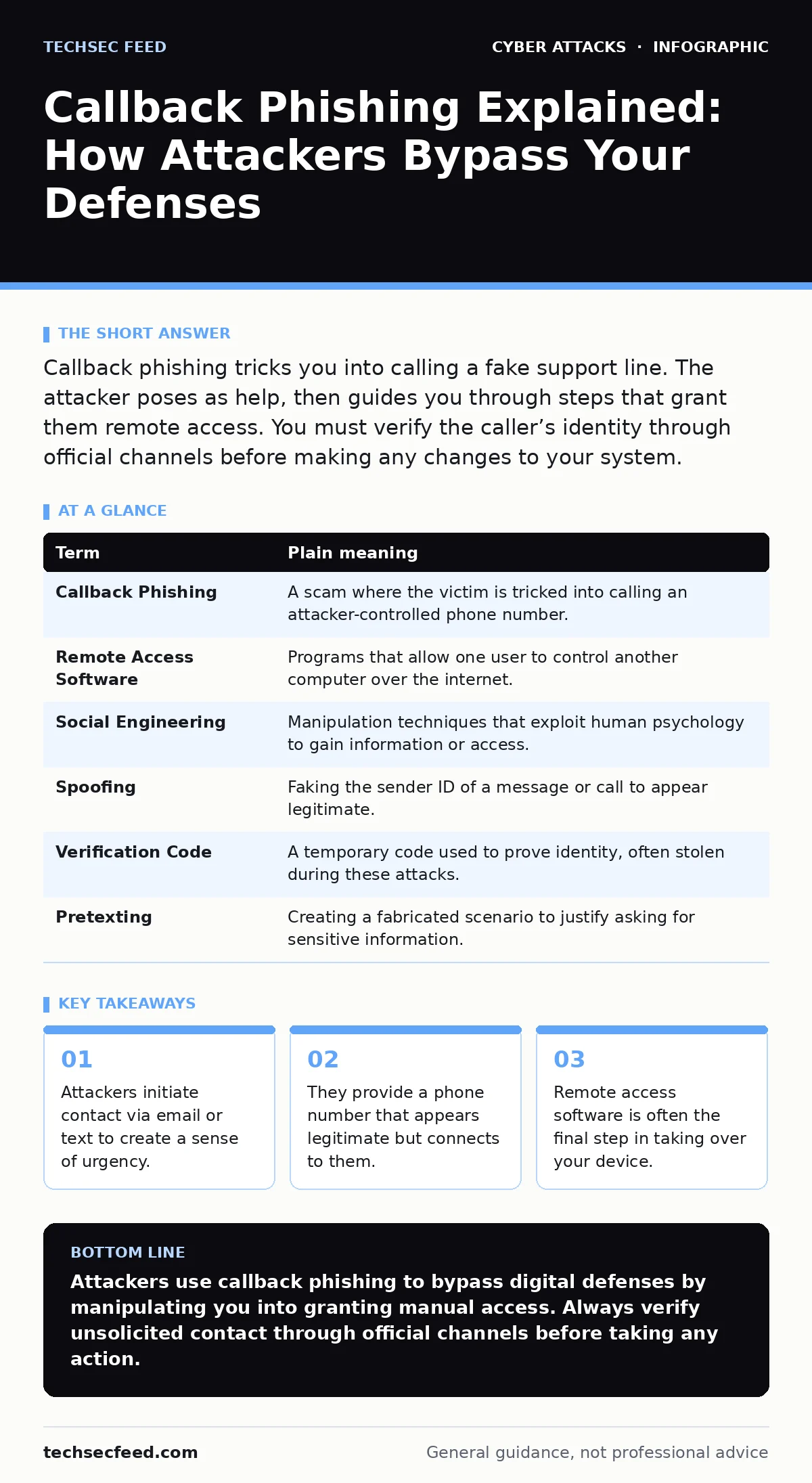
Callback phishing tricks you into calling a fake support line. The attacker poses as help, then guides you through steps that grant them remote access. You must verify the caller’s identity through official channels before making any changes to your system.
The Wrong Number Analogy
Imagine you receive a text message claiming your package is delayed. The message includes a phone number for "Customer Support." You call the number, and a friendly voice answers. They ask for your address and a verification code to "update your delivery preferences." In reality, you just handed your personal data to a stranger. This is the core mechanic of callback phishing, where the attacker controls the conversation by making you call them.
This method flips the usual script. Instead of clicking a link, you pick up the phone. This feels safer to many people because voice contact seems more personal and trustworthy. However, the attacker has already prepared the environment. They control the script, the timing, and the technical steps you are about to take.
Why Voices Are Dangerous
Voice interactions carry a weight that text does not. When a person speaks to you, you are more likely to trust them. Attackers exploit this psychological bias. They use calm, professional tones and specific jargon to sound like legitimate IT support or bank security.
The danger increases because audio does not leave a permanent, easily searchable trail like an email. By the time you realize you were misled, the conversation is gone. You might remember feeling rushed, but you likely did not record the call. This lack of evidence makes it harder to report the incident or understand exactly what was said.
The Technical Trap
The goal is rarely just to hear your voice. The attacker wants control of your computer or mobile device. Once you are on the line, they guide you to install remote access software. This is a legitimate tool used by IT teams to fix computers from afar. In this context, it is a weapon.
The attacker asks you to download a program and share a code. This gives them full visibility of your screen and control of your mouse and keyboard. They can move files, change settings, or install malware while you watch helplessly. They might claim they need this access to "block a fraudulent transaction" or "fix a virus."
Key Terms Defined
Understanding the vocabulary helps you spot the mechanics of the attack. Here is how the components function in this specific scenario.
| Term | Plain meaning |
|---|---|
| Callback Phishing | A scam where the victim is tricked into calling an attacker-controlled phone number. |
| Remote Access Software | Programs that allow one user to control another computer over the internet. |
| Social Engineering | Manipulation techniques that exploit human psychology to gain information or access. |
| Spoofing | Faking the sender ID of a message or call to appear legitimate. |
| Verification Code | A temporary code used to prove identity, often stolen during these attacks. |
| Pretexting | Creating a fabricated scenario to justify asking for sensitive information. |
What This Means for You
For an ordinary user, the risk is immediate account takeover. Once the attacker has remote access, they can reset passwords, transfer funds, or harvest saved credentials. They do not need to guess your password if they can click the buttons for you.
This attack vector is particularly effective against home users who may not have the same security layers as large organizations. It bypasses email filters because the initial contact might be a text message or a social media direct message. The malicious action happens over the phone, outside the reach of traditional spam blockers.
If you suspect you have been targeted, you must assume your credentials are compromised. Change your passwords from a different device, not the one that was accessed. Enable multi-factor authentication if you have not already. This adds a layer of security that requires something you have, like a phone, in addition to something you know, like a password.
See also: Scareware Explained: How Fake Alerts Steal Your Data
Simple Safety Habits
You can reduce your risk by adopting a few specific habits. These steps address the psychological and technical elements of the attack.
- Verify the source independently. If you receive an unsolicited call or message, hang up. Find the official contact number for the organization on their website or your bill. Call that number to confirm the issue. Do not use the number provided in the suspicious message.
- Refuse remote access requests. No legitimate support agent will ask you to download software to control your computer. If they do, end the call immediately. This is a clear indicator of a scam.
- Protect your verification codes. Never share one-time codes with anyone who contacts you unexpectedly. Banks and tech companies will never ask for these codes over the phone.
Related Security Context
This type of attack relies heavily on human trust rather than technical exploitation. It shares DNA with social engineering red flags, where the attacker creates a false sense of urgency. Unlike spear phishing, which targets specific individuals with tailored messages, callback phishing can be broader, though often still personalized.
It differs from man-in-the-middle attacks, where an attacker intercepts communication between two parties. Here, the attacker is one of the parties. It also contrasts with watering hole attacks, where attackers compromise websites you already visit. In callback phishing, the trap is the phone call itself.
Understanding these distinctions helps you recognize that not all attacks involve clicking a link. Some involve picking up the phone.
Key takeaways
- Attackers initiate contact via email or text to create a sense of urgency.
- They provide a phone number that appears legitimate but connects to them.
- Remote access software is often the final step in taking over your device.
Attackers use callback phishing to bypass digital defenses by manipulating you into granting manual access. Always verify unsolicited contact through official channels before taking any action.
Frequently asked questions
How can I tell if a call is legitimate?
Legitimate organizations will not call you out of the blue to demand immediate action or remote access. They will also not ask for verification codes or passwords.
Should I block unknown numbers?
Blocking is a good habit, but attackers can spoof numbers to look like local or official calls. Verification is more effective than blocking alone.
What if I already gave them a code?
Contact your bank or service provider immediately. Assume the account is compromised. Change your passwords and enable additional security features from a clean device.
Do enterprise teams face this risk?
Yes, though **vulnerability management programs** and strict access controls help mitigate damage. Employees must still be trained to recognize these social engineering attempts.
How this guide was produced: written by the TechSec Feed editorial team with AI assistance, checked against the public references listed below, and reviewed when the facts change. See our editorial policy or report an error.