
Vulnerability Scanning: What It Finds and What It Misses
Automated scanners identify known configuration errors but cannot detect logic flaws or complex injection attacks that require human reasoning to exploit.
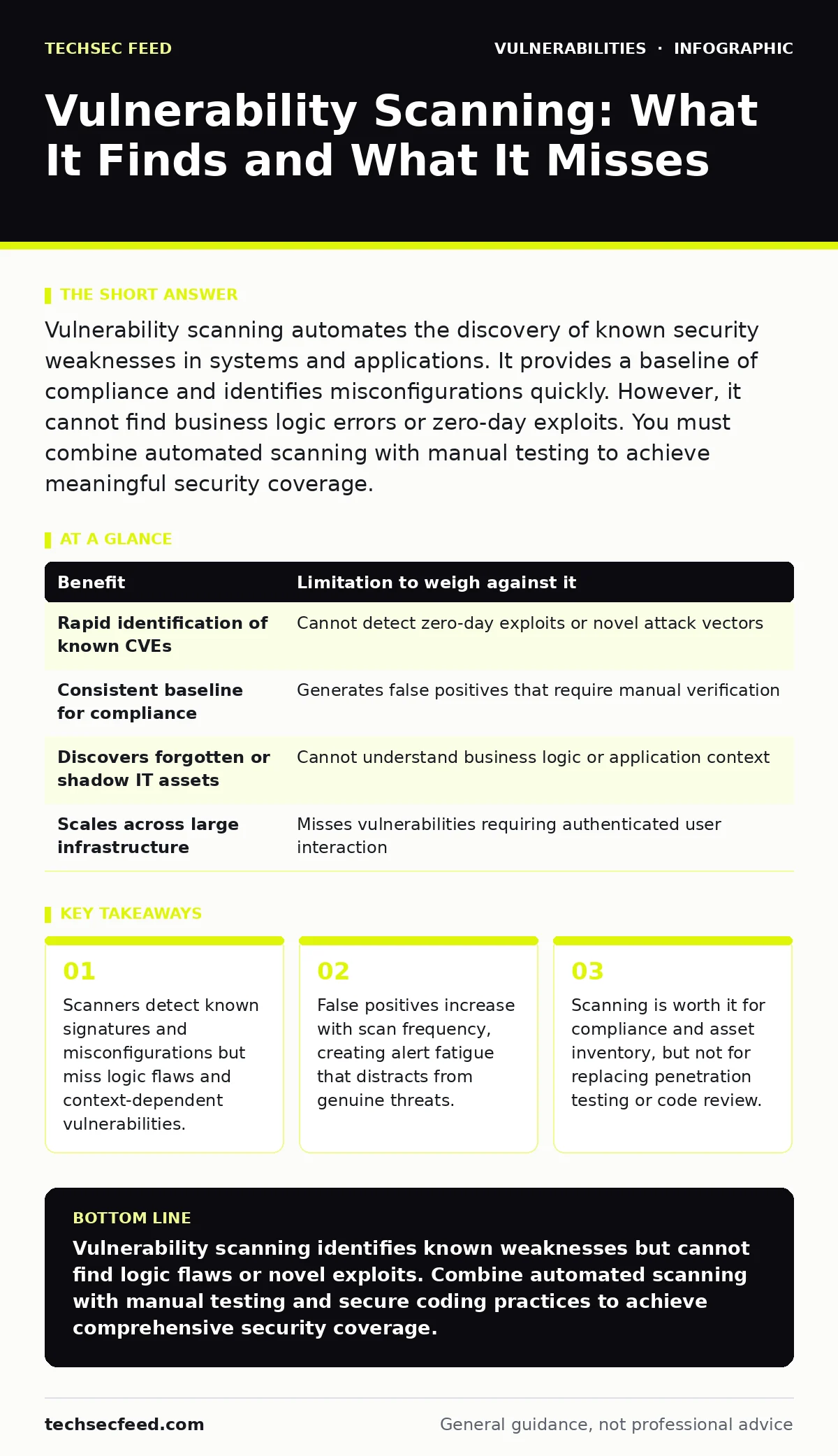
Vulnerability scanning automates the discovery of known security weaknesses in systems and applications. It provides a baseline of compliance and identifies misconfigurations quickly. However, it cannot find business logic errors or zero-day exploits. You must combine automated scanning with manual testing to achieve meaningful security coverage.
The Mechanism of Automated Discovery
Vulnerability scanning relies on pattern matching against a database of known weaknesses. The scanner sends requests to your systems and compares the responses to expected behaviors for secure configurations. When the response deviates, the scanner flags a potential issue. This process works well for identifying missing patches, default credentials, and exposed services. It provides a consistent baseline for security posture assessment. The scanner does not understand the application logic. It only knows that a specific input produces a specific output that matches a known vulnerability signature.
Concrete Benefits for Security Operations
Automated scanning delivers speed and consistency that manual testing cannot match. You can scan thousands of endpoints in hours rather than weeks. This speed allows you to maintain an up-to-date inventory of your attack surface. The scanner identifies assets you may have forgotten, such as decommissioned servers still listening on the network. It also standardizes the detection process. Every scan uses the same rules, ensuring that no asset is skipped due to human error or fatigue. This consistency is vital for meeting compliance requirements that mandate regular security assessments.
| Benefit | Limitation to weigh against it |
|---|---|
| Rapid identification of known CVEs | Cannot detect zero-day exploits or novel attack vectors |
| Consistent baseline for compliance | Generates false positives that require manual verification |
| Discovers forgotten or shadow IT assets | Cannot understand business logic or application context |
| Scales across large infrastructure | Misses vulnerabilities requiring authenticated user interaction |
Honest Limitations of Signature-Based Detection
The primary limitation of vulnerability scanning is its reliance on known data. If a vulnerability has no public signature, the scanner will not find it. This includes SQL injection flaws that depend on specific database structures or command injection vectors that require precise input formatting.
Scanners also struggle with authenticated scans. Logging in to every application to test for deeper vulnerabilities is complex and often breaks the scanning process. Without authentication, the scanner only sees the public-facing layer, missing internal logic errors. This creates a false sense of security where the perimeter appears clean while the interior remains vulnerable.
The Hidden Cost of False Positives
False positives occur when the scanner identifies a vulnerability that does not exist or is not exploitable in your context. These false alarms consume security team time. You must investigate each finding to determine if it is real. Over time, this noise leads to alert fatigue. Teams may begin to ignore scanner output, assuming most findings are errors. This complacency is dangerous. A real vulnerability may be buried in a list of false positives. To mitigate this, you must tune the scanner to your environment. Exclude known benign findings and validate results before adding them to the ticketing system. This tuning requires expertise and ongoing maintenance.
When It Is Worth It
Vulnerability scanning is worth the investment when you need to manage a large number of assets. It is the most efficient way to track patch levels across hundreds of servers. It is also valuable for maintaining a software bill of materials (SBOM) by identifying outdated libraries in your dependencies.
Regular scanning helps you prioritize dependency updates by highlighting which components have known, exploitable weaknesses. If your organization requires proof of regular security assessments for audits, scanning provides the necessary documentation. It is also useful for monitoring exposed admin panels that may have been left accessible by mistake.
See also: Canary Tokens Checklist for Detecting Early Intrusion Attempts · Right to be Forgotten Meaning: How Erasure Works in Practice
When It Is Not Worth It
Scanning is not a substitute for manual penetration testing or code review. You should not use scanners to find logic flaws in complex web applications. These flaws require understanding the business intent, which automated tools cannot do. Scanning is also not worth it if you lack the resources to validate findings.
Running a scanner without a process for triage creates more work than it solves. Do not scan production systems during peak hours without testing the impact first. Scans can generate significant network traffic and may destabilize fragile services. If your environment is small and static, manual checks may be more efficient and accurate than automated scanning.
Integrating Scans With Development Cycles
To maximize value, integrate scanning into your development pipeline. Run lightweight scans on every code commit to catch obvious issues early. This shifts security left, reducing the cost of remediation. However, do not rely on these scans for final approval. They are too noisy and lack context. Use full scans in staging environments before deployment.
This ensures that new features do not introduce known vulnerabilities. Coordinate with developers to understand the context of findings. A scanner may flag a weak password policies configuration, but developers may have implemented compensating controls that mitigate the risk. Understanding this context prevents unnecessary rework.
Beyond the Scanner: Holistic Security
Vulnerability scanning is one tool in a broader security strategy. It does not replace the need for secure coding practices. Encourage the use of memory-safe programming languages to reduce the likelihood of buffer overflows and other memory corruption issues. These languages prevent entire classes of vulnerabilities that scanners might miss. Combine scanning with threat modeling to understand how attackers might exploit your specific architecture.
Threat modeling helps you identify risks that scanners cannot detect, such as privilege escalation paths or data leakage through logic errors. By combining automated scanning with manual analysis and secure development practices, you create a more resilient security posture. This layered approach ensures that you address both known and unknown risks effectively.
Key takeaways
- Scanners detect known signatures and misconfigurations but miss logic flaws and context-dependent vulnerabilities.
- False positives increase with scan frequency, creating alert fatigue that distracts from genuine threats.
- Scanning is worth it for compliance and asset inventory, but not for replacing penetration testing or code review.
Vulnerability scanning identifies known weaknesses but cannot find logic flaws or novel exploits. Combine automated scanning with manual testing and secure coding practices to achieve comprehensive security coverage.
Frequently asked questions
How often should I run vulnerability scans?
Run full scans weekly or monthly depending on your change frequency. Critical systems should be scanned after every significant update or patch deployment to ensure no new weaknesses are introduced.
Can vulnerability scanners find zero-day exploits?
No. Scanners rely on known signatures and patterns. They cannot identify vulnerabilities that have not been publicly disclosed or documented in their databases.
Do I need authenticated and unauthenticated scans?
Yes. Unauthenticated scans identify external exposures, while authenticated scans reveal internal vulnerabilities. Both are necessary for a complete view of your security posture.
How do I reduce false positives from scanners?
Tune the scanner to your environment by excluding known benign findings. Validate results manually before creating tickets. Regularly update the scanner’s database to improve accuracy.
How this guide was produced: written by the TechSec Feed editorial team with AI assistance, checked against the public references listed below, and reviewed when the facts change. See our editorial policy or report an error.