
What is Hard Disk Encryption and How It Protects Data
Full disk encryption renders stolen hardware useless by scrambling data into unreadable noise without the correct cryptographic key.
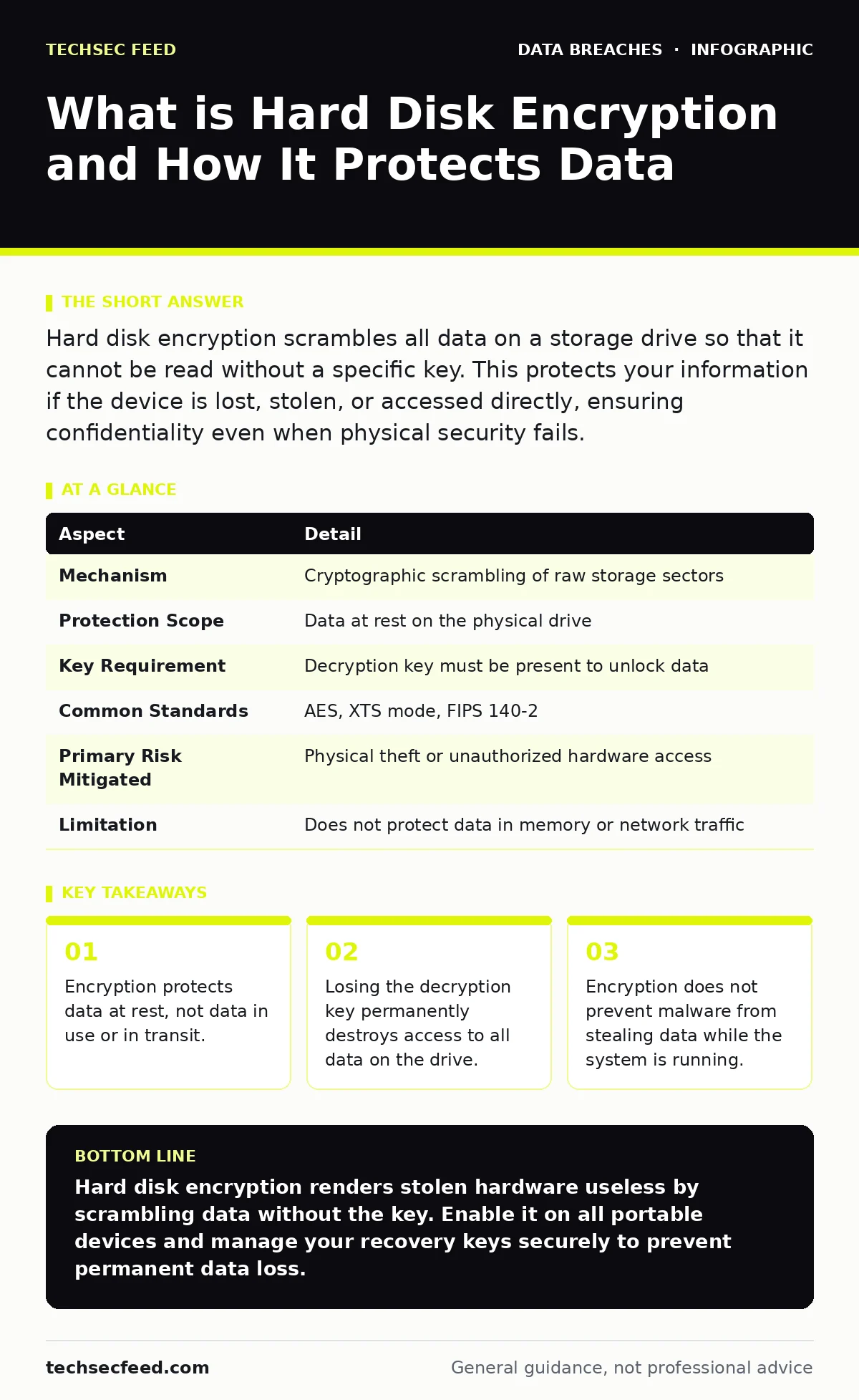
Hard disk encryption scrambles all data on a storage drive so that it cannot be read without a specific key. This protects your information if the device is lost, stolen, or accessed directly, ensuring confidentiality even when physical security fails.
What is hard disk encryption
Hard disk encryption is a security mechanism that scrambles all data stored on a storage device using mathematical algorithms. This process ensures that anyone attempting to read the raw data without the proper decryption key sees only random, meaningless characters.
The primary purpose is to protect confidentiality when physical control of the device is lost. If a laptop is stolen or a hard drive is removed, the thief cannot access the files. This aligns with the CIA triad, specifically the confidentiality pillar, by ensuring data remains secret even if the storage medium is compromised.
People often confuse this with encryption in transit, which protects data moving across networks. Hard disk encryption focuses solely on data sitting idle on the disk. It does not protect against attacks that occur while the operating system is active and the data is being used by applications.
At a glance
| Aspect | Detail |
|---|---|
| Mechanism | Cryptographic scrambling of raw storage sectors |
| Protection Scope | Data at rest on the physical drive |
| Key Requirement | Decryption key must be present to unlock data |
| Common Standards | AES, XTS mode, FIPS 140-2 |
| Primary Risk Mitigated | Physical theft or unauthorized hardware access |
| Limitation | Does not protect data in memory or network traffic |
How full disk encryption works
The system uses a symmetric encryption algorithm to transform plaintext into ciphertext before writing it to the disk. Symmetric encryption means the same key is used to lock and unlock the data. The most common standard is AES, or Advanced Encryption Standard, which operates in modes like XTS to ensure data integrity.
When you boot the device, the system requests authentication. This could be a password, a PIN, or a hardware token. Upon successful authentication, the system retrieves the Volume Master Key. This key decrypts the data on the fly as the operating system reads it. The user typically sees no performance difference, as modern processors have dedicated instructions for AES operations.
The encryption happens at the block level. The operating system sends data blocks to the disk driver, which encrypts them before they hit the physical platters or NAND chips. This transparency means applications do not need to change their behavior. They write data as usual, and the encryption layer handles the rest silently in the background.
Who it affects and why it matters
This technology affects anyone who stores sensitive data on portable devices. Laptops, smartphones, and external hard drives are the primary targets because they are easily lost or stolen. A server in a locked data center is less at risk from physical theft, but encryption at rest is still a standard compliance requirement for many organizations.
Imagine a developer leaves a laptop on a train. The laptop contains source code, customer records, and internal credentials. Without hard disk encryption, a thief can remove the drive and connect it to another computer to copy everything. With encryption, the drive is just expensive paperweights. The data is mathematically secure, regardless of who holds the physical object.
This protection is critical for regulatory compliance. Many frameworks require encryption to reduce the severity of a data breach response plans if a device is lost. If the data was encrypted and the key was not stolen, the incident may not require notification to affected individuals. This reduces legal liability and reputational damage significantly.
What people usually get wrong
Many users believe that hard disk encryption makes their data invisible to all threats. This is a dangerous misconception. Encryption only protects data while it is sitting on the disk. Once the system is booted and the data is decrypted in memory, it is vulnerable to malware, keyloggers, and remote attackers.
Another common error is assuming that encryption prevents data recovery. If you forget your password or lose your recovery key, the data is gone forever. There is no backdoor. Law enforcement and data recovery specialists cannot bypass strong encryption without the key. This is a feature, not a bug, but it requires you to manage your keys carefully.
Some users think that enabling encryption is a one-time task. It is not. You must ensure that new devices are encrypted by default. You must manage key rotation if required by your policy. You must understand that encryption does not protect against exposed API keys that might be stored in unencrypted configuration files on the disk.
See also: vector embeddings example: how numeric maps hide data risks · AI Usage Policies at Work: How to Prevent Data Leakage
The hidden costs of encryption
Implementing full disk encryption has performance implications, though they are often negligible on modern hardware. Older systems or those without hardware acceleration may experience slower boot times and file access. This is because every read and write operation requires cryptographic processing.
The biggest hidden cost is key management. If you lose the decryption key, your data is unrecoverable. Organizations must have a secure way to back up keys. This often involves a data breach response plans that includes procedures for key recovery. If the key backup is compromised, the encryption is useless. The security of the key is as important as the encryption itself.
Another cost is the complexity of integration. Some legacy applications or bootloaders may not support encrypted drives. You may need to update firmware or change boot configurations. This adds to the maintenance burden. You must test the encryption process thoroughly before deploying it to a large fleet of devices.
What to do about it
Enable full disk encryption on all devices that store sensitive data. Most modern operating systems include this feature by default. Check your settings to ensure it is active. For Windows, look for BitLocker. For macOS, look for FileVault. For Linux, look for LUKS. These are standard implementations that follow best practices.
Manage your recovery keys securely. Do not store them in the same location as the encrypted device. Use a password manager or a secure enterprise key management system. If you are an individual, print the recovery key and store it in a safe. If you are an organization, integrate key management into your identity and access management processes.
Regularly audit your encryption status. Ensure that all new devices are encrypted before they leave the IT department. Monitor for devices that are not compliant. Use automated tools to check the encryption status of your fleet. This proactive approach prevents gaps in your security posture.
Integrating with broader security
Hard disk encryption is one layer of a defense-in-depth strategy. It should be combined with strong access controls, regular patching, and user training. It does not replace the need for secure coding practices or network security.
Consider how encryption fits into your incident communication plans. If a device is lost, you need to know quickly whether the data was encrypted. This affects how you communicate with stakeholders and regulators. Clear documentation of your encryption policies helps streamline this process.
Finally, remember that encryption is not a silver bullet. It protects against physical theft and unauthorized disk access. It does not protect against social engineering, weak passwords, or malicious insiders. You must address these other risks through separate controls and monitoring.
Key takeaways
- Encryption protects data at rest, not data in use or in transit.
- Losing the decryption key permanently destroys access to all data on the drive.
- Encryption does not prevent malware from stealing data while the system is running.
Hard disk encryption renders stolen hardware useless by scrambling data without the key. Enable it on all portable devices and manage your recovery keys securely to prevent permanent data loss.
Frequently asked questions
Does hard disk encryption slow down my computer?
Modern processors have hardware support for encryption, so the performance impact is usually negligible. Older systems may experience slight slowdowns during boot and heavy disk usage.
Can I recover my data if I forget my password?
Only if you have a backup of the recovery key. Without the key, the data is mathematically unrecoverable. There is no backdoor in strong encryption standards.
Is hard disk encryption enough to protect my data?
No. It only protects data at rest. You still need firewalls, antivirus, and strong passwords to protect data in transit and while the system is running.
What is the difference between BitLocker and FileVault?
Both are full disk encryption tools. BitLocker is for Windows, and FileVault is for macOS. They use similar underlying standards but have different management interfaces.
How this guide was produced: written by the TechSec Feed editorial team with AI assistance, checked against the public references listed below, and reviewed when the facts change. See our editorial policy or report an error.