Detect Cloud Data Exfiltration: Logs, Signals and Blind Spots
Cloud data exfiltration often hides in plain sight within standard API calls, requiring teams to look beyond volume metrics and analyze the semantic context of data movement.
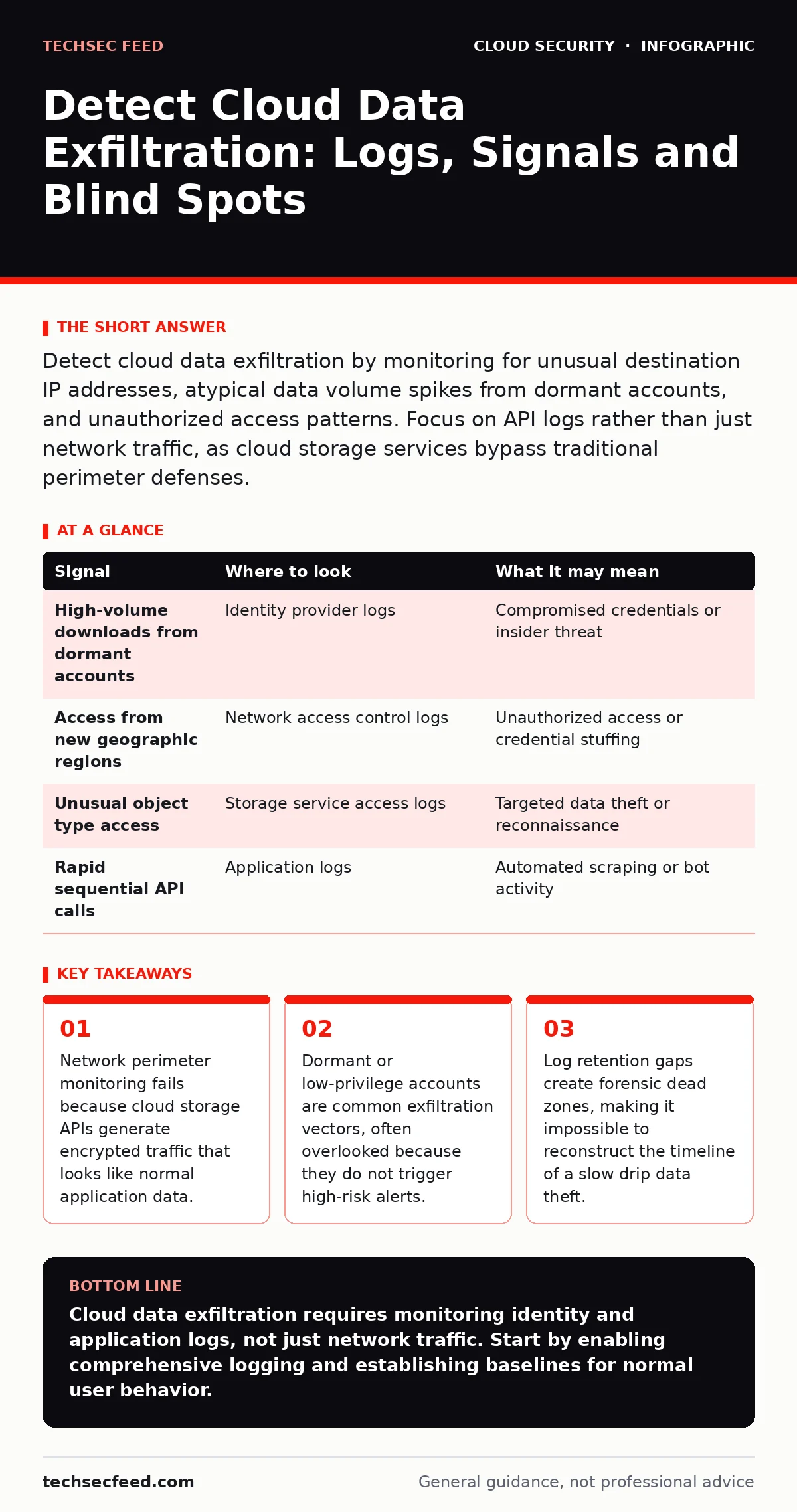
Detect cloud data exfiltration by monitoring for unusual destination IP addresses, atypical data volume spikes from dormant accounts, and unauthorized access patterns. Focus on API logs rather than just network traffic, as cloud storage services bypass traditional perimeter defenses.
Why Traditional Perimeter Defenses Fail
Traditional network security tools inspect traffic at the edge of the infrastructure. Cloud data exfiltration bypasses these controls because the data never leaves the cloud provider's internal network. When a user downloads a file from a cloud storage bucket, the traffic stays within the provider's ecosystem. Your firewall sees only an encrypted TLS connection to a cloud endpoint. It cannot see the content, the file name, or the user identity performing the download. This architectural shift means you must move your detection logic from the network layer to the application and identity layers. You are no longer watching pipes; you are watching permissions and actions.
Identity and Access Anomalies
Compromised credentials are the primary entry point for data theft. Attackers often take over legitimate user accounts to blend in with normal activity. You can detect this by looking for impossible travel, where a user logs in from two geographically distant locations within a short timeframe. Another signal is the use of an account that has been dormant for months. A sudden burst of activity from a stale account is a strong indicator of compromise. Check for privilege escalation attempts, where a user tries to assign themselves higher access rights or modify security policies. These actions rarely happen in routine operations and stand out in identity logs.
Storage Object Access Patterns
Cloud storage services like object storage buckets generate detailed access logs. You need to analyze these logs for deviations from baseline behavior. A single user downloading a large number of objects in a short period is suspicious. Even more telling is the access pattern itself. If an account typically reads configuration files but suddenly starts downloading database backups, that is a red flag.
Look for access from new IP addresses or user agents. Attackers often use automated scripts to scrape data, which results in high-frequency, low-latency requests. These patterns differ significantly from human browsing behavior. Monitoring for these semantic changes is more effective than counting total bytes transferred.
| Signal | Where to look | What it may mean |
|---|---|---|
| High-volume downloads from dormant accounts | Identity provider logs | Compromised credentials or insider threat |
| Access from new geographic regions | Network access control logs | Unauthorized access or credential stuffing |
| Unusual object type access | Storage service access logs | Targeted data theft or reconnaissance |
| Rapid sequential API calls | Application logs | Automated scraping or bot activity |
Network Egress and Shadow Infrastructure
Even within the cloud, data must exit the virtual network to reach an external attacker. You can monitor egress traffic for connections to unknown IP addresses. Look for connections to IP ranges that are not part of your approved vendor list. Attackers often use cloud compute instances to stage data before exfiltration. These instances may have been created recently and have minimal logging enabled. Check for new virtual private clouds or subnets that were created without approval. These shadow infrastructure elements are often used to bypass security controls. Detecting them requires correlating compute creation events with network traffic patterns.
Log Retention and Visibility Gaps
You cannot detect what you do not log. Many organizations suffer from cloud logging gaps where critical actions are not recorded or are deleted quickly. Ensure that logging is enabled for all cloud services, including storage, compute, and identity. Set log retention periods that exceed your incident response timeline. If logs are deleted after 30 days, you lose the ability to investigate incidents that occur later. Use a centralized log management system to aggregate data from multiple cloud accounts. This prevents attackers from disabling logging in a single account to hide their tracks. Regularly audit your logging configuration to ensure it remains active and comprehensive.
See also: Cloud Disaster Recovery: How to Restore Services Without Downtime · Detect Overprivileged Cloud Identities Through Log Analysis
Common Blind Spots in Detection
One major blind spot is the assumption that internal traffic is safe. Lateral movement within the cloud environment often goes undetected because security tools focus on north-south traffic. Attackers move laterally between accounts and regions to access sensitive data. Another blind spot is the reliance on volume-based alerts. Slow drip exfiltration involves small amounts of data sent over long periods, avoiding volume thresholds. This method is designed to evade detection by mimicking normal background traffic. You must analyze the frequency and timing of data transfers, not just the total size. Ignoring these patterns allows persistent threats to operate undetected for months.
Integrating Detection with Existing Frameworks
Effective detection requires integrating cloud security with broader security practices. Consider how overprivileged cloud identities increase the risk of data exposure. Reducing unnecessary permissions limits the blast radius of a compromised account. Implement just-in-time access to ensure users only have permissions when needed.
This reduces the window of opportunity for attackers. Align your cloud security strategy with shift-left security principles by embedding detection rules into your deployment pipelines. This ensures that new resources are monitored from the moment they are created. Refer to our guide on serverless security risks for specific challenges in function-based architectures.
Building a Baseline for Normal Behavior
You cannot detect anomalies without a definition of normal. Establish a baseline for each user and service. Document typical access patterns, data volumes, and geographic locations. Update this baseline regularly to account for changes in business operations. Use machine learning tools to automate the detection of deviations from this baseline.
These tools can handle the volume of data generated by cloud environments and identify subtle patterns that human analysts might miss. Regularly test your detection rules with simulated attacks to ensure they remain effective. This continuous improvement process is key to staying ahead of evolving threats. See our section on cloud logging gaps for more on maintaining visibility.
Key takeaways
- Network perimeter monitoring fails because cloud storage APIs generate encrypted traffic that looks like normal application data.
- Dormant or low-privilege accounts are common exfiltration vectors, often overlooked because they do not trigger high-risk alerts.
- Log retention gaps create forensic dead zones, making it impossible to reconstruct the timeline of a slow drip data theft.
Cloud data exfiltration requires monitoring identity and application logs, not just network traffic. Start by enabling comprehensive logging and establishing baselines for normal user behavior.
Frequently asked questions
How do I distinguish between legitimate data migration and exfiltration?
Legitimate migrations are usually scheduled, involve known destination IPs, and are performed by service accounts with documented permissions. Exfiltration often involves unknown destinations, ad-hoc timing, and compromised user accounts.
Can encryption prevent data exfiltration?
Encryption protects data from being read by unauthorized parties during transit or at rest. It does not prevent an authorized user or compromised account from downloading and decrypting the data.
What is the role of user behavior analytics in detection?
User behavior analytics establish a baseline for normal activity and flag deviations. This helps identify compromised accounts and insider threats that traditional rule-based systems might miss.
How often should I review my cloud security logs?
Review logs in real-time for critical alerts. Perform detailed forensic analysis during incident response. Regularly audit log configurations to ensure they remain active and comprehensive.
How this guide was produced: written by the TechSec Feed editorial team with AI assistance, checked against the public references listed below, and reviewed when the facts change. See our editorial policy or report an error.