
Cloud Disaster Recovery: How to Restore Services Without Downtime
Most organizations fail because they recover data but forget the network routes and identity permissions that make that data usable.
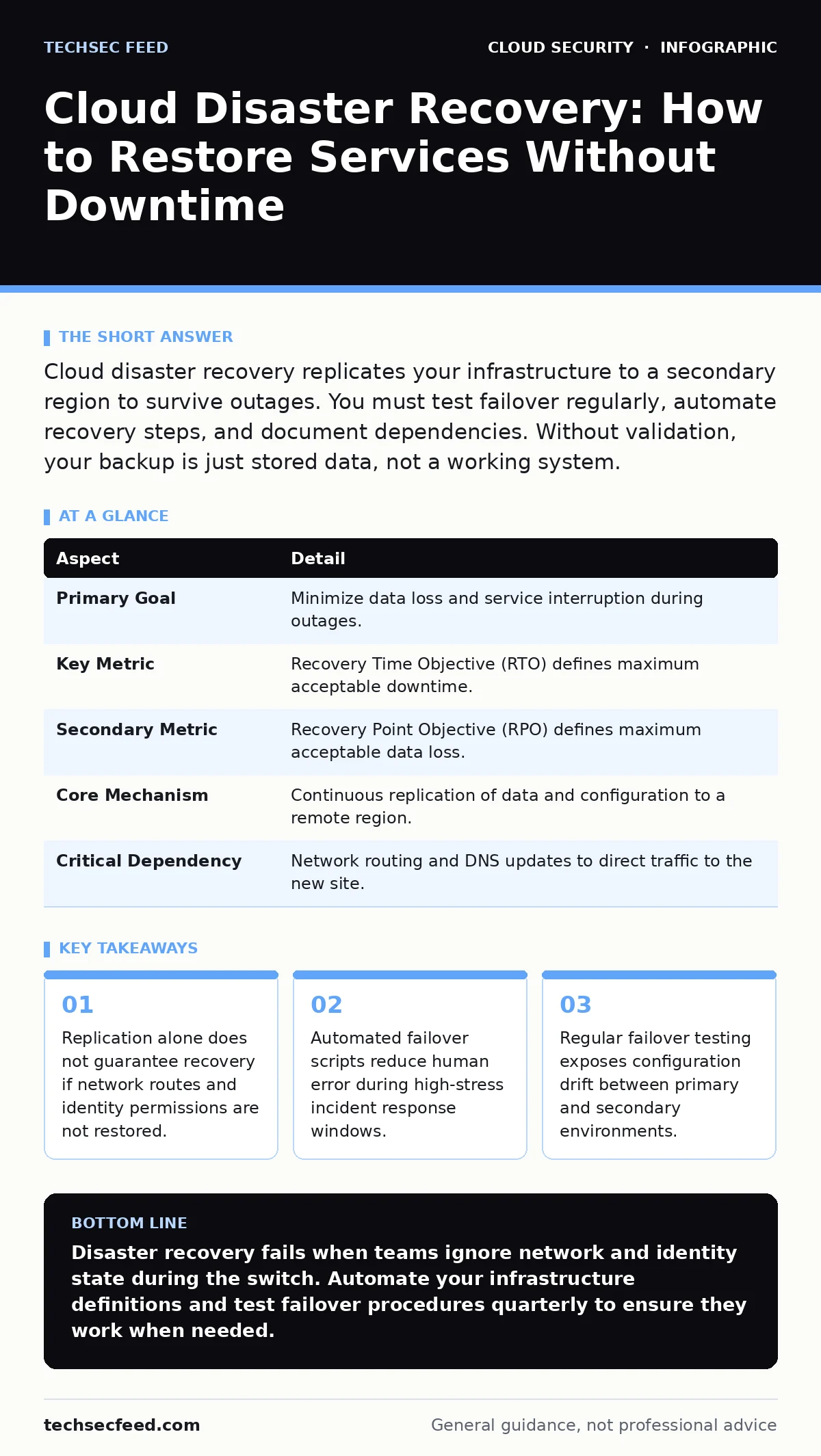
Cloud disaster recovery replicates your infrastructure to a secondary region to survive outages. You must test failover regularly, automate recovery steps, and document dependencies. Without validation, your backup is just stored data, not a working system.
Understanding Cloud Disaster Recovery Mechanics
Imagine a library that instantly copies every book to a second building across the city. If the first building burns down, readers can still check out books from the second location. Cloud disaster recovery works similarly by duplicating data and compute resources to a separate geographic area. This process ensures business continuity when primary infrastructure fails.
The mechanism relies on continuous replication. Changes made in the primary environment sync to the secondary site in near real-time. When a failure occurs, traffic shifts to the secondary environment. The secondary site takes over processing requests while the primary site remains offline or undergoes repair.
| Aspect | Detail |
|---|---|
| Primary Goal | Minimize data loss and service interruption during outages. |
| Key Metric | Recovery Time Objective (RTO) defines maximum acceptable downtime. |
| Secondary Metric | Recovery Point Objective (RPO) defines maximum acceptable data loss. |
| Core Mechanism | Continuous replication of data and configuration to a remote region. |
| Critical Dependency | Network routing and DNS updates to direct traffic to the new site. |
How Replication and Failover Operate
Replication is the foundation of any recovery strategy. You configure your cloud provider to copy block storage, object storage, and database states to a different availability zone or region. This creates a shadow environment that mirrors your production setup. The shadow environment remains idle or runs in passive mode until needed.
Failover is the active switch. When the primary site becomes unreachable, you trigger a promotion. The secondary site assumes the primary role. This involves updating DNS records to point users to new IP addresses. It also requires scaling up compute instances that were previously dormant. The speed of this switch determines your actual downtime.
What People Usually Get Wrong
Many teams focus exclusively on data backups. They assume that restoring files is sufficient for recovery. This is a fundamental error. Data is useless without the applications that read it and the network paths that deliver it. A database restore fails if the application servers cannot connect to it due to missing security group rules or broken virtual private cloud peering.
Another common mistake is ignoring identity and access management. When you spin up new instances in a secondary region, they need permissions. If your recovery script does not recreate the necessary roles and policies, the recovered services will have no authority to function. This leads to a scenario where the infrastructure is alive, but the applications return access denied errors.
Configuration drift also undermines recovery. Over time, the primary environment changes. Patches are applied, configurations are tweaked, and dependencies shift. If the secondary environment is not updated in lockstep, it becomes an outdated snapshot. Restoring from an outdated snapshot can cause application crashes or compatibility issues.
The Hidden Cost of Identity and Network State
Restoring the state of your system is more complex than copying bytes. You must replicate the logical connections between services. In a microservices architecture, Service A might depend on an API gateway that depends on a specific load balancer configuration. If the load balancer health checks are not replicated correctly, traffic will never reach the backend services.
Imagine a scenario where your e-commerce platform fails over to a secondary region. The database restores successfully. The web servers launch. However, the SSL certificates are not automatically propagated to the new load balancers. Browsers refuse to connect due to security warnings. The site is technically up, but effectively down for all users. This highlights the need to include certificate management and secret rotation in your recovery runbooks.
You must also consider data residency requirements. Some regulations require data to stay within specific geographic boundaries. If your disaster recovery region falls outside these boundaries, you may face compliance violations. This constraint limits your choice of secondary regions and may increase latency for users in the affected area.
Automating the Recovery Process
Manual recovery is prone to error and slow. Under pressure, operators miss steps. Automation ensures consistency and speed. You use infrastructure as code to define your entire environment. This includes servers, databases, network configurations, and security policies. When failure occurs, you execute a script that provisions the secondary environment from this code.
Infrastructure as code treats your infrastructure like software. You version control the definitions. You test the deployments in non-production environments. This approach eliminates configuration drift because the secondary environment is always built from the same source as the primary. It also allows you to validate your recovery plan without disrupting live services.
See also: Cloud Logging Gaps: 7 Configuration Mistakes That Hide Attacks · What Is Data Residency: How Location Rules Protect Your Cloud
Integrating with Broader Security Practices
Disaster recovery does not exist in isolation. It intersects with other security domains. For example, overprivileged cloud identities can exploit a recovered environment if permissions are not scoped correctly. If your recovery process grants broad administrative access to temporary resources, attackers may pivot from the secondary site to other parts of your network.
You must also consider cloud logging gaps. During a failover, logging pipelines may break. If you lose visibility into the secondary environment, you cannot detect anomalies or security incidents. Ensure your logging agents are part of the infrastructure as code definitions. This guarantees that monitoring starts immediately upon recovery.
Serverless security risks also apply to recovery. If you use serverless functions for your application, these functions must be replicated and configured with the same least-privilege policies. A failure in the serverless provider’s region requires a different recovery strategy than traditional virtual machines. Your plan must account for these architectural differences.
Validating Your Recovery Plan
A recovery plan is only as good as its last test. You must conduct regular failover drills. These drills simulate real failures. You shut down the primary environment and force traffic to the secondary site. You measure the time it takes to restore services. You verify that data integrity is maintained.
These tests reveal hidden dependencies. You might discover that a third-party API endpoint is hardcoded to the primary region’s IP address. You might find that a backup job fails when the primary database is not accessible. Identifying these issues in a controlled test prevents them from causing extended outages during a real incident.
What To Do About It Now
Start by mapping your critical dependencies. Identify which services are essential for business operations. Determine the acceptable downtime and data loss for each service. This defines your Recovery Time Objective and Recovery Point Objective. Use these metrics to design your replication strategy.
Next, automate your infrastructure. Move away from manual configuration. Use infrastructure as code to define your environment. Ensure that your code includes all necessary security policies, network routes, and identity permissions. Test this code in a non-production environment to verify it works.
Finally, schedule regular failover tests. Do not rely on annual audits. Conduct quarterly drills. Involve operations, security, and development teams. Document the results. Update your runbooks based on findings. This continuous improvement cycle ensures your disaster recovery plan remains effective as your environment evolves.
Key takeaways
- Replication alone does not guarantee recovery if network routes and identity permissions are not restored.
- Automated failover scripts reduce human error during high-stress incident response windows.
- Regular failover testing exposes configuration drift between primary and secondary environments.
Disaster recovery fails when teams ignore network and identity state during the switch. Automate your infrastructure definitions and test failover procedures quarterly to ensure they work when needed.
Frequently asked questions
How often should I test my cloud disaster recovery plan?
Test at least quarterly. More frequent testing is recommended for critical systems. Regular drills expose configuration drift and broken dependencies before a real incident occurs.
Does cloud disaster recovery protect against ransomware?
It can, if your backups are immutable and isolated. Ransomware may encrypt replicated data if it has write access to the secondary region. Use air-gapped backups for ransomware protection.
What is the difference between RTO and RPO?
RTO is how long you can be down. RPO is how much data you can afford to lose. A low RTO requires fast failover. A low RPO requires frequent replication.
Can I use the same cloud provider for disaster recovery?
Yes, but use a different geographic region. Using a different provider adds complexity but reduces risk if the entire provider experiences a global outage.
How this guide was produced: written by the TechSec Feed editorial team with AI assistance, checked against the public references listed below, and reviewed when the facts change. See our editorial policy or report an error.