
Cloud Disaster Recovery for Small Businesses: Low-Cost Resilience
Small firms often waste budget on idle standby servers while ignoring the silent cost of manual configuration drift that destroys recovery speed.
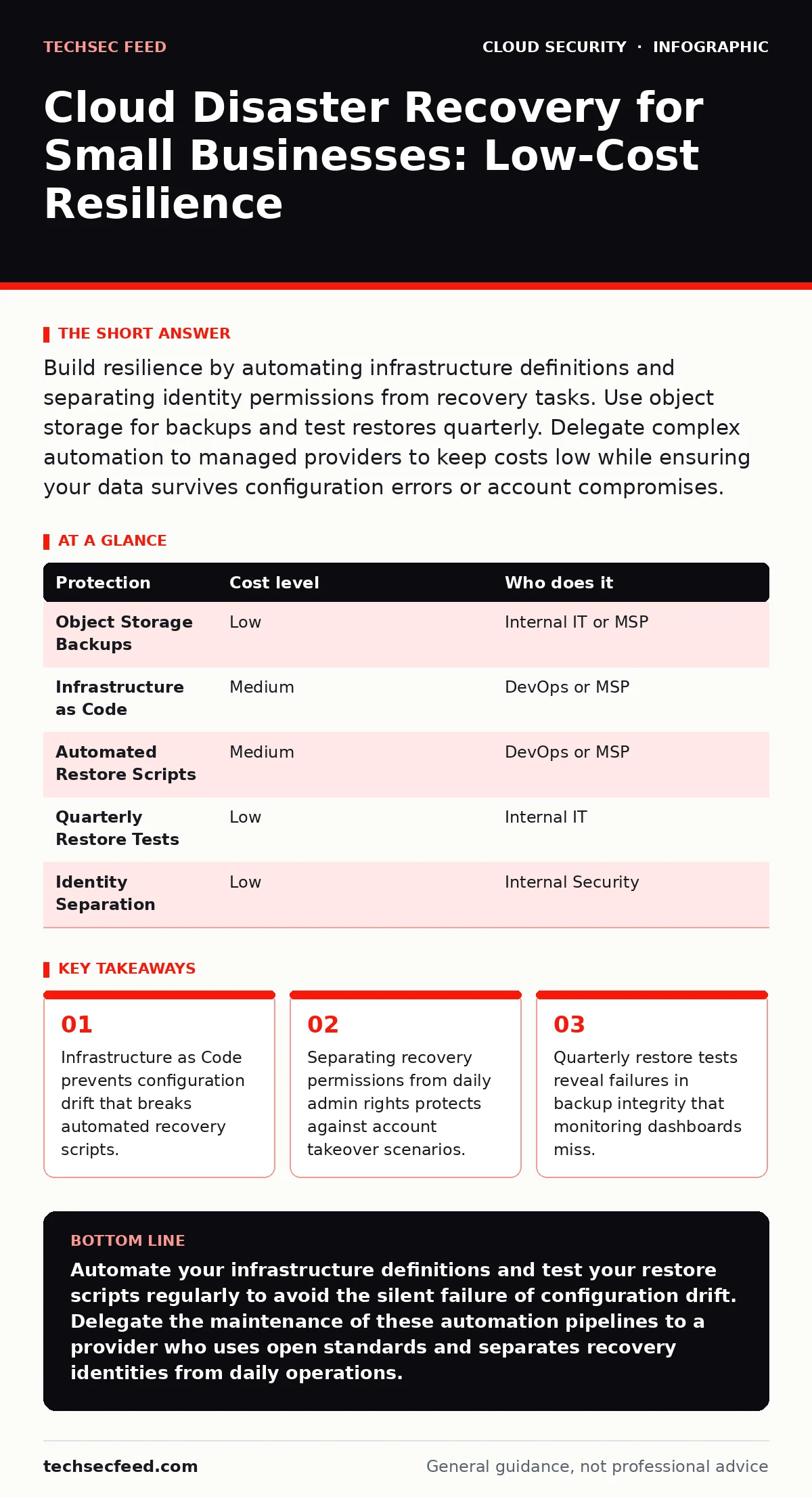
Build resilience by automating infrastructure definitions and separating identity permissions from recovery tasks. Use object storage for backups and test restores quarterly. Delegate complex automation to managed providers to keep costs low while ensuring your data survives configuration errors or account compromises.
The Illusion of Cloud Resilience
Cloud providers promise high availability, but that promise applies to their infrastructure, not your configuration. When your application logic or database schema contains an error, the cloud platform will happily replicate that error across all regions. You are responsible for the state of your data and the correctness of your deployment scripts.
Many small organizations assume that enabling a backup toggle provides disaster recovery. It does not. Backups are a snapshot of data. Disaster recovery is the process of restoring operations using that data. Without a defined procedure for restoration, a backup is merely a graveyard for old files.
The Hidden Cost of Configuration Drift
Configuration drift occurs when the live environment diverges from the documented or intended state. This happens when engineers make manual changes to servers to fix urgent issues. These changes are rarely documented. When disaster strikes, the recovery team attempts to restore the system to its last known good state, which no longer matches the live requirements.
This mismatch causes applications to fail immediately after restoration. You waste hours debugging why the restored system does not work, rather than focusing on getting users back online. The cost here is not financial; it is time. Every minute spent debugging a broken restore is a minute your business is offline.
To prevent this, you must treat your infrastructure as code. This means defining servers, networks, and security groups in text files that can be version-controlled. When you deploy, you run a script that builds the environment from scratch. If the environment is destroyed, you rebuild it identically by running the same script. This eliminates the guesswork from recovery.
Separating Identity from Operation
A common failure mode in small teams is the overprivileged cloud identity. Administrators often use their primary accounts to perform daily tasks and emergency recoveries. If an attacker compromises that account, they gain the ability to delete backups or block recovery processes.
You must separate duties. Create a dedicated service account for backup operations. This account should have write access to storage buckets but no access to production databases or user management. Create a separate account for recovery execution. This account needs permissions to spin up resources and restore data, but it should remain inactive until a disaster occurs.
This separation limits the blast radius of a credential leak. If the daily admin account is compromised, the attacker cannot easily destroy the backup infrastructure or trigger a malicious restore. For more on managing these permissions, see our guide on cloud entitlements.
Affordable Storage Strategies
You do not need expensive, high-performance storage for every backup tier. Object storage provides a cost-effective solution for long-term retention. These systems are designed for durability and low cost, making them ideal for storing database dumps and file archives.
Use lifecycle policies to move older backups to colder storage tiers automatically. Cold storage is cheaper but takes longer to retrieve. This trade-off is acceptable for disaster recovery, where speed is secondary to availability. Ensure your retention policy complies with legal requirements, but avoid keeping more data than necessary. Storing excessive data increases your exposure to denial-of-wallet attacks, where attackers encrypt or delete large volumes of data to incur massive deletion or egress fees.
Automating the Restore Process
A backup is useless if you cannot verify it restores correctly. Manual restoration processes are prone to human error. Typing commands into a terminal under pressure leads to mistakes. Automating the restore process ensures consistency and speed.
Write scripts that pull the latest backup from object storage and configure the necessary compute resources. Test these scripts in a isolated environment. This environment should mirror production but use minimal resources to keep costs low. Run the test monthly. If the script fails, you have discovered the flaw before a real incident.
Automation also helps with serverless security risks. In serverless architectures, state is often externalized. Your recovery plan must account for restoring event queues and state stores, not just code. If your recovery script ignores these dependencies, your application will start but fail to process user requests.
See also: Detect Cloud Data Exfiltration: Logs, Signals and Blind Spots · How Hybrid Cloud Security Works: Mechanisms and Limits
What to Delegate to Providers
Small teams lack the bandwidth to maintain complex automation pipelines. You do not need to build everything from scratch. Managed service providers offer disaster recovery as a service. They handle the infrastructure automation and monitoring, allowing you to focus on your business logic.
When evaluating providers, look for transparency in their recovery time objectives. Ask how they handle configuration updates. Do they re-image servers, or do they patch existing ones? The former is safer for security but slower for updates. The latter is faster but carries higher drift risk.
Avoid providers who lock you into proprietary tools. Your recovery assets should be portable. If you switch providers, you should be able to take your backups and configuration scripts with you. This prevents vendor lock-in from becoming a single point of failure.
Validation and Continuous Improvement
Disaster recovery is not a one-time project. It is a continuous process. As your application evolves, your recovery procedures must evolve with it. A restore script that worked last year may fail today if you added a new database dependency.
Integrate recovery testing into your deployment pipeline. Every time you deploy a significant change, run a smoke test of the recovery process. This ensures that new code does not break the ability to restore the system. It shifts security left, catching issues before they become critical.
For deeper technical guidance on protecting the applications themselves, review our notes on cloud-native application protection platforms (CNAPP). These tools help identify misconfigurations in real-time, reducing the likelihood of a configuration error requiring a full disaster recovery.
| Protection | Cost level | Who does it |
|---|---|---|
| Object Storage Backups | Low | Internal IT or MSP |
| Infrastructure as Code | Medium | DevOps or MSP |
| Automated Restore Scripts | Medium | DevOps or MSP |
| Quarterly Restore Tests | Low | Internal IT |
| Identity Separation | Low | Internal Security |
Questions for Your Provider
Before signing a contract with a managed service provider, ask these specific questions to ensure their capabilities match your needs:
- How do you handle configuration drift in restored environments?
- Can you demonstrate a full restore of a database larger than 100GB?
- What is the process for updating recovery scripts when our application changes?
- Do you provide logs of all backup and restore operations for audit purposes?
- How do you isolate recovery credentials from daily operational accounts?
Key takeaways
- Infrastructure as Code prevents configuration drift that breaks automated recovery scripts.
- Separating recovery permissions from daily admin rights protects against account takeover scenarios.
- Quarterly restore tests reveal failures in backup integrity that monitoring dashboards miss.
Automate your infrastructure definitions and test your restore scripts regularly to avoid the silent failure of configuration drift. Delegate the maintenance of these automation pipelines to a provider who uses open standards and separates recovery identities from daily operations.
Frequently asked questions
How often should we test our disaster recovery plan?
Test at least quarterly. More frequent testing is better if your application changes rapidly. The goal is to ensure the restore process works, not just that backups are created.
Do we need a separate region for disaster recovery?
Not necessarily. For small businesses, restoring in the same region is often sufficient and cheaper. Separate regions add complexity and cost, which may not be justified for limited budgets.
What is the biggest mistake small businesses make?
Assuming that backups equal recovery. Without tested automation and clear procedures, backups are just data that cannot be easily restored to a working state.
How do we protect against ransomware in the cloud?
Use immutable backups that cannot be deleted or modified for a set period. Separate the credentials that manage backups from those that manage the production environment.
How this guide was produced: written by the TechSec Feed editorial team with AI assistance, checked against the public references listed below, and reviewed when the facts change. See our editorial policy or report an error.