
How Tracker Blockers Work and What They Hide
Blocking trackers breaks the invisible web of data sharing, but it also breaks legitimate site features and hides your identity from services that rely on it.
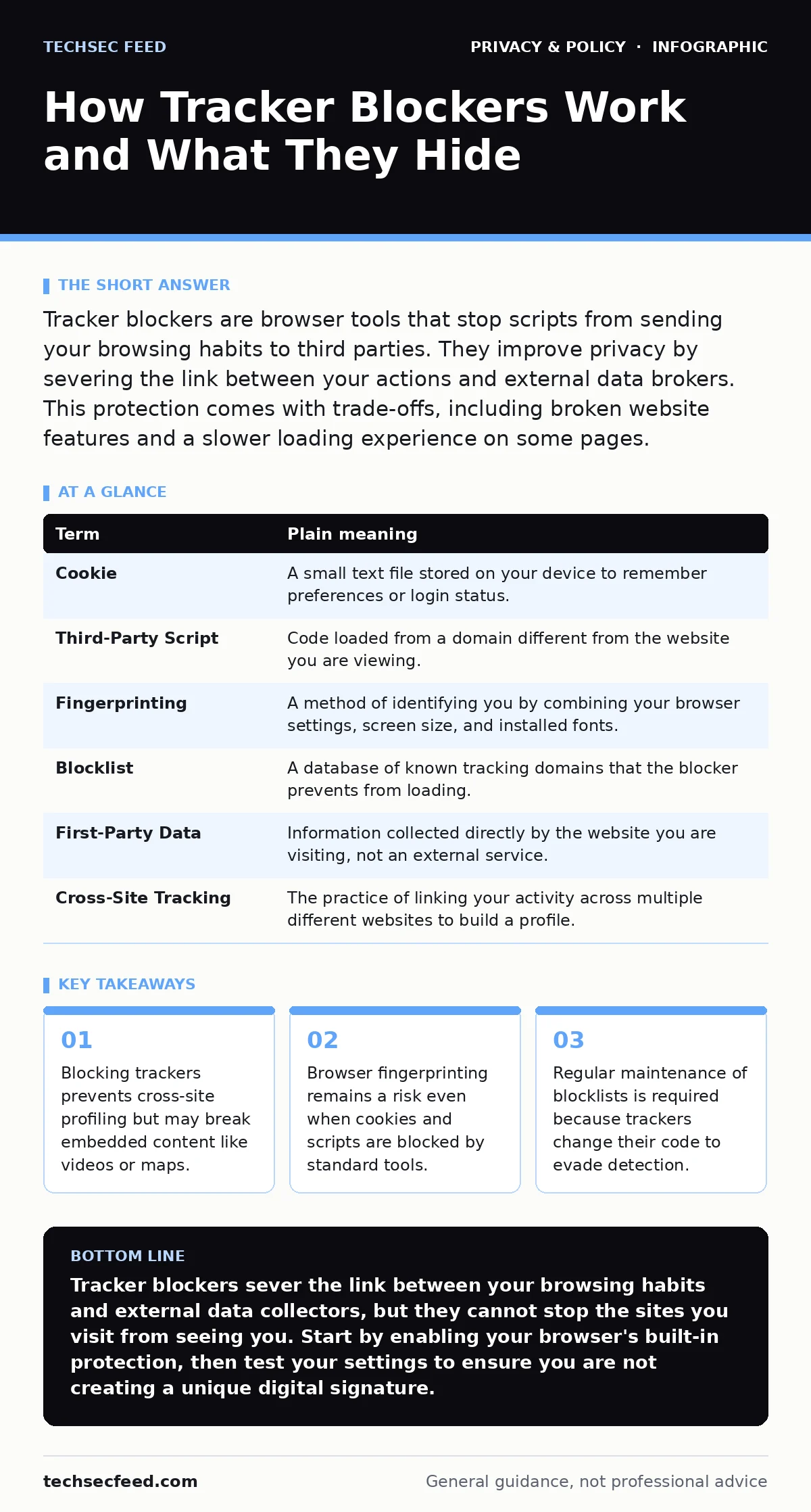
Tracker blockers are browser tools that stop scripts from sending your browsing habits to third parties. They improve privacy by severing the link between your actions and external data brokers. This protection comes with trade-offs, including broken website features and a slower loading experience on some pages.
The Library Card Analogy
Imagine you visit a public library. You check out books, sit at tables, and talk to librarians. Normally, the library records every book you touch and every table you occupy. They sell this history to a marketing firm that builds a profile of your interests. A tracker blocker acts like a policy that allows you to read the books but forbids the library from recording which ones you picked. You still access the content, but the external observer gets no data about your choices.
This analogy holds because the library is the website you visit, and the marketing firm is the third-party tracker. The books are the content you consume. The record-keeping is the data collection. When you block the recording, you protect your privacy, but the library may still notice you are there. They just do not know what you are doing there.
Core Terminology
Understanding how these tools work requires knowing the specific mechanisms involved. These terms describe the methods trackers use to follow you and the methods blockers use to stop them.
| Term | Plain meaning |
|---|---|
| Cookie | A small text file stored on your device to remember preferences or login status. |
| Third-Party Script | Code loaded from a domain different from the website you are viewing. |
| Fingerprinting | A method of identifying you by combining your browser settings, screen size, and installed fonts. |
| Blocklist | A database of known tracking domains that the blocker prevents from loading. |
| First-Party Data | Information collected directly by the website you are visiting, not an external service. |
| Cross-Site Tracking | The practice of linking your activity across multiple different websites to build a profile. |
The Mechanism of Interception
When you load a webpage, your browser requests files from many sources. A tracker blocker sits between your browser and the internet. It checks every request against its blocklist. If a request matches a known tracker, the blocker intercepts it and stops the connection before any data is sent. This happens in milliseconds, often before you see the page load.
This interception is effective against known entities. It stops the specific scripts that advertisers and data brokers use to monitor your clicks. However, it does not stop the website owner from seeing your activity. The website you visit directly can still log your IP address and the pages you view. This is first-party data, which is distinct from the third-party data that blockers primarily target.
The Hidden Cost of Anonymity
Blocking trackers has consequences that go beyond privacy. Many websites rely on third-party scripts to function correctly. Maps, video players, and comment sections often load from external servers. If your blocker is too aggressive, it may mistake these functional scripts for trackers. The result is a broken page where videos do not play or maps do not render.
This is the trade-off of privacy. You gain control over your data but lose convenience. You must decide which features are worth the data cost. Some blockers allow you to whitelist specific domains. This lets you trust certain services while blocking others. Without this nuance, you may find yourself unable to use essential web features.
Beyond Cookies and Scripts
Cookies are the most visible form of tracking, but they are not the only method. Fingerprinting is a more persistent threat. It does not require storing data on your device. Instead, it analyzes the combination of your browser version, operating system, language settings, and hardware capabilities. This combination is often unique to you.
Standard tracker blockers do not stop fingerprinting. They stop the scripts that send the data, but if the website captures your fingerprint directly, the blocker may not catch it. This is why privacy is not just about blocking requests. It is about reducing the uniqueness of your digital signature. Using common browser settings helps blend you in with the crowd.
See also: What Is Biometric Data Used For: Identity, Access, and Hidden Risks · Zero Knowledge Encryption Cloud Storage: How It Works and What You Lose
Practical Implementation
You do not need complex tools to start. Most modern browsers have built-in tracking protection. These are often less powerful than dedicated extensions but require no configuration. For stronger protection, you can install a dedicated blocker. These tools use community-maintained blocklists that update frequently.
The choice of tool depends on your threat model. If you are concerned about advertising, a standard blocker suffices. If you are concerned about government surveillance or corporate espionage, you need more than a blocker. You may need to consider privacy audits to understand your full exposure.
Try This Now
- Check your browser settings. Look for a "Privacy" or "Security" section. Enable "Block third-party cookies" or "Enhanced Tracking Protection." This is the baseline defense that requires no extra software.
- Install a reputable blocker. Choose a well-known extension that uses open-source blocklists. Avoid obscure tools that promise total invisibility, as these often have hidden vulnerabilities.
- Test your protection. Visit a privacy testing site to see if your blockers are working. Check if your fingerprint is unique. Adjust your settings if the test shows you are easily identifiable.
Maintaining Your Privacy Posture
Privacy is not a one-time setup. It is a continuous process. Trackers evolve, and so must your defenses. Check your blocker settings periodically. Review which sites you have whitelisted. Remove permissions for services you no longer use.
Consider the broader context of your digital life. If you are concerned about how your data is used, you might explore data subject access requests to see what companies hold on you. You might also look into file metadata to ensure your documents do not contain hidden location data. These steps complement the protection offered by tracker blockers.
Key takeaways
- Blocking trackers prevents cross-site profiling but may break embedded content like videos or maps.
- Browser fingerprinting remains a risk even when cookies and scripts are blocked by standard tools.
- Regular maintenance of blocklists is required because trackers change their code to evade detection.
Tracker blockers sever the link between your browsing habits and external data collectors, but they cannot stop the sites you visit from seeing you. Start by enabling your browser's built-in protection, then test your settings to ensure you are not creating a unique digital signature.
Frequently asked questions
Do tracker blockers make my internet slower?
They can. Blocking requests reduces the amount of data your browser downloads, which usually speeds up page loads. However, if the blocker breaks site functionality, you may spend more time troubleshooting, which feels slower.
Can websites tell if I am using a blocker?
Yes. Websites can detect if a known tracking script failed to load. They may display a message asking you to disable the blocker. This is common on news sites and streaming services.
Is blocking trackers enough for total privacy?
No. Blockers only stop specific scripts and cookies. They do not hide your IP address, stop fingerprinting, or prevent the website owner from logging your activity. You need additional measures for deeper privacy.
Should I use a different browser for privacy?
A privacy-focused browser can help, but it is not a silver bullet. The browser is just one layer. Your settings, extensions, and behavior matter more. Even a private browser can leak data if configured poorly.
How this guide was produced: written by the TechSec Feed editorial team with AI assistance, checked against the public references listed below, and reviewed when the facts change. See our editorial policy or report an error.