
Encryption at Rest: The Hidden Gaps in Data Protection
Encrypting data at rest protects against physical theft but often fails to stop attackers who already have system access or compromised keys.
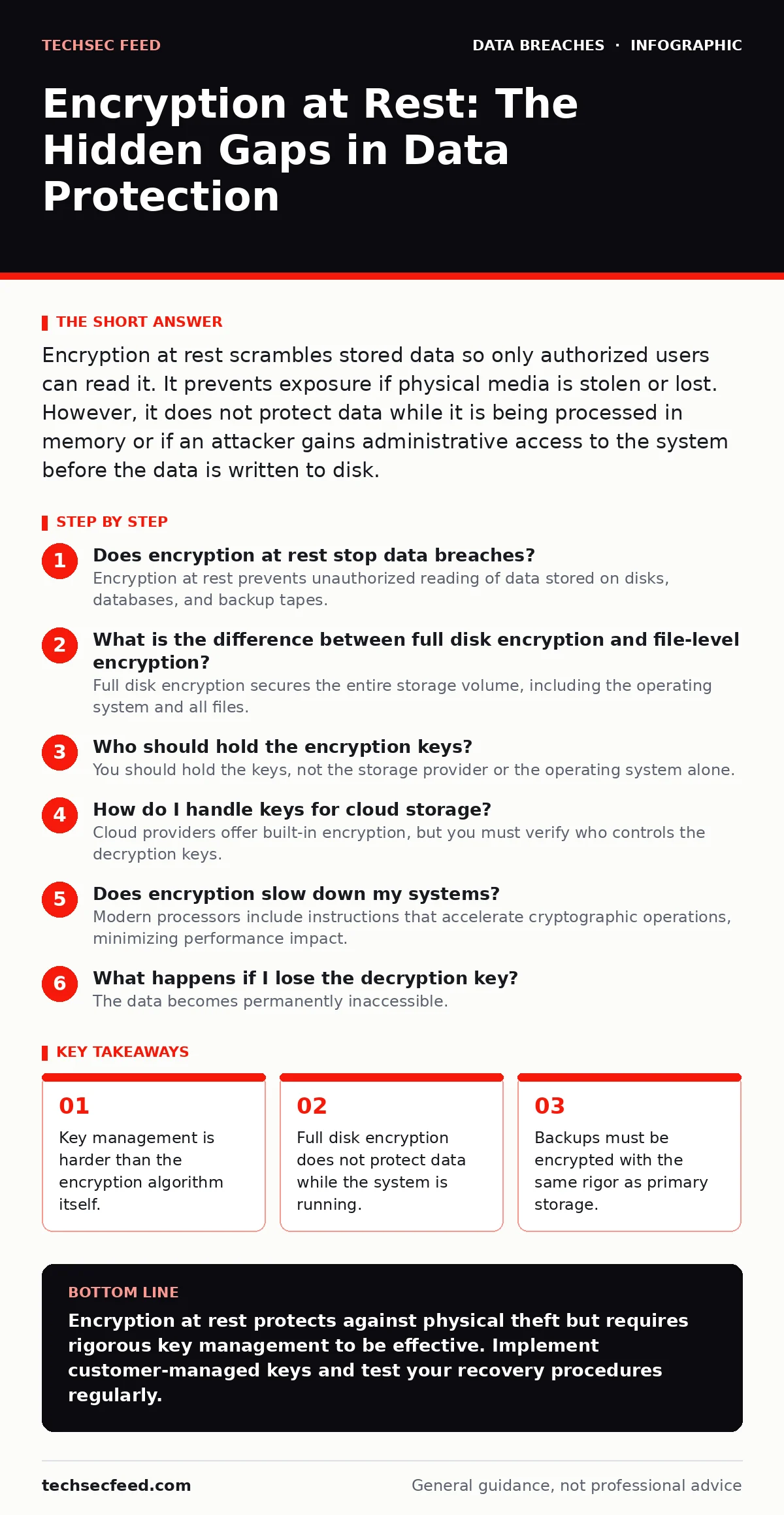
Encryption at rest scrambles stored data so only authorized users can read it. It prevents exposure if physical media is stolen or lost. However, it does not protect data while it is being processed in memory or if an attacker gains administrative access to the system before the data is written to disk.
Does encryption at rest stop data breaches?
Encryption at rest prevents unauthorized reading of data stored on disks, databases, and backup tapes. It turns readable information into ciphertext that requires a specific cryptographic key to decrypt. If an attacker steals a hard drive from a parked car, they see only random noise. However, this protection ends the moment the data is loaded into memory for processing. Once decrypted for use, the data is vulnerable to memory scraping or process injection attacks. This is why encryption at rest is a necessary layer, but not a complete shield. For more on how data moves between states, see our guide on encryption in transit.
What is the difference between full disk encryption and file-level encryption?
Full disk encryption secures the entire storage volume, including the operating system and all files. It is transparent to the user and protects against physical theft of the device. File-level encryption, also known as application-level encryption, secures individual files or database fields regardless of where they are stored. This allows you to move encrypted files between systems without exposing them. Full disk encryption fails if the operating system is compromised, as the attacker can read data as it is decrypted for use. File-level encryption keeps data encrypted until the specific application with the key processes it.
Who should hold the encryption keys?
You should hold the keys, not the storage provider or the operating system alone. If the service provider holds the keys, they can decrypt your data on demand, which creates a trust dependency. This is often called "managed keys" or "service-managed encryption." If you hold the keys, known as "customer-managed keys," you control access entirely. The trade-off is operational complexity. If you lose the keys, the data is permanently unrecoverable. There is no backdoor. You must implement a strict key rotation and backup policy. Losing access to the key vault is as catastrophic as losing the data itself.
How do I handle keys for cloud storage?
Cloud providers offer built-in encryption, but you must verify who controls the decryption keys. Many services encrypt data by default using keys they manage. This protects against physical theft of cloud infrastructure but not against account compromise. If an attacker gains access to your cloud account, they can request decryption. To mitigate this, use client-side encryption or bring your own key infrastructure. This ensures that even if the cloud provider’s systems are breached, the attacker cannot decrypt your data without your separate key. This approach adds latency and complexity to data retrieval.
Does encryption slow down my systems?
Modern processors include instructions that accelerate cryptographic operations, minimizing performance impact. The overhead is usually negligible for standard read and write operations. However, high-throughput databases or real-time processing systems may see latency increases. The bigger performance cost comes from key management operations, such as frequent key rotations or complex access policies. If you encrypt data at the file level, every read and write requires a decryption and encryption step. This adds CPU cycles. Ensure your infrastructure has enough headroom to handle this load during peak usage.
See also: API Key Security: How to Protect Secrets Without Leaking Access · AI Governance Framework: Structure, Controls, and Hidden Costs
What happens if I lose the decryption key?
The data becomes permanently inaccessible. There is no master password to reset it. Unlike a password, which can often be recovered or reset, a cryptographic key is a mathematical secret. If the backup of the key is lost or corrupted, the ciphertext is mathematically indistinguishable from random noise. No amount of computing power can reverse the encryption without the key. This is why key backup is a critical operational task. You must store key backups in a secure, separate location from the data itself. Regularly test restoration procedures to ensure the backups are valid.
Are encrypted backups secure enough?
Encrypted backups are only as secure as the primary data encryption. If you back up unencrypted data, you create a secondary attack surface. Attackers often target backups because they are less monitored and may lack the same access controls as primary systems. Ensure your backup solution encrypts data before it leaves the source system. Use the same key management strategy for backups as for live data. If you rotate keys, you must ensure old backups remain accessible or re-encrypt them. Storing backups in an unencrypted state is a common oversight that leads to data loss during ransomware incidents.
| Encryption Type | Protection Scope | Key Control | Performance Impact |
|---|---|---|---|
| Full Disk | Entire volume | OS or Vendor | Low |
| File-Level | Individual files | Application | Medium |
| Database | Specific columns | DB Admin | High |
| Client-Side | Before upload | User | High |
How do I encrypt data in memory?
Data in memory is rarely encrypted by default. Once data is decrypted for processing, it resides in RAM as plaintext. This is a major gap in security. Some systems offer memory encryption, which scrambles data in RAM to prevent side-channel attacks. However, this is complex and often reserved for high-security environments. For most systems, you must rely on strict access controls and process isolation to protect memory. Limit the duration data stays in memory. Clear sensitive data from memory immediately after use. This reduces the window of opportunity for attackers to scrape memory dumps.
What are the risks of key rotation?
Key rotation improves security by limiting the exposure window if a key is compromised. However, frequent rotation increases operational risk. If a key is rotated but old data is not re-encrypted, you must retain the old key. This leads to "key sprawl," where you manage multiple keys for the same dataset. If you lose an old key, you cannot access historical data. Plan rotation schedules carefully. Automate the re-encryption of data when possible. Ensure your application can handle multiple active keys during transition periods. Do not rotate keys so frequently that operational overhead outweighs the security benefit.
How does encryption interact with data retention policies?
Encryption complicates data deletion. When you delete a file, the data may remain on the disk until it is overwritten. With encryption, you can cryptographically erase data by deleting the key. This is faster than overwriting disks. However, you must ensure that no other data relies on that key. If you use the same key for multiple files, deleting the key makes all those files unreadable. Use unique keys for distinct data sets or employ hierarchical key structures. This allows you to revoke access to specific data without affecting other systems. This approach requires careful key management architecture.
Key takeaways
- Key management is harder than the encryption algorithm itself.
- Full disk encryption does not protect data while the system is running.
- Backups must be encrypted with the same rigor as primary storage.
Encryption at rest protects against physical theft but requires rigorous key management to be effective. Implement customer-managed keys and test your recovery procedures regularly.
Frequently asked questions
Can I use the same key for all my data?
No, using a single key creates a single point of failure. If that key is compromised, all your data is exposed. Use unique keys for different data sets or environments.
Does encryption protect against ransomware?
Encryption at rest does not stop ransomware from encrypting your files again. Ransomware often targets data while it is in use, bypassing at-rest encryption. You need strong access controls and immutable backups.
Is hardware-based encryption better than software?
Hardware encryption is faster and uses less CPU. However, it may be less flexible and harder to manage across different devices. Software encryption offers more control and portability.
How often should I change encryption keys?
Rotate keys annually or when personnel changes occur. More frequent rotation adds operational burden. Ensure you can re-encrypt old data or retain old keys securely.
How this guide was produced: written by the TechSec Feed editorial team with AI assistance, checked against the public references listed below, and reviewed when the facts change. See our editorial policy or report an error.