Public Wi-Fi finder apps expose your device to silent tracking
Public Wi-Fi finder apps map network locations by continuously broadcasting your physical coordinates and local hardware identifiers to third parties.
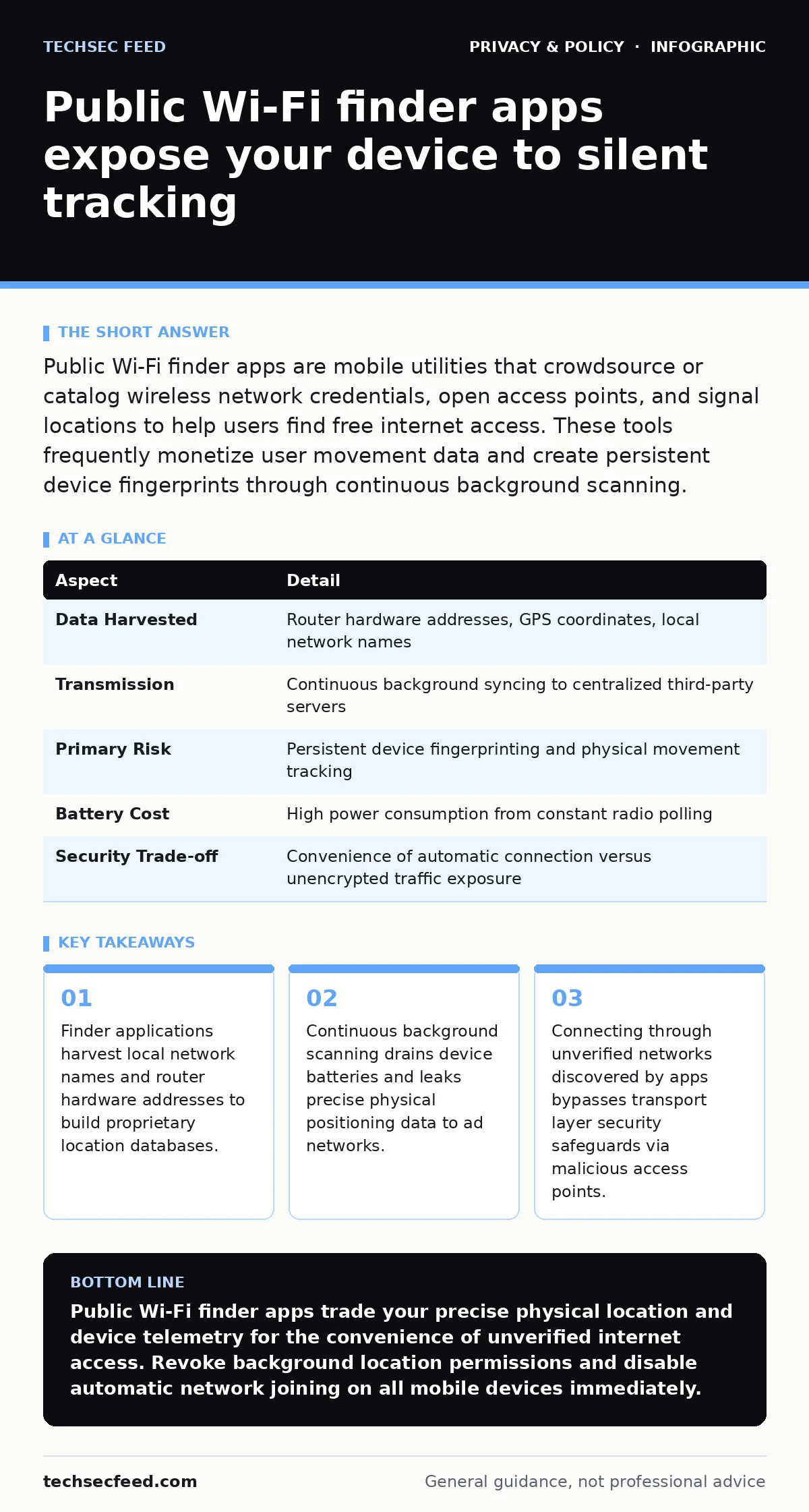
Public Wi-Fi finder apps are mobile utilities that crowdsource or catalog wireless network credentials, open access points, and signal locations to help users find free internet access. These tools frequently monetize user movement data and create persistent device fingerprints through continuous background scanning.
What public Wi-Fi finder apps actually do beneath the surface
Public Wi-Fi finder apps are software utilities designed to locate, test, and connect mobile devices to wireless access points without user intervention. These tools operate by maintaining large databases of geographic coordinates paired with router identifiers, often gathered through crowdsourcing from active device installations. When you open one of these utilities, software queries the database for nearby signals and displays a map of accessible hotspots. Behind this simple interface, the application constantly polls your local radio hardware to discover new access points and verify existing network passwords shared by other users.
How crowdsourced network mapping compromises your location privacy
Crowdsourced network mapping happens when millions of mobile devices act as passive sensors, reporting their exact GPS coordinates alongside the physical addresses of nearby routers. The application bundles this telemetry and transmits it to centralized servers owned by app operators, who then monetize the movement patterns of their user base. This constant background transmission occurs even when you are not actively searching for a connection, creating a continuous historical record of your daily physical routines. Protecting your movements requires careful management of device permissions, similar to how tracker blockers limit background telemetry in web browsers.
| Aspect | Detail |
|---|---|
| Data Harvested | Router hardware addresses, GPS coordinates, local network names |
| Transmission | Continuous background syncing to centralized third-party servers |
| Primary Risk | Persistent device fingerprinting and physical movement tracking |
| Battery Cost | High power consumption from constant radio polling |
| Security Trade-off | Convenience of automatic connection versus unencrypted traffic exposure |
Who bears the hidden costs of free wireless network access
Everyday consumers seeking to avoid cellular data charges bear the heaviest burden when using these discovery tools, trading their personal privacy for temporary internet access. Business travelers and remote workers also fall into this trap, inadvertently exposing corporate networks to rogue access points when applications auto-connect to unsecured hotspots in coffee shops or airports. Beyond consumer privacy, enterprise environments suffer when employee devices with active finder apps leak internal office router signatures, mapping corporate perimeters onto public databases without authorization.
Common forms of wireless discovery tools and their deceptive interfaces
Automatic connection utilities represent the most hazardous category of finder apps, operating silently in the background to force handshakes with every nearby open network. Map-based directory applications form another common variant, displaying ratings, speeds, and passwords for millions of global access points while silently harvesting your local hardware identifiers. Password-sharing ecosystems encourage users to upload private residential Wi-Fi credentials to public clouds in exchange for access elsewhere, creating a massive perimeter security vulnerability for home broadband subscribers.
How to reduce discovery risks and harden your wireless connection habits
Minimizing exposure to location harvesting requires revoking background location permissions for any application that does not strictly require spatial awareness to function. Disabling automatic network joining prevents your device from blindly probing for remembered service set identifiers and broadcasting your historical connection profile to the airwaves. When you must use untrusted connections, rely on virtual private network tunnels to encrypt your traffic, much like you would secure sensitive personal records using zero-knowledge encryption before storing them on a remote server.
See also: Right to be Forgotten Meaning: How Erasure Works in Practice · What Is Biometric Data Used For: Identity, Access, and Hidden Risks
What people usually get wrong about wireless finder safety
Many users assume that a network displaying a green status indicator in a finder app has been officially verified for safety by the software developer. In reality, status indicators merely reflect signal strength or historical connection success, offering zero validation regarding the trustworthiness of the network operator or the integrity of the local gateway. Another frequent misconception is that deleting the finder app instantly erases all previously harvested telemetry from third-party databases, ignoring the reality that historical movement records often persist indefinitely on remote servers.
Key takeaways
- Finder applications harvest local network names and router hardware addresses to build proprietary location databases.
- Continuous background scanning drains device batteries and leaks precise physical positioning data to ad networks.
- Connecting through unverified networks discovered by apps bypasses transport layer security safeguards via malicious access points.
Public Wi-Fi finder apps trade your precise physical location and device telemetry for the convenience of unverified internet access. Revoke background location permissions and disable automatic network joining on all mobile devices immediately.
Frequently asked questions
Do public Wi-Fi finder apps drain mobile device batteries faster?
Yes, these utilities continuously poll radio hardware and transmit GPS coordinates in the background, causing accelerated power consumption.
Can finder apps steal my home Wi-Fi password without permission?
They can only harvest your home password if the application was explicitly configured to share local network credentials with the public database.
Are password-protected public networks safe to use through finder apps?
Encryption protects the air interface from casual eavesdropping, but it does not guarantee that the network operator is trustworthy.
Does turning off Wi-Fi stop location tracking entirely?
Modern operating systems use Wi-Fi probe requests for location positioning even when the radio is disconnected from a network, requiring deep OS setting adjustments to disable completely.
How this guide was produced: written by the TechSec Feed editorial team with AI assistance, checked against the public references listed below, and reviewed when the facts change. See our editorial policy or report an error.