
Scheduled Task Abuse: How Attackers Hide Persistence and Execution
Attackers hijack legitimate Windows scheduling mechanisms to bypass application whitelisting and maintain access after reboots.
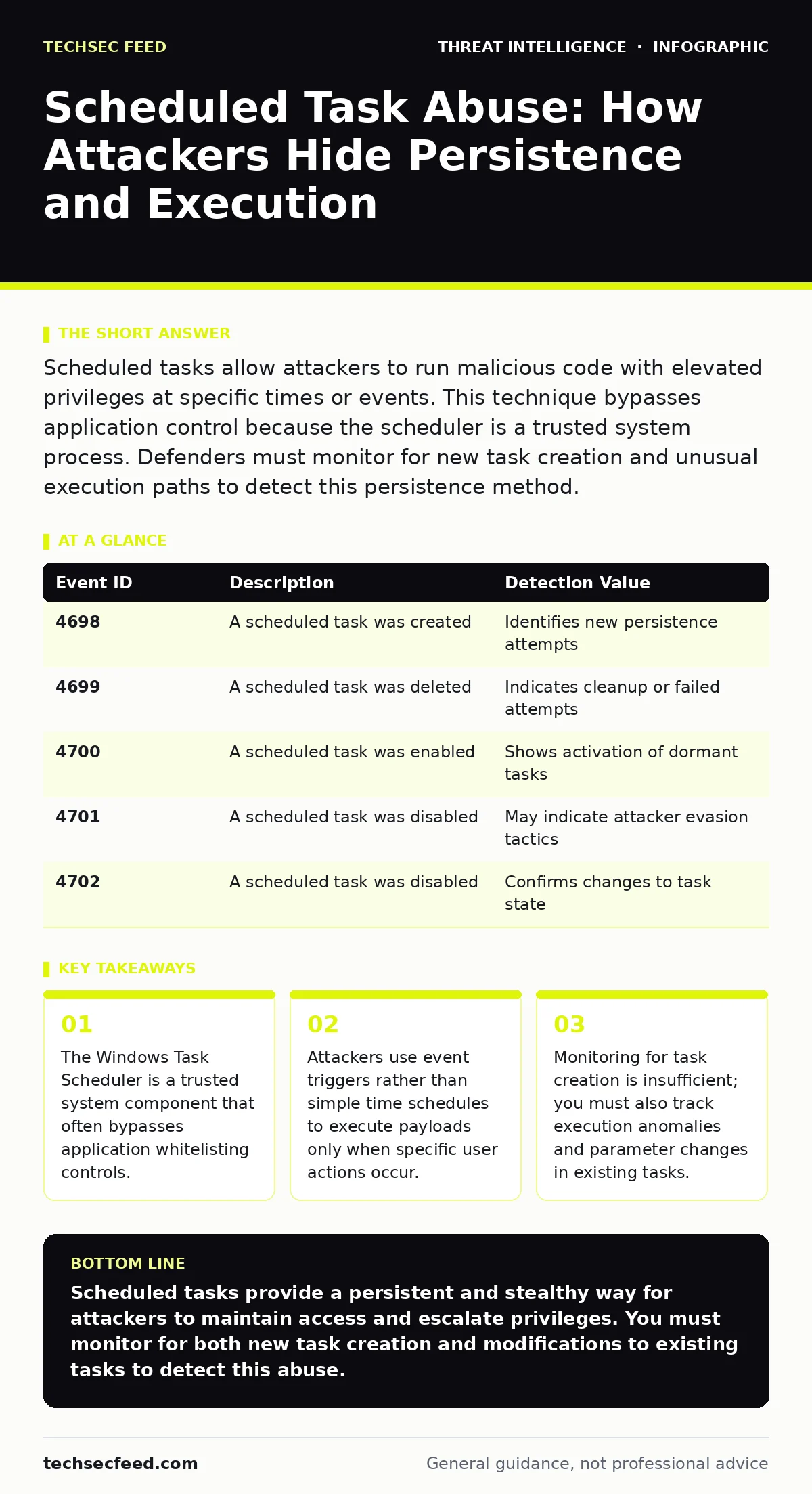
Scheduled tasks allow attackers to run malicious code with elevated privileges at specific times or events. This technique bypasses application control because the scheduler is a trusted system process. Defenders must monitor for new task creation and unusual execution paths to detect this persistence method.
How do attackers use scheduled tasks for persistence?
Attackers create new scheduled tasks or modify existing ones to run malicious scripts or binaries at regular intervals or upon specific system events. This method ensures the malware survives system reboots and user logoff cycles. Because the Task Scheduler is a core Windows service, security tools often allow its execution by default.
Why does this bypass application whitelisting?
Application whitelisting restricts which executables can run, but it typically allows the schtasks.exe utility and the svchost.exe host process to function. When an attacker creates a task, the scheduler executes the payload as a child of the trusted service host. This indirect execution path tricks controls that only inspect the immediate parent process.
What triggers do attackers prefer for stealthy execution?
While time-based triggers are common, attackers increasingly use event-based triggers to avoid detection during quiet periods. They might configure a task to run only when a specific user logs on or when a particular service starts. This reduces the noise in logs and makes the activity appear correlated with legitimate user behavior.
How can defenders detect new scheduled tasks?
You can detect new task creation by monitoring Windows Event ID 4698 for task creation and 4699 for modification. These events log the name of the task, the user who created it, and the action to be performed. Integrating these logs into your SIEM allows you to alert on tasks created by non-administrative users or those with unusual names.
Why are existing tasks more dangerous than new ones?
Attackers often modify legitimate tasks to change their target executable or command-line arguments. This approach avoids the creation of new entries that might trigger alerts. A modified task retains its trusted history and permissions, making it harder to distinguish from benign administrative changes.
What is the role of scheduled tasks in privilege escalation?
Attackers can configure tasks to run with higher privileges than their current session allows, provided they have write access to the task definition. By modifying the principal of an existing task to a high-privilege account, they can execute commands as that user. This technique exploits misconfigured permissions on the task XML files stored in the system directory.
| Event ID | Description | Detection Value |
|---|---|---|
| 4698 | A scheduled task was created | Identifies new persistence attempts |
| 4699 | A scheduled task was deleted | Indicates cleanup or failed attempts |
| 4700 | A scheduled task was enabled | Shows activation of dormant tasks |
| 4701 | A scheduled task was disabled | May indicate attacker evasion tactics |
| 4702 | A scheduled task was disabled | Confirms changes to task state |
How do attackers hide task execution from standard logs?
Some advanced adversaries use the schtasks command with the /run option to execute tasks immediately and then delete them. This leaves little trace if logging is not enabled for task execution events. They may also use relative paths or encoded commands to obfuscate the true intent of the task.
What is the impact of task scheduling on incident response?
Scheduled tasks can cause malware to re-infect a system even after initial cleanup efforts. If the task is not identified and removed, the system will execute the malicious payload again at the next trigger. Incident responders must check for persistence mechanisms in the task scheduler before declaring a system clean.
How can you mitigate scheduled task abuse effectively?
Restrict the ability to create or modify scheduled tasks to only necessary administrative accounts. Use Group Policy to enforce strict permissions on the task scheduler service. Regularly audit existing tasks to identify any that do not correspond to known applications or maintenance routines.
Key takeaways
- The Windows Task Scheduler is a trusted system component that often bypasses application whitelisting controls.
- Attackers use event triggers rather than simple time schedules to execute payloads only when specific user actions occur.
- Monitoring for task creation is insufficient; you must also track execution anomalies and parameter changes in existing tasks.
Scheduled tasks provide a persistent and stealthy way for attackers to maintain access and escalate privileges. You must monitor for both new task creation and modifications to existing tasks to detect this abuse.
Frequently asked questions
Can scheduled tasks run without a user logged in?
Yes, attackers can configure tasks to run whether or not a user is logged on, allowing them to execute during system idle times or reboots.
Is deleting the malicious binary enough to stop the task?
No, the scheduled task will continue to attempt execution, potentially triggering alerts or downloading new payloads if configured to do so.
How do I know if a scheduled task is legitimate?
Compare the task name, trigger, and action against known applications and system maintenance routines. Unusual paths or encoded commands are red flags.
Can remote attackers create scheduled tasks?
Yes, if an attacker has network access and valid credentials, they can use the `schtasks` command remotely to create tasks on vulnerable systems.
How this guide was produced: written by the TechSec Feed editorial team with AI assistance, checked against the public references listed below, and reviewed when the facts change. See our editorial policy or report an error.