
Dependency Updates: A Step-by-Step Guide for Safe Rollouts
Updating libraries without breaking production requires isolating changes in ephemeral environments before they touch live traffic or persistent state.
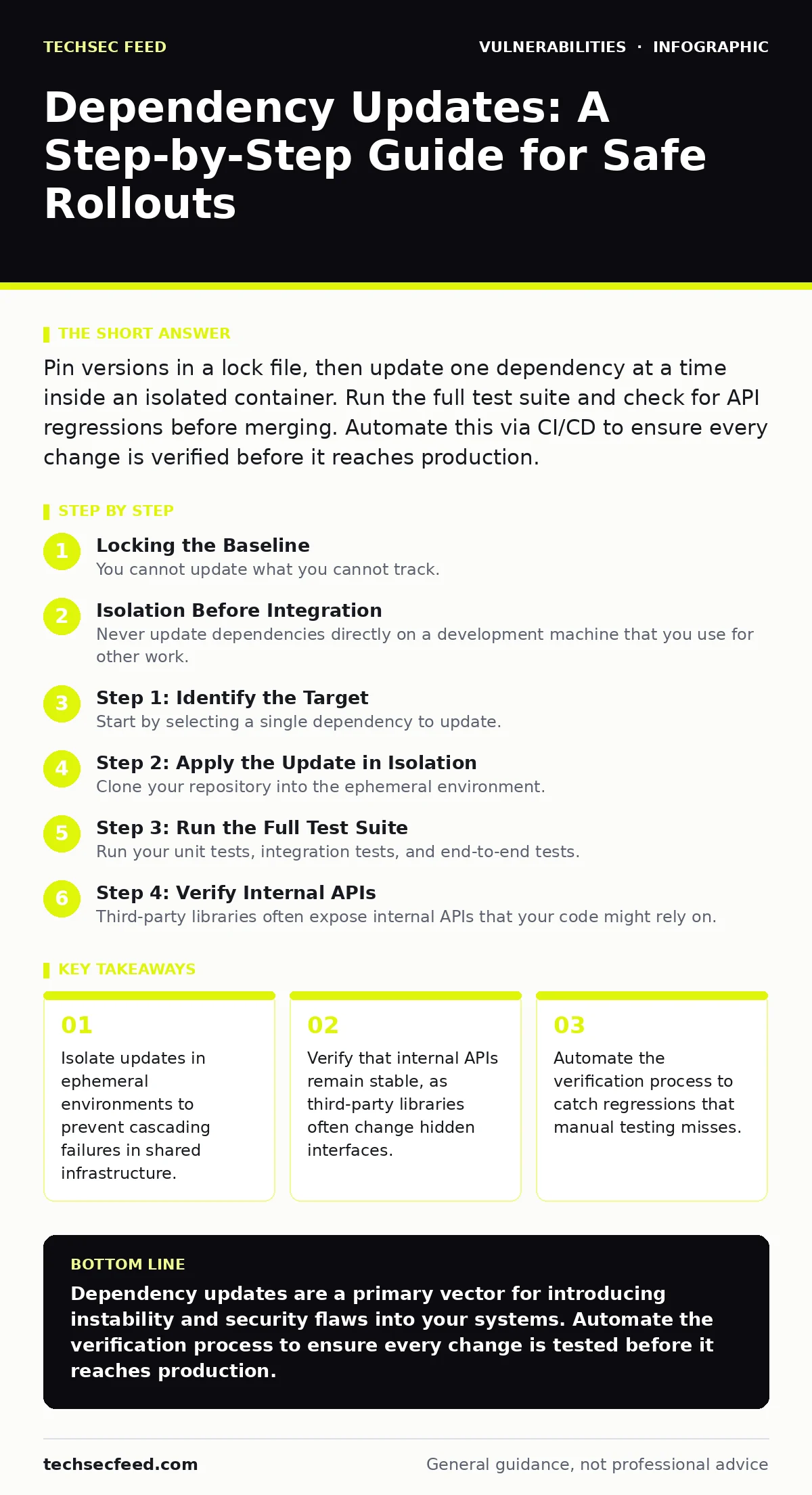
Pin versions in a lock file, then update one dependency at a time inside an isolated container. Run the full test suite and check for API regressions before merging. Automate this via CI/CD to ensure every change is verified before it reaches production.
Locking the Baseline
You cannot update what you cannot track. The first step is ensuring your project records exact versions of every dependency. This file, often called a lock file, captures the precise tree of libraries and their sub-dependencies. Without it, two developers might build the same code with different library versions, leading to unpredictable behavior.
Imagine a scenario where a minor update to a logging library pulls in a new version of a utility library. That utility library changes how it formats timestamps. Your application crashes because it expects the old format. The lock file prevents this by ensuring everyone uses the exact same set of dependencies until you explicitly change them.
Check your project root for files like package-lock.json, yarn.lock, Gemfile.lock, or poetry.lock. If these do not exist, you are not ready for safe updates. Generate them immediately. They are the single source of truth for your build environment.
Isolation Before Integration
Never update dependencies directly on a development machine that you use for other work. Local environments accumulate state, cached files, and configuration drift that do not exist in production. This creates a false sense of security. If the update works on your laptop, it does not mean it will work in your deployment pipeline.
Use containers or virtual machines to create an ephemeral environment. This is a temporary workspace that mirrors your production setup. You install the update, run tests, and then discard the environment. If the update fails, you lose nothing but time. If it succeeds, you have a clean record of the change.
This approach aligns with the principles of a secure software development lifecycle. It ensures that security and stability checks happen before code enters the main branch. It also helps you maintain a consistent state across different stages of deployment.
Step 1: Identify the Target
Start by selecting a single dependency to update. Do not attempt to update multiple libraries at once. This makes it impossible to identify which change caused a failure. Look for libraries with known vulnerabilities or those that are significantly behind their latest stable release.
Check the changelog for the target library. Look for breaking changes, deprecated functions, or new requirements. If the changelog mentions API changes, note them. These are the most likely sources of regression.
Step 2: Apply the Update in Isolation
Clone your repository into the ephemeral environment. Update the version constraint in your manifest file. Then, regenerate the lock file. This step ensures that the new version and its sub-dependencies are resolved correctly.
Do not commit this change yet. You are still in the testing phase. If the dependency resolution fails, you can discard the environment and try a different version. This avoids polluting your version control history with failed attempts.
Step 3: Run the Full Test Suite
Run your unit tests, integration tests, and end-to-end tests. This is not optional. Unit tests check individual functions, while integration tests check how components interact. End-to-end tests simulate real user behavior.
If any test fails, analyze the output. Is it a test failure or a code failure? Often, tests are brittle and fail because they expect specific error messages or data formats that have changed. Update the tests if necessary, but be careful not to mask real issues.
See also: CISA KEV Due Dates Explained: Compliance Mechanics and Risk · GraphQL Vulnerabilities: 9 Critical Questions Answered
Step 4: Verify Internal APIs
Third-party libraries often expose internal APIs that your code might rely on. These are not part of the public contract and can change without notice. Even if the public API remains stable, internal changes can break your application.
Check for any direct calls to internal methods or properties. If you find them, refactor your code to use the public API. This reduces your risk of breaking changes in future updates. It also makes your code more maintainable and easier to understand.
Step 5: Deploy to a Staging Environment
Once all tests pass, merge the changes into a staging branch. Deploy this branch to a staging environment that mirrors production. This environment should have the same configuration, hardware, and network setup as production.
Monitor the staging environment for errors. Check logs, metrics, and performance indicators. Look for subtle issues like increased latency or higher memory usage. These can indicate problems that tests did not catch.
This process is a key part of vulnerability management programs. It ensures that updates are not just applied, but verified in a realistic setting. It also helps you build confidence in your deployment process.
Verification Checklist
Use this checklist to confirm the update is safe:
- Lock file is regenerated and committed.
- All unit tests pass.
- All integration tests pass.
- End-to-end tests pass.
- No new warnings in the build log.
- Staging environment shows no errors in logs.
- Performance metrics are within normal ranges.
- Internal API usage has been reviewed and refactored.
Upkeep and Automation
Manual updates are error-prone and slow. Automate the process using your CI/CD pipeline. Create a job that runs on a schedule or when a new version is released. This job should update the dependency, run the tests, and create a pull request if everything passes.
Review the pull request before merging. Even automated tests can miss edge cases. Human review adds a layer of safety. Look for changes that seem unusual or that affect critical components.
This automation supports vulnerability prioritization by ensuring that updates are applied quickly and consistently. It also reduces the burden on your team, allowing them to focus on more complex tasks.
Handling Failures
If an update fails in production, roll back immediately. Do not try to fix it in place. Revert to the previous version and investigate the issue in a separate branch.
Document the failure. Record what happened, why it happened, and how you fixed it. This knowledge helps you avoid similar issues in the future. It also helps you improve your testing process.
Key takeaways
- Isolate updates in ephemeral environments to prevent cascading failures in shared infrastructure.
- Verify that internal APIs remain stable, as third-party libraries often change hidden interfaces.
- Automate the verification process to catch regressions that manual testing misses.
Dependency updates are a primary vector for introducing instability and security flaws into your systems. Automate the verification process to ensure every change is tested before it reaches production.
Frequently asked questions
How often should I update dependencies?
Update dependencies as soon as new versions are available, especially if they address security issues. Regular updates reduce the risk of accumulating large, complex changes.
What if a dependency has no lock file?
Generate a lock file immediately. This is a critical step for ensuring reproducible builds and safe updates.
Can I update multiple dependencies at once?
No. Updating multiple dependencies at once makes it difficult to identify the cause of any failures. Update them one at a time.
How do I handle breaking changes?
Refactor your code to use the new API. Update your tests to reflect the changes. Thoroughly test the new behavior before deploying.
How this guide was produced: written by the TechSec Feed editorial team with AI assistance, checked against the public references listed below, and reviewed when the facts change. See our editorial policy or report an error.