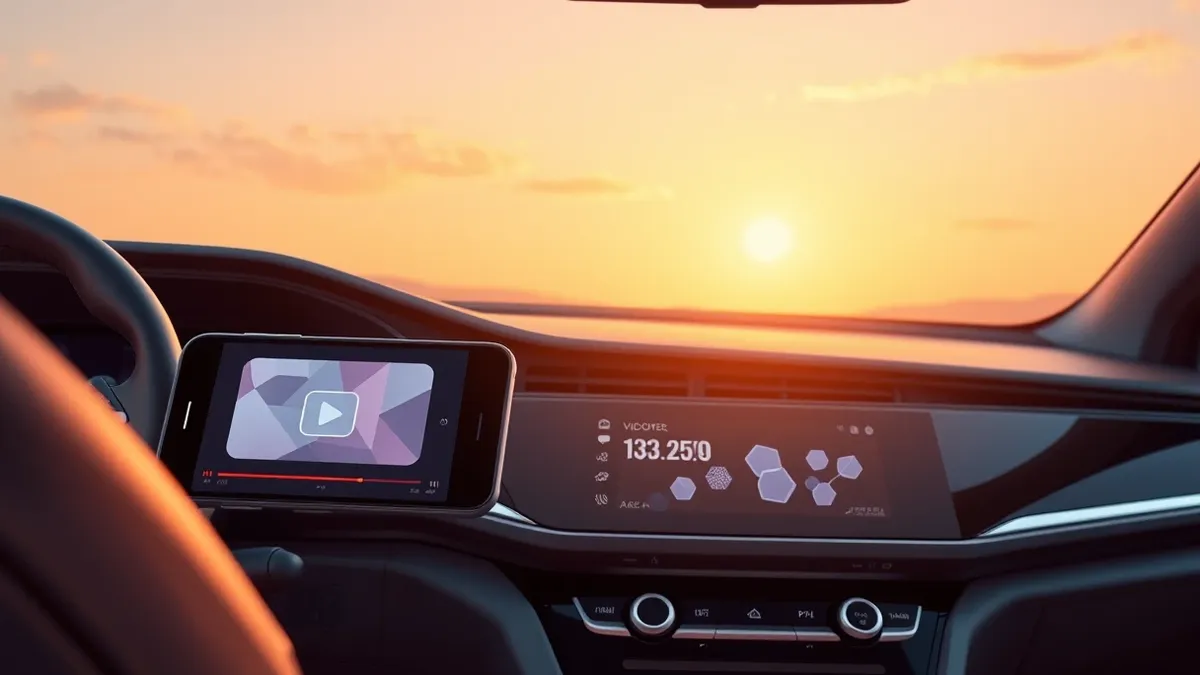
iOS 27 CarPlay Video and AI Features Require Specific iPhone Hardware
Apple’s iOS 27 update introduces video playback and Siri AI to CarPlay, but functionality depends on device age and manufacturer support.
Key points
- Video playback is restricted to when the vehicle is parked for safety reasons.
- Siri AI integration in CarPlay requires specific, newer iPhone models.
- Vehicle manufacturers must implement support for video apps to function.
Apple released iOS 27 with significant updates to CarPlay, including video playback and Siri AI, according to Engadget. These features are not universally available across all devices. Users must have an iPhone less than three years old to access the full range of new capabilities. Older devices running the update will miss out on specific integrations.
Which iPhone models support the new features?
Engadget reports that iPhones less than three years old are required to unlock all new CarPlay options. While the iOS 27 update itself is available for older devices, the advanced features like Siri AI and potentially video playback are hardware-dependent. Users with older models will receive the software update but will not see the expanded functionality.
How does video playback work in vehicles?
CarPlay now supports video apps, allowing drivers to watch content on the vehicle display. However, this feature is strictly limited to when the vehicle is parked. If the car begins moving, playback automatically switches to audio-only mode. This safety mechanism prevents video viewing while driving. Vehicle manufacturers must also enable support for this feature.
What other improvements are included in iOS 27?
The update adds a progress bar and persistent mini-player to the Now Playing screen. Navigation apps can now share route data with the vehicle, including EV charging stops. Apple claims improved wireless connection reliability and more accurate GPS reporting. New wallpapers are also available for the CarPlay interface.
Questions to ask your suppliers
Organizations should verify whether their managed device fleet includes hardware capable of supporting new OS features. Teams usually need to confirm with vehicle manufacturers if their specific models support video playback or data sharing. IT staff should assess if these features impact security policies or data handling requirements. Communication should reach fleet managers and end-users to set expectations about feature availability based on device age.
What to do and how to stay safe: Apple
- Check the age and model of all iPhones managed by the organization.
- Verify with vehicle manufacturers if their systems support video playback and data sharing.
- Review security policies regarding video content and data transmission in vehicles.
- Monitor for official updates from Apple regarding hardware requirements and compatibility.
Step-by-step guide: Browser Security Settings for Small Business Teams
General security guidance from the TechSec Feed newsroom. It is not confirmed advice from the organisations named in this story.
Frequently asked questions
Can I watch videos on CarPlay while driving?
No, video playback is only available when the vehicle is parked for safety reasons.
Does my iPhone need to be new to use Siri AI in CarPlay?
Yes, Siri AI in CarPlay requires newer iPhone models, specifically those less than three years old.
Will video apps like YouTube work immediately on my car?
Only if the vehicle manufacturer has implemented support for the new video feature.