Community Developer Enables Nvidia DLSS Neural Rendering on AMD RDNA2-RDNA4 GPUs via New Mod
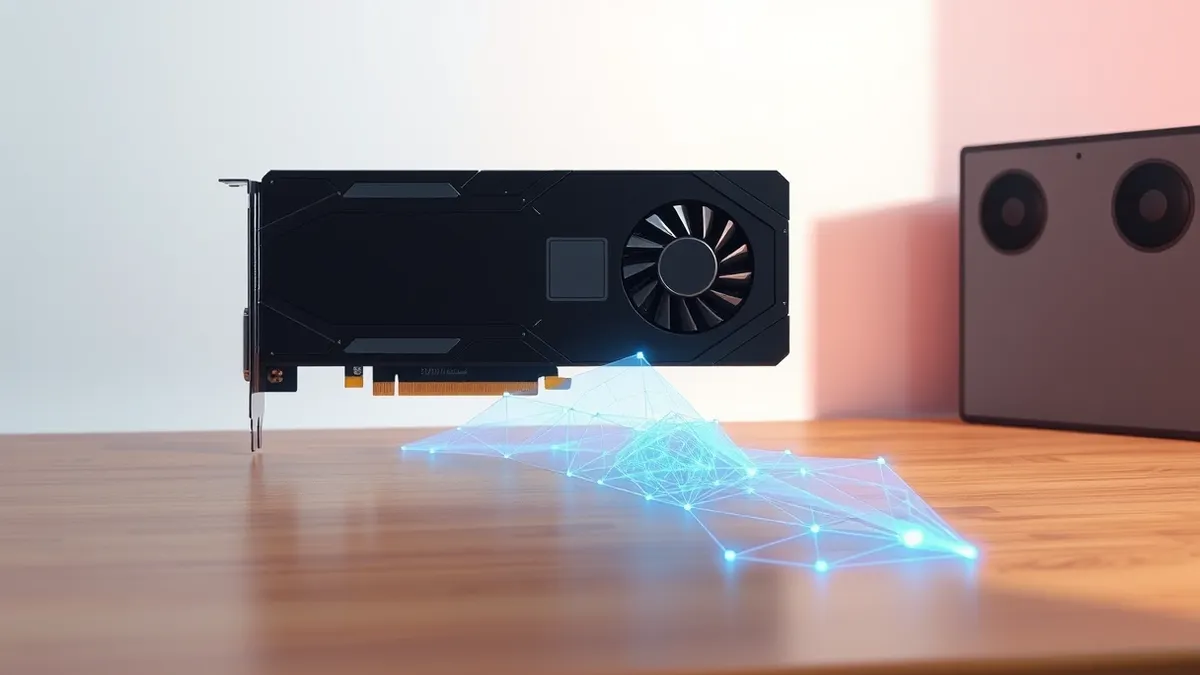
A community developer has released a mod that enables Nvidia’s main DLSS features, including Neural Rendering, on AMD RDNA2 through RDNA4 graphics cards.
Key points
- The DLSS-NR project version 0.8.0 adds Super Resolution, Frame Generation, Ray Regeneration, and Neural Rendering to AMD hardware.
- Support covers RX 9000, 7000, and 6000 series GPUs in DirectX 12 titles using FSR, DLSS, or XeSS.
- The mod uses the NeuralHub loader to inject settings into the upscaling pipeline via an in-game overlay.
A solo developer named Daniel Blanco has updated his DLSS-NR project to bring Nvidia’s main DLSS features to three generations of AMD Radeon graphics cards. According to Tom’s Hardware, the release supports RDNA2, RDNA3, and RDNA4 architectures, allowing users of RX 6000, 7000, and 9000 series cards to access features previously exclusive to Nvidia hardware. This development occurs as new system-on-chips combine Arm CPUs with Blackwell GPUs and unified memory to enable local AI agents on high-end Windows PCs, as TechSec Feed reported on October 15, 2026.
What features does the mod enable?
The latest update, version 0.8.0, integrates DLSS Super Resolution 4.5, Frame Generation, Ray Regeneration, and the newest Neural Rendering model. Tom’s Hardware notes that while AMD has equivalents like FSR for upscaling and frame generation, it lacks a direct counterpart for Neural Rendering. The mod also includes FSR 4.1.1 upscaling to ensure consistent performance across different game implementations, rather than relying on varying FSR versions found in different titles.
Which hardware and games are supported?
The modification functions on RX 9000, 7000, and 6000 series GPUs, corresponding to RDNA4, RDNA3, and RDNA2 architectures. It operates in any DirectX 12 game that supports FSR, DLSS, or XeSS upscaling. Users install the NeuralHub mod loader, which detects compatible games and provides a user interface for configuration. The mod inserts itself into the existing upscaling pipeline, allowing settings to be adjusted via an overlay without exiting the application.
How does the performance compare?
Daniel Blanco states that the output quality closely matches native DLSS performance on Nvidia GPUs, though some effects may not function perfectly. In his testing, the developer found it playable at 90 to 100 FPS at 1080p resolution on an RX 9070 XT. He plans to continue improving performance daily, with a goal of matching the output of a 5070Ti GPU. The project remains a community effort rather than an official vendor release.
What does this mean for operations?
This mod demonstrates that advanced rendering features can be ported across competing hardware architectures through community-driven software. For security operations, this highlights the flexibility of modern graphics APIs and the potential for unauthorized software injection into rendering pipelines. Organizations should monitor for similar tools that might bypass hardware restrictions, as they could be used to test or exploit vulnerabilities in game engines or display drivers.
Questions to ask your suppliers
Teams usually need to verify whether third-party software can modify core rendering pipelines on managed devices. Check if your endpoint security policies detect or block unauthorized mod loaders like NeuralHub. Determine who inside the organization is responsible for approving graphics driver updates and whether those updates include integrity checks. Ask suppliers if their software validates the origin of rendering instructions to prevent injection attacks from community mods.
Background: AI agents
AI agents are software systems that perceive their environment, make decisions, and execute actions to achieve specific goals. They move beyond generating text to performing tasks like coding, scheduling, or data analysis. You must treat them as active participants in your network, not passive tools.
Read the full guide: AI Agents Examples: How Autonomous Software Changes Security
What to do and how to stay safe: AMD
- Monitor endpoint logs for unexpected execution of mod loaders or overlay applications that interact with graphics APIs.
- Verify that your organization’s software allow-listing policies block unauthorized tools that modify game or application rendering pipelines.
- Check whether your current graphics drivers include integrity validation features that detect unauthorized modifications to rendering instructions.
- Review user access controls to ensure only authorized personnel can install software that hooks into DirectX or Vulkan layers.
Step-by-step guide: Browser Security Settings for Small Business Teams
General security guidance from the TechSec Feed newsroom. It is not confirmed advice from the organisations named in this story.
Frequently asked questions
Which AMD GPU generations are supported by the DLSS-NR mod?
The mod supports RX 9000, 7000, and 6000 series GPUs, which correspond to RDNA4, RDNA3, and RDNA2 architectures.
Does the mod include all DLSS 5 features?
Yes, version 0.8.0 includes Super Resolution, Frame Generation, Ray Regeneration, and Neural Rendering.
How is the mod installed?
Users download the NeuralHub mod loader, which provides an interface to install the mod into detected DirectX 12 games.