Hide.me brings SmartGuard ad-blocking to Android TV alongside a fresh UI for mobile and TV apps
Hide.me has released Android updates adding SmartGuard ad-blocking to TV devices and a redesigned interface for mobile users.
Key points
- SmartGuard ad and tracker blocking is now available on the Android TV application.
- The update includes a redesigned dashboard for both Android mobile and TV apps.
- Stability improvements were added to WireGuard and SSTP protocols with new speed indicators.
Hide.me has released a significant update for its Android applications, introducing SmartGuard ad-blocking capabilities to the Android TV platform alongside a redesigned user interface. According to TechRadar, this update targets both mobile and television devices, aiming to improve privacy protections and connection stability for users who stream content on larger screens.
What new features are included in this release?
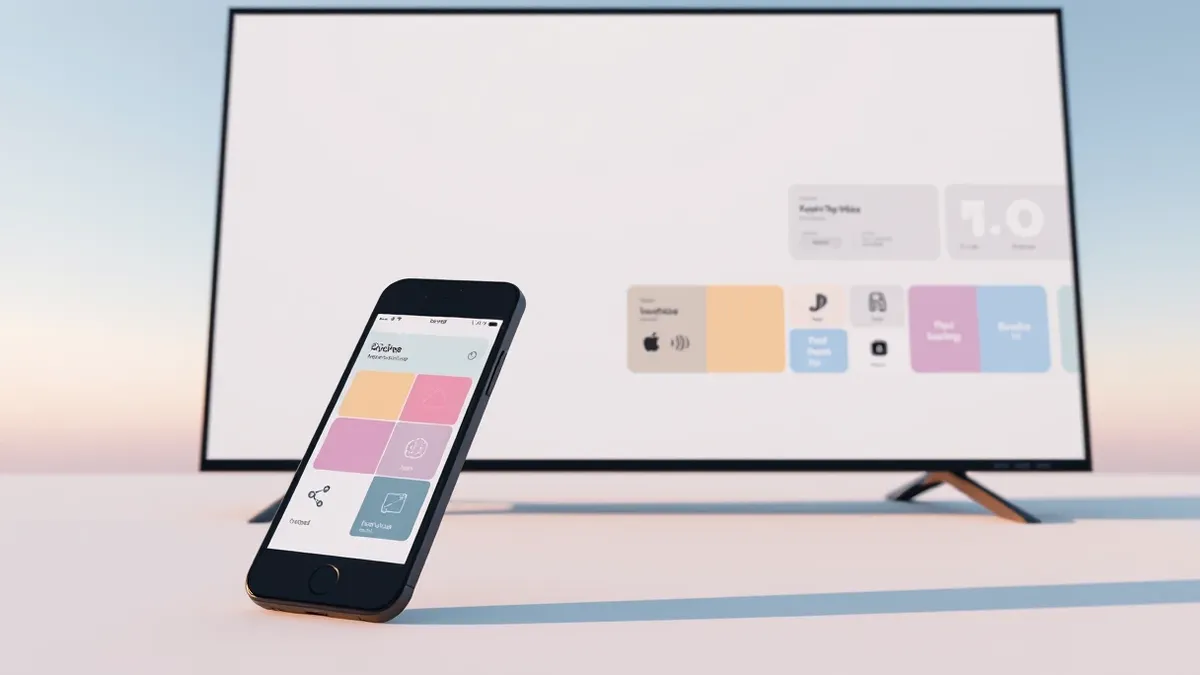
The primary addition is the SmartGuard feature, which blocks intrusive ads, trackers, and malicious websites, now available on the Android TV app. Previously limited to other platforms, this tool provides the same robust ad-blocking power to television users. The update also introduces a completely redesigned dashboard for both Android mobile and Android TV applications, making it easier to navigate connection settings and select optimal servers.
How does this affect protocol stability and performance?
Hide.me has implemented stability enhancements for the WireGuard protocol, including MTU optimization to maintain data encryption during unstable mobile connections. The SSTP protocol support has been improved with hostname and IPv6 global address compatibility. Additionally, the new dashboard includes speed indicators that allow users to identify the fastest servers at a glance, helping to reduce connection drops during activities like gaming or browsing.
Why is this update relevant for Android TV users?
Smart TVs and streaming boxes are known for tracking user behavior and monitoring viewing habits to serve targeted advertisements. According to TechRadar, this update makes it more difficult for third-party actors to steal information while users stream content. By bringing SmartGuard to Android TV, Hide.me extends its comprehensive online security tools to a device category that previously lacked this specific level of ad and tracker blocking.
Questions to ask your suppliers
Organizations should verify whether the supplier’s update process includes rigorous testing for all supported devices, particularly television platforms. Teams usually need to confirm that new features like ad-blockers do not interfere with legitimate business applications or monitoring tools. Check whether the vendor provides clear documentation on protocol changes, such as MTU optimizations, to ensure network compatibility. Determine if the supplier’s privacy claims align with your organization’s data handling policies. Inform security and IT operations staff about any interface changes that could affect user training or incident response procedures.
What to do and how to stay safe: Hide.me
- Review the new dashboard settings to ensure server selection aligns with organizational performance requirements.
- Verify that SmartGuard blocking rules do not inadvertently block legitimate internal or external resources on TV devices.
- Test WireGuard and SSTP connections under varying network conditions to confirm the stability improvements.
- Monitor application logs for any unexpected behavior after installing the update on production devices.
Step-by-step guide: Browser Security Settings for Small Business Teams
General security guidance from the TechSec Feed newsroom. It is not confirmed advice from the organisations named in this story.
Frequently asked questions
Does this update include a new version number?
The source material does not specify a version number for this release.
Is SmartGuard available on all Hide.me platforms now?
SmartGuard is now available on Android TV, joining other platforms where it was previously limited.
What languages does the updated app support?
The update adds Korean to the list of supported languages for the application.